- Create your interactive slides directly in Google Slides
- Present with AhaSlides
- Participants can join by scanning the QR code on the slide or via a link
- Create your interactive slides directly in Google Slides
- Present with AhaSlides
- Participants can join by scanning the QR code on the slide or via a link
Presentation
Use AhaSlides as a Google Slides add-on to easily embed interactive elements into your existing decks—no tech hassle, just a few clicks.
Q&A and Opinions Collection
- Get real-time audience input, spark discussion, or run live surveys:
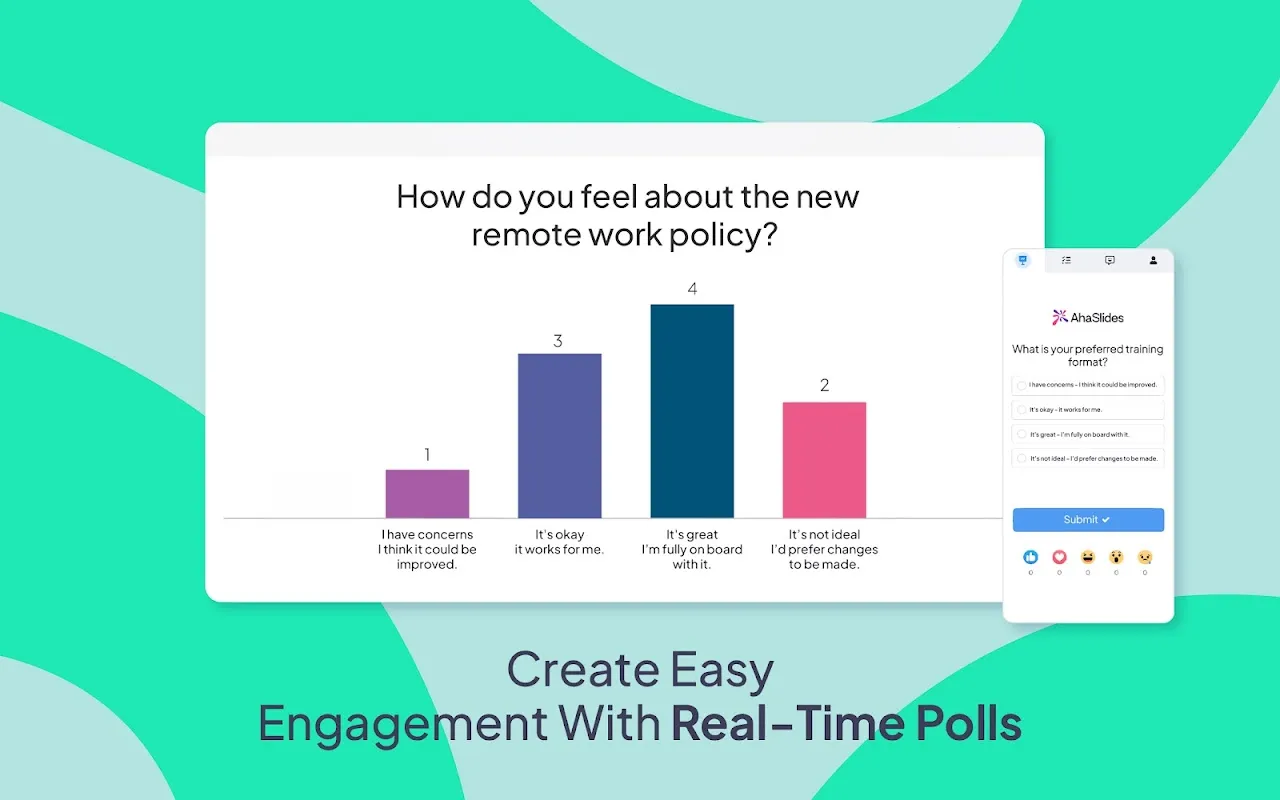
- Poll: Gather instant feedback from your audience on diverse topics
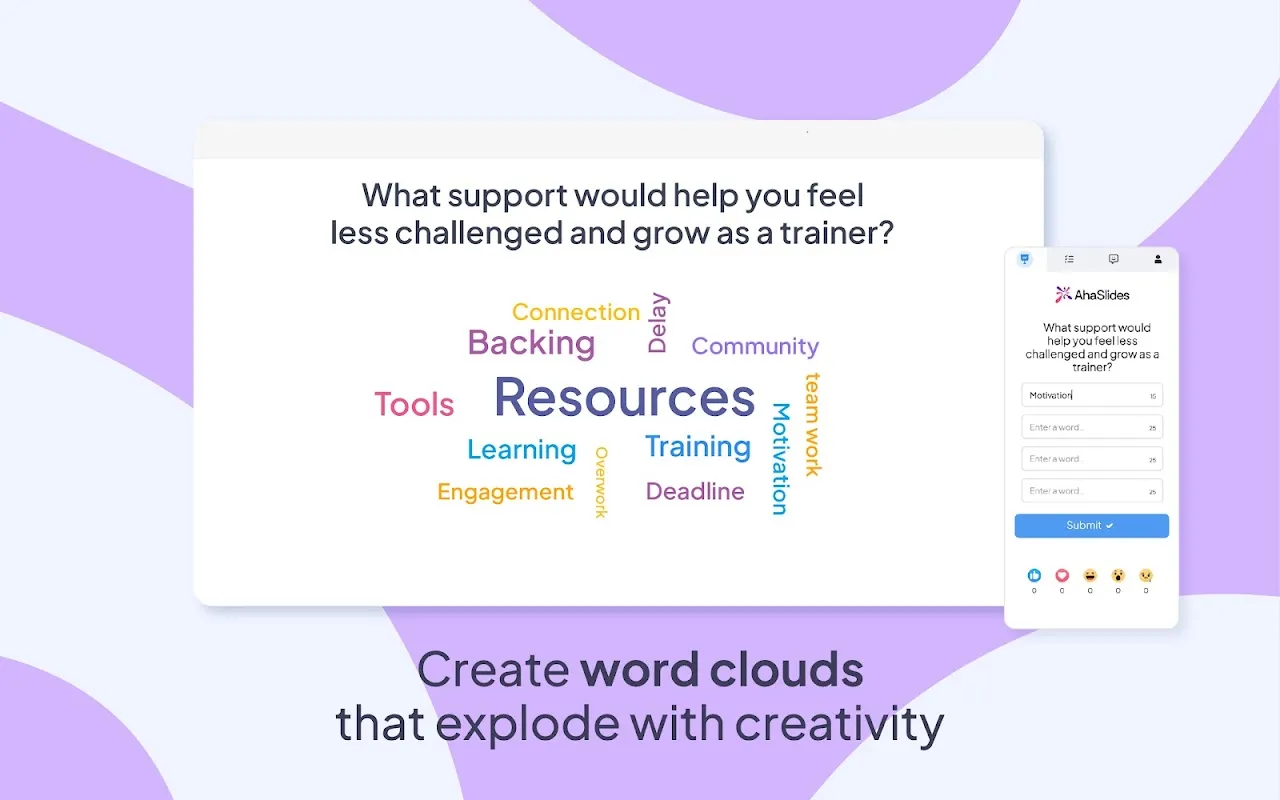
- WordCloud: Visualize collective opinions and ideas
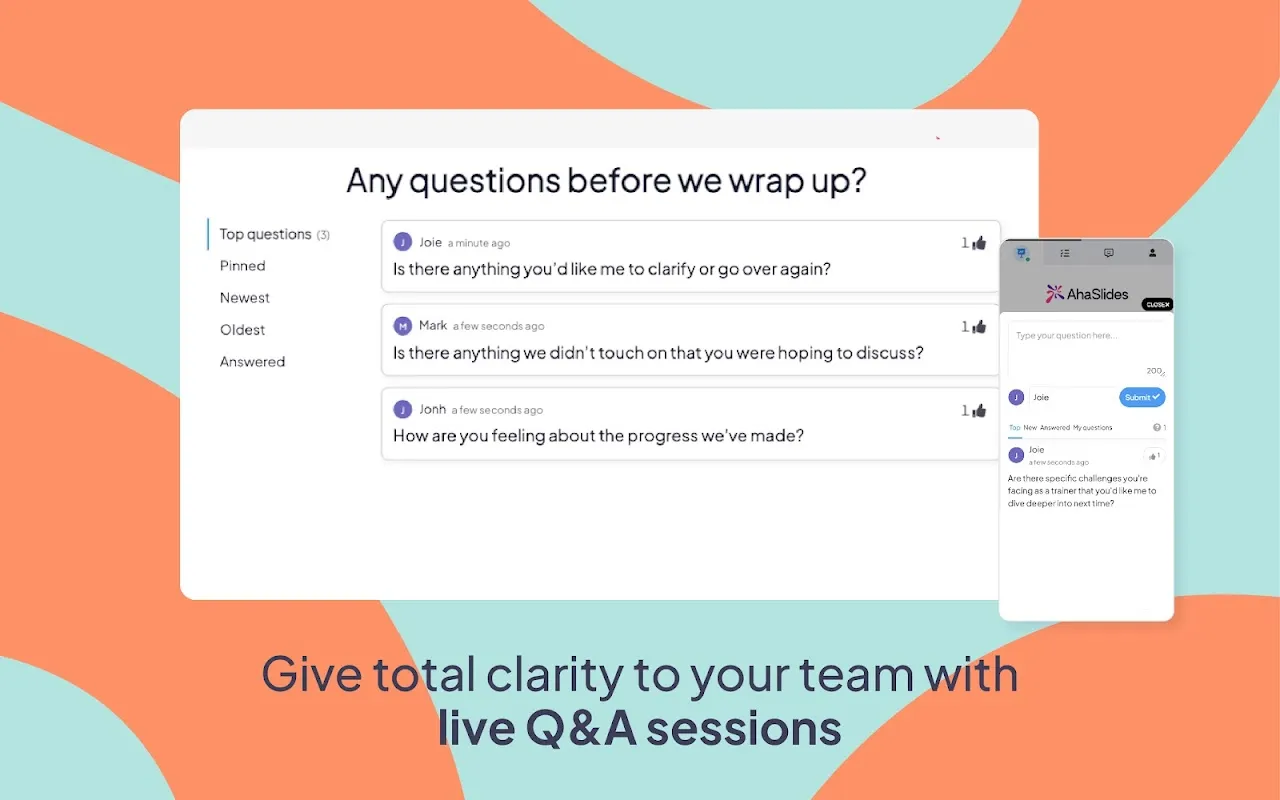
- Q&A: Encourage open dialogue and address audience questions live
- Open-Ended: Collect detailed thoughts, stories, or insights
- Rating Scales: Measure satisfaction, understanding, or sentiment
- Brainstorm: Let participants submit and upvote ideas
Quizzes & Learning Games
- Run competitive or collaborative activities to boost engagement:
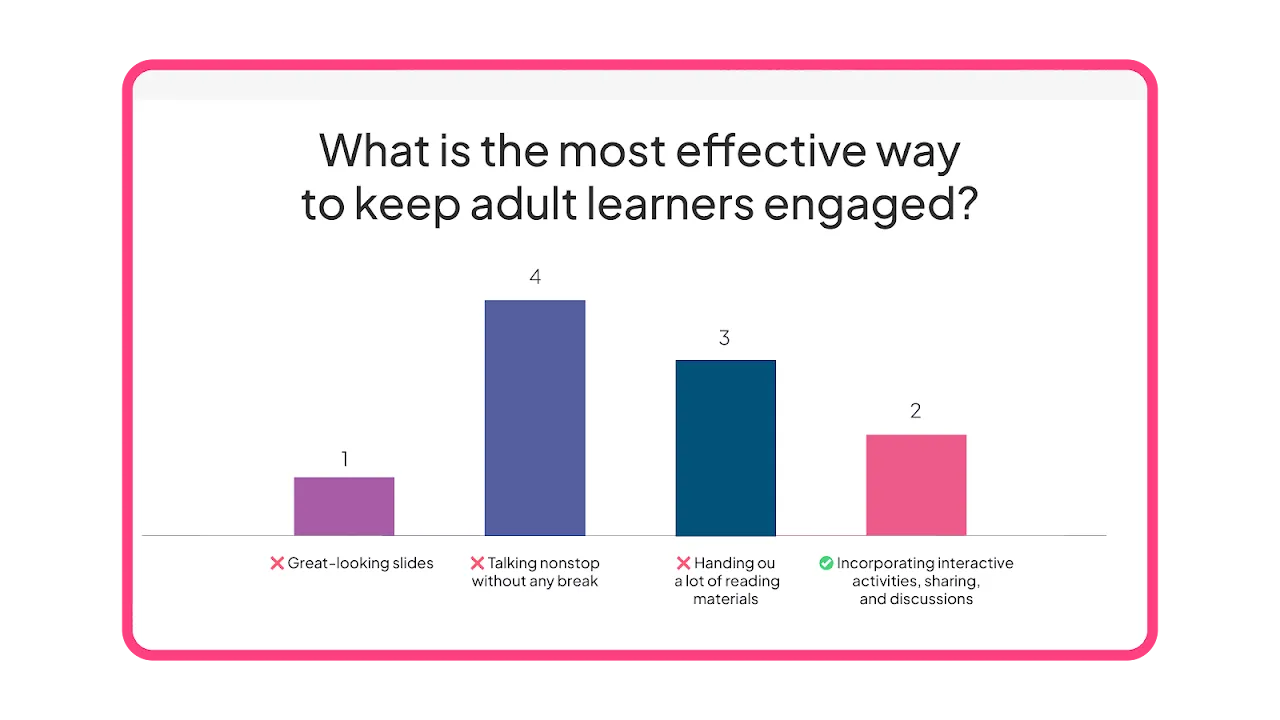
- Pick Answer: Run multiple-choice, trivia, true/false, fill-in-the-blank, or image-based questions with ease
- Short Answer: Accept typed responses for quizzes or written assessments
- Match Pairs: Match terms, images, or concepts—great for learning checks
- Categorize: Sort items into groups—ideal for teaching frameworks or classifications
- Correct Order: Arrange steps, events, or items in sequence• Spinner Wheel: Randomly pick names, topics, or ideas—for fun, fairness, or a fortune-style spin

.svg)
.svg)



