



Nous sommes le concepteur de l'un des outils présentés dans ce comparatif. Cela signifie que nous avons une vision éclairée de cette catégorie, et la même transparence que celle dont nous avons fait preuve dans notre guide des outils d'IA s'applique ici : une évaluation honnête des cinq options, y compris la nôtre, vous sera plus utile qu'un guide qui, mine de rien, influence le résultat.
Voici comment ça fonctionne : nous avons évalué cinq outils de questions-réponses selon les mêmes critères. Si AhaSlides est le choix idéal, nous le signalerons. Si un autre outil convient mieux à un usage particulier, nous le préciserons également. Notre objectif est de vous aider à trouver l'outil qui correspond réellement à vos besoins.
Quels sont les problèmes que résolvent réellement les outils de questions-réponses ?
Le problème des questions lors des présentations n'est pas que le public n'en ait pas, mais plutôt que les conditions pour les poser sont généralement défavorables. Lever la main favorise les personnes sûres d'elles, et laisser la parole aux plus extravertis. La plupart des personnes qui ont de véritables questions restent silencieuses car les poser leur paraît risqué ou gênant.
Les outils de questions-réponses numériques changent la donne . L'anonymat des participants élimine les risques sociaux. Le système de vote met en lumière les véritables questions de l'assemblée, et non celles d'une seule personne. La modération garantit le bon déroulement des échanges. Résultat : plus de questions, des questions plus pertinentes et une vision plus claire des véritables préoccupations de votre public.
Les cinq outils ci-dessous abordent ce problème sous différents angles. Chacun excelle dans un domaine particulier. La question est de savoir si ce domaine correspond à vos besoins.
Que faut-il rechercher avant de choisir ?
L'outil idéal dépend de votre contexte. Avant de comparer les options, il est important de se poser quelques questions : à combien de personnes allez-vous présenter votre exposé ? La version gratuite suffit-elle ? Avez-vous besoin de la soumission anonyme ? Est-ce une option activée par défaut ? Quel niveau de contrôle souhaitez-vous sur les questions affichées à l'écran ? L'outil doit-il être intégré à vos diapositives ou peut-il fonctionner de manière autonome ? Enfin, de combien de temps disposez-vous pour le configurer avant votre prochaine présentation ?
Les réponses vous permettront de réduire le nombre de choix plus rapidement qu'une simple comparaison de fonctionnalités. Les sections ci-dessous vous fourniront les informations nécessaires pour prendre votre décision finale.
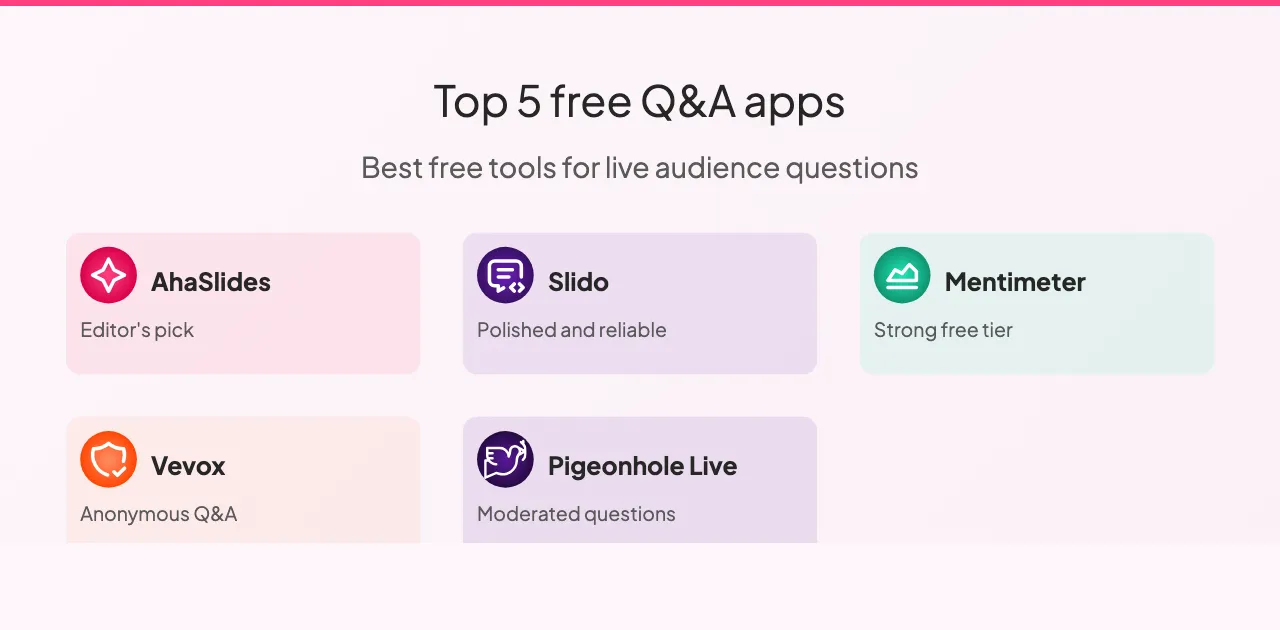
Cinq outils de questions-réponses à connaître
Voici comment ils se comparent.
1. AhaSlides : idéal pour les présentations intégrées
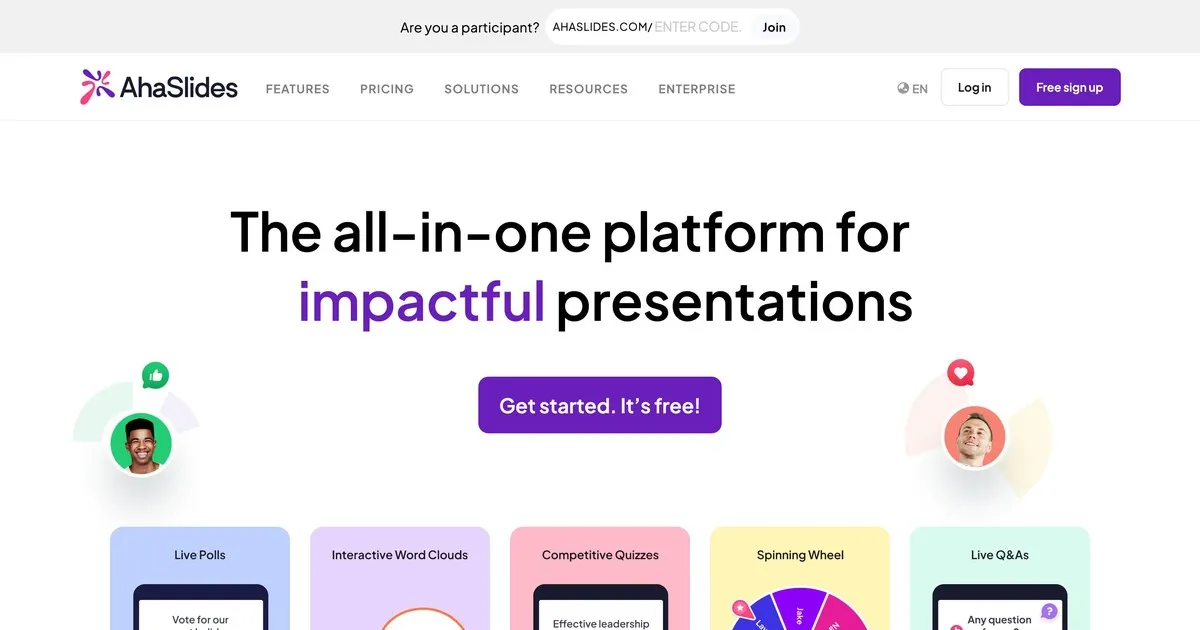
Voici notre outil ; abordez donc cette évaluation avec le même scepticisme que pour toute autre auto-évaluation. En toute franchise : AhaSlides repose sur le principe que les questions-réponses sont plus efficaces lorsqu’elles font partie intégrante d’une session interactive plus large, plutôt que d’être ajoutées à la fin.
La fonctionnalité de questions-réponses est performante. La soumission anonyme est intégrée. Vous pouvez modérer les questions avant leur affichage à l'écran. Les participants peuvent voter pour les questions auxquelles ils souhaitent une réponse. AhaSlides se distingue des autres outils présentés ici par le fait que les questions-réponses côtoient les sondages, les nuages de mots, les quiz et les diapositives interactives sur une seule et même plateforme. Si vous souhaitez animer une session interactive plutôt que de simplement recueillir des questions, cette intégration est essentielle.
Nos points faibles : AhaSlides est avant tout un outil de présentation avec une fonction questions-réponses, et non une plateforme dédiée à cette fonctionnalité. Si la gestion des questions est votre priorité et que vous présentez devant un large public, les options de modération de Slido sont plus performantes. La version gratuite prend en charge jusqu'à cinquante participants, ce qui convient à la plupart des salles de classe et des petites réunions, mais pas aux grands événements.
Idéal pour : les enseignants, les formateurs en entreprise et toute personne animant des sessions où les questions-réponses constituent l'un des nombreux éléments interactifs plutôt que l'élément principal.
2. Slido : idéal pour les grands événements d'entreprise

Slido est l'outil de questions-réponses le plus spécialisé de cette liste. Alors que les autres plateformes proposent des questions-réponses parmi d'autres fonctionnalités, Slido a développé ses capacités de gestion des questions plus en profondeur que quiconque. Pour les grands publics recevant des dizaines, voire des centaines de questions simultanément, les options de modération, la détection des doublons et le regroupement des questions de Slido font toute la différence.
La soumission anonyme est la norme. Le vote du public permet de mettre en avant automatiquement les questions les plus populaires. Les modérateurs peuvent examiner, modifier, regrouper et supprimer les questions avant leur publication. Les analyses post-événement révèlent les questions qui ont suscité le plus d'intérêt et les sujets qui ont le plus préoccupé le public.
Le principal inconvénient de Slido réside dans sa capacité à se concentrer sur l'essentiel. La gestion des questions est exceptionnellement performante, et le reste est tout à fait correct. Si vous souhaitez une interactivité plus poussée, avec des sondages, des nuages de mots et du contenu ludique en plus des questions-réponses, d'autres outils de cette liste intègrent ces fonctionnalités de manière plus naturelle. La version gratuite permet d'accueillir jusqu'à cent participants. Les abonnements payants sont disponibles à partir d'environ dix-sept dollars par mois.
Idéal pour : conférences, réunions générales, annonces de résultats et toute présentation d'entreprise importante où la gestion d'un grand nombre de questions constitue le principal défi.
3. Mentimeter : idéal pour favoriser l’engagement en classe
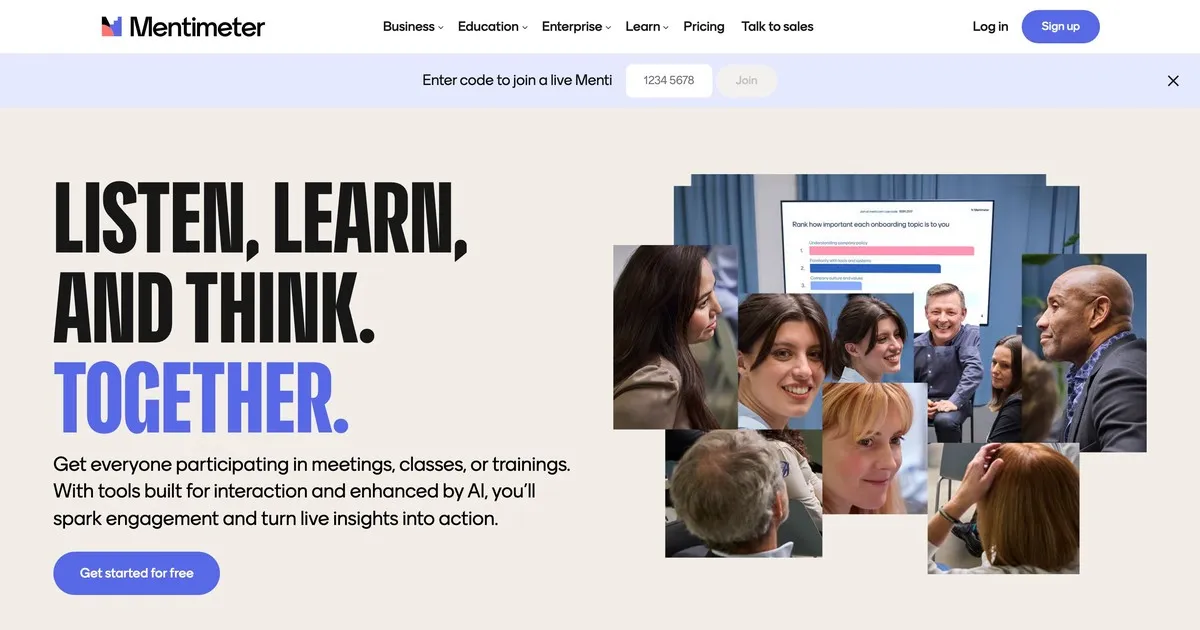
Mentimeter s'est forgé une solide réputation dans le secteur de l'éducation et y excelle toujours. Son interface est rapide, son installation minimale et son design attrayant lui confère une allure moderne sans être distrayant. Les enseignants peu versés en informatique le trouvent accessible, contrairement à certains autres outils.
La fonctionnalité de questions-réponses est simple : soumission anonyme, options de modération et affichage en temps réel. Mentimeter se distingue par ses capacités étendues de sondage et de visualisation, mieux adaptées au rythme d'une séance de cours qu'une plateforme de questions-réponses dédiée. Vérifications rapides de la compréhension, sondages d'opinion en direct et questions ouvertes s'intègrent naturellement au sein d'une même session Mentimeter.
La version gratuite est plus limitée que certaines alternatives : cinquante participants par mois pour un maximum de cinq présentations. Pour une utilisation régulière en classe, un abonnement payant est probablement nécessaire. Les abonnements payants commencent à environ douze dollars par mois.
Idéal pour : les enseignants, les formateurs et les éducateurs de tous niveaux qui souhaitent intégrer des séances de questions-réponses à une expérience d'apprentissage interactive plus large.
4. Vevox : idéal pour l'enseignement supérieur
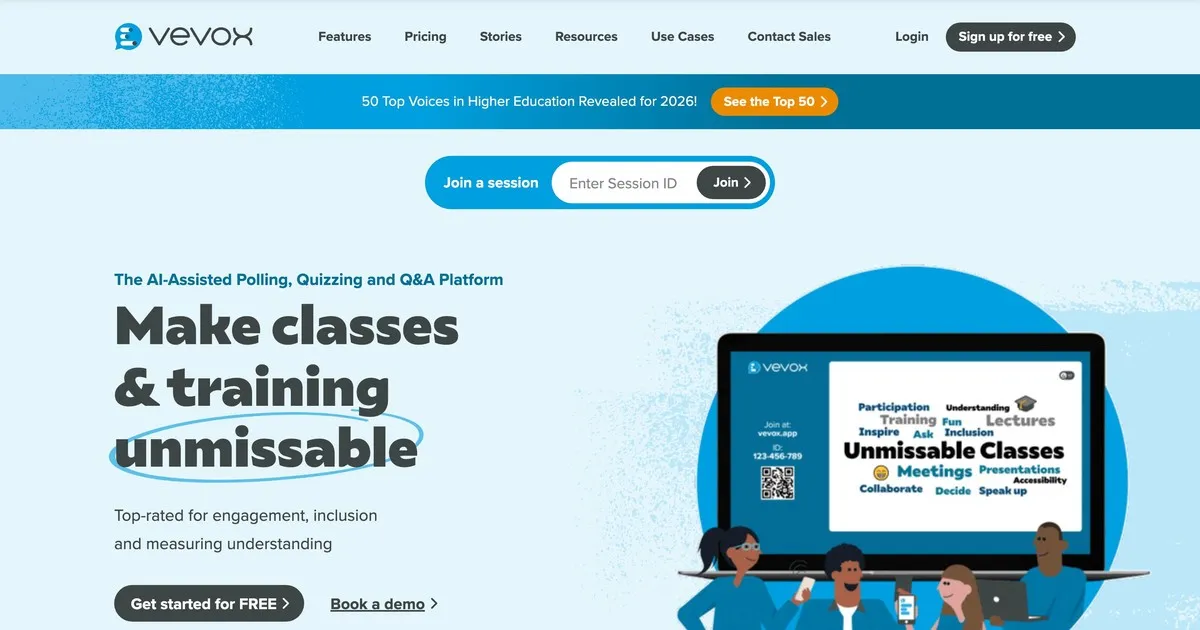
Vevox privilégie la fiabilité et le contrôle de la modération à l'esthétique. Conçu spécifiquement pour les environnements éducatifs, il permet de privilégier la possibilité de consulter et de filtrer les questions avant leur affichage aux étudiants plutôt que l'apparence de l'interface. C'est dans les universités et les grands amphithéâtres qu'il excelle.
L'anonymat est le mode par défaut, ce qui est important dans les contextes où les étudiants hésitent à poser des questions si leur nom est mentionné. Les outils de modération sont performants : les enseignants peuvent consulter, modifier, regrouper et supprimer les questions avant leur publication. Les assistants d'enseignement peuvent gérer la file d'attente pendant le cours.
L'interface nécessite une navigation légèrement plus poussée que Mentimeter ou AhaSlides ; un point important à savoir si la facilité d'installation est primordiale. Une tarification adaptée au secteur de l'éducation la rend accessible aux établissements. La version gratuite est limitée et convient principalement aux petits groupes.
Idéal pour : les chargés de cours, les professeurs et les éducateurs universitaires travaillant dans des établissements d'enseignement supérieur où l'anonymat des soumissions et une modération rigoureuse sont les principales exigences.
5. Pigeonhole Live : idéal pour les événements à sessions multiples
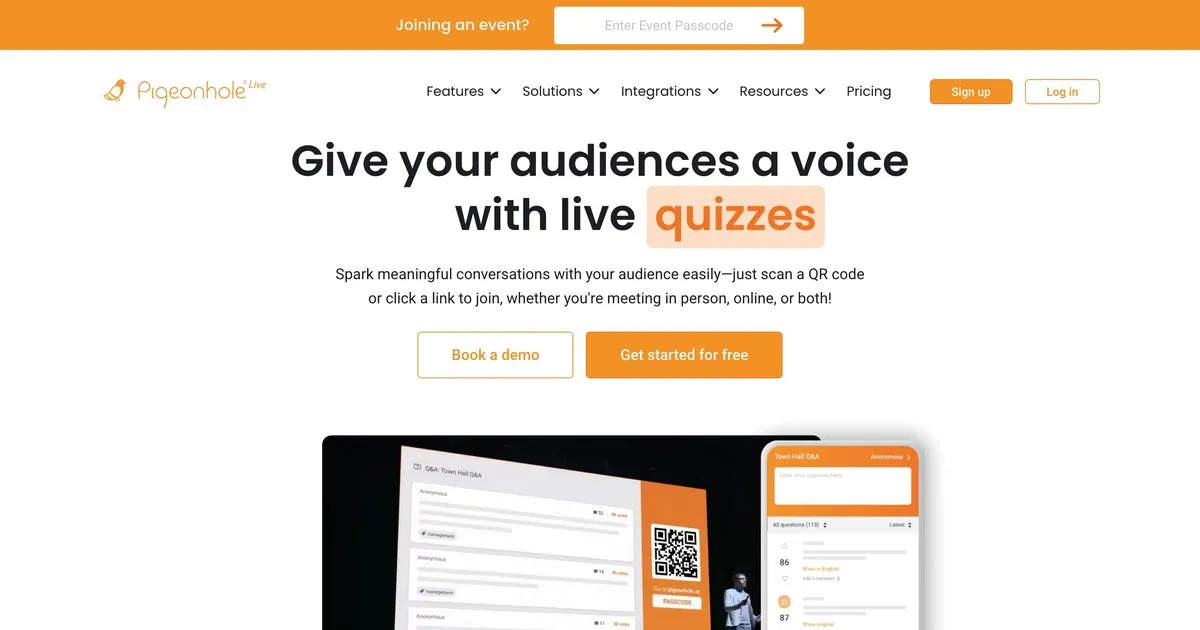
Pigeonhole gère une complexité pour laquelle les autres outils de cette liste n'ont pas été conçus. Si vous organisez une conférence avec des dizaines de sessions simultanées, chacune avec des intervenants, des salles et des horaires différents, Pigeonhole gère cette structure logistique d'une manière que des outils plus simples ne peuvent pas.
Le système de questions-réponses par session permet d'orienter les questions vers l'intervenant approprié plutôt que de les regrouper dans une seule et même liste. Les organisateurs peuvent gérer simultanément les questions de toutes les sessions. Les participants peuvent ainsi interagir avec plusieurs sessions. Les analyses post-événement révèlent les sessions les plus populaires et les sujets qui ont suscité le plus de questions.
Le compromis réside dans la complexité de la configuration et le prix. Pigeonhole exige une configuration plus poussée que les autres outils présentés ici et ne propose pas de version gratuite intéressante. Pour une présentation unique ou un petit événement, il est surdimensionné pour vos besoins. En revanche, pour une conférence de plusieurs jours avec de multiples sessions simultanées, il constitue probablement le choix idéal.
Idéal pour : les organisateurs de conférences gérant des événements à sessions multiples où l'acheminement des questions vers des intervenants spécifiques et le suivi de l'engagement entre les sessions constituent une véritable exigence opérationnelle.
Comparaison des outils
Les cinq outils prennent en charge les questions anonymes et le vote positif du public, à l'exception de Vevox où cette fonctionnalité est limitée. Leurs options de modération varient considérablement : Slido et Pigeonhole offrent les contrôles les plus avancés, Vevox est performant, et AhaSlides et Mentimeter couvrent les besoins de base de manière satisfaisante dans la plupart des contextes.
L'intégration des diapositives est le point de divergence le plus marqué entre les outils. AhaSlides s'intègre nativement à vos diapositives, Slido propose une intégration avec les principales plateformes de présentation, Mentimeter offre une intégration limitée, et Vevox et Pigeonhole ne s'intègrent pas du tout aux diapositives.
Concernant les versions gratuites : Slido est la plus généreuse avec cent participants, AhaSlides et Mentimeter en prennent en charge cinquante, la version gratuite de Vevox est limitée aux petits groupes, et Pigeonhole ne propose aucune version gratuite intéressante. Pour la plupart des salles de classe et des petites réunions, les trois premières suffisent amplement pour accueillir un public standard sans abonnement payant.
Les tarifs des cinq plateformes suivent une logique similaire : des abonnements mensuels allant de huit à dix-huit dollars environ, offrant un nombre de participants plus élevé et des fonctionnalités avancées. Slido et Pigeonhole proposent des tarifs entreprise pour les organisations organisant régulièrement des événements importants. AhaSlides, Mentimeter et Vevox constituent les solutions les plus accessibles aux particuliers et aux petites équipes.
Tirer le meilleur parti des outils de questions-réponses
Quelques pratiques permettent de faire une différence constante, quelle que soit la plateforme choisie.
Testez votre matériel avant de présenter. Faites une brève répétition avec un collègue pour vérifier que tout fonctionne correctement, votre connexion internet et vous familiariser avec l'interface. Les imprévus techniques pendant une présentation sont très perturbants ; une simple vérification de deux minutes permet de les éviter complètement.
Expliquez à votre public le fonctionnement de l'outil avant qu'il ne l'utilise. Indiquez où poser les questions, comment les soumettre et si les réponses sont anonymes. Trente secondes d'explications au début génèrent une participation bien plus importante que si l'on laissait les participants se débrouiller en cours de session.
Afficher les questions à l'écran. La visibilité favorise l'engagement. Les participants voient les questions des autres, ce qui les amène souvent à poser des questions auxquelles ils n'auraient pas pensé spontanément.
Lisez les questions à voix haute, même si elles apparaissent à l'écran. Cela permet de maintenir le rythme de la conversation et de s'assurer que toutes les personnes présentes, y compris celles qui ne voient pas bien l'écran, ont bien entendu la question.
Discutez de ce que vous voyez au lieu de passer à autre chose. Accuser réception d'une question, même brièvement, montre que votre contribution a été prise en compte. Les personnes qui se sentent écoutées participent davantage. Celles qui se sentent ignorées n'osent plus poser de questions.
Analysez les données ensuite. La plupart des plateformes fournissent des rapports post-session. Les questions posées par votre public et celles qu'il a le plus plébiscitées vous indiquent ce qui l'intéressait réellement. Ce type de retour d'information est bien plus fiable que de simples impressions de mémoire.
Il existe aussi quelques erreurs à éviter. Lancer une présentation sans expliquer l'outil signifie que la plupart des participants ne l'utiliseront pas. Recueillir des questions sans y répondre est pire que de ne pas en recueillir du tout : cela donne l'impression que la participation était purement formelle. Dépasser systématiquement le temps imparti est perçu comme un manque de respect pour l'emploi du temps de votre public, et c'est généralement la séance de questions-réponses qui est coupée dans ce cas.
Emballage en place
Le meilleur outil de questions-réponses est celui qui correspond à l'échelle et à la complexité de votre activité. Pour la plupart des salles de classe et des petites réunions, AhaSlides ou Mentimeter permettent de démarrer en moins de cinq minutes. Pour les grands événements d'entreprise où la gestion d'un volume important de questions est le principal défi, les fonctionnalités de modération de Slido justifient son prix plus élevé. Pour les conférences de plusieurs jours avec de nombreuses sessions simultanées, Pigeonhole gère la complexité que les autres outils présentés ici ne peuvent égaler.
Commencez par la version gratuite de l'outil le plus adapté à vos besoins. Testez-la lors d'une session réelle avant de vous engager. La différence entre une présentation où les questions restent sans réponse et une autre où votre public se sent réellement écouté est plus subtile qu'il n'y paraît. Il s'agit surtout de créer les conditions propices à la participation plutôt que d'espérer qu'elle se produise d'elle-même.