



Ми є одним із інструментів у цьому порівнянні. Це означає, що ми маємо свою точку зору на цю категорію, і та ж прозорість, яку ми привнесли до нашого посібника з інструментів штучного інтелекту, застосовується й тут: чесна оцінка всіх п'яти варіантів, включаючи наш власний, буде кориснішою для вас, ніж посібник, який непомітно показує великий палець на вагах.
Отже, ось у чому справа: ми оцінили п'ять інструментів для запитань та відповідей за одними й тими ж критеріями. Якщо AhaSlides є правильним вибором, ми так і скажемо. Якщо інший інструмент краще відповідає певному випадку використання, ми також це скажемо. Мета полягає в тому, щоб допомогти вам знайти інструмент, який відповідає тому, що ви насправді намагаєтеся зробити.
Які завдання насправді вирішують інструменти запитань та відповідей
Проблема із запитаннями під час презентацій не в тому, що в аудиторії їх немає. Річ у тім, що умови для їхнього ставити зазвичай погані. Підняті руки сприяють впевненим у собі. Відкрита аудиторія сприяє гучним. Більшість людей, які ставлять щирі запитання, мовчать, бо ставити їх здається ризикованим або незручним.
Цифрові інструменти запитань і відповідей змінюють умови . Анонімне подання запитань усуває соціальний ризик. Голосування «за» виявляє те, що насправді хоче знати аудиторія, а не те, що запитує одна людина. Модерація тримає все в курсі. Результатом є більше запитань, більше чесних запитань і чіткіше уявлення про те, що насправді думає ваша аудиторія.
П'ять інструментів, наведених нижче, підходять до цієї проблеми з різних точок зору. Кожен з них справді хороший у чомусь. Питання в тому, чи відповідає те, в чому він хороший, вашим потребам.
На що звернути увагу перед вибором
Правильний інструмент залежить від вашого конкретного контексту. Перш ніж порівнювати варіанти, варто відповісти на кілька запитань: перед скількома людьми ви будете презентувати, і чи покриває це безкоштовний рівень? Чи потрібна вам анонімна презентація, і чи вона встановлена за замовчуванням, чи це опція, яку ви повинні ввімкнути? Який рівень контролю модерації вам потрібен над питаннями, які відображаються на екрані? Чи потрібна вам інтеграція інструменту з вашими слайдами, чи він може працювати окремо? І скільки часу у вас є, щоб налаштувати його перед наступною презентацією?
Ці відповіді звузять коло пошуку швидше, ніж будь-яке порівняння характеристик. У розділах нижче наведено інформацію, необхідну для прийняття остаточного рішення.
П'ять інструментів для запитань і відповідей, які варто знати
Ось як вони порівнюються.
1. AhaSlides: найкращий для інтегрованих презентацій
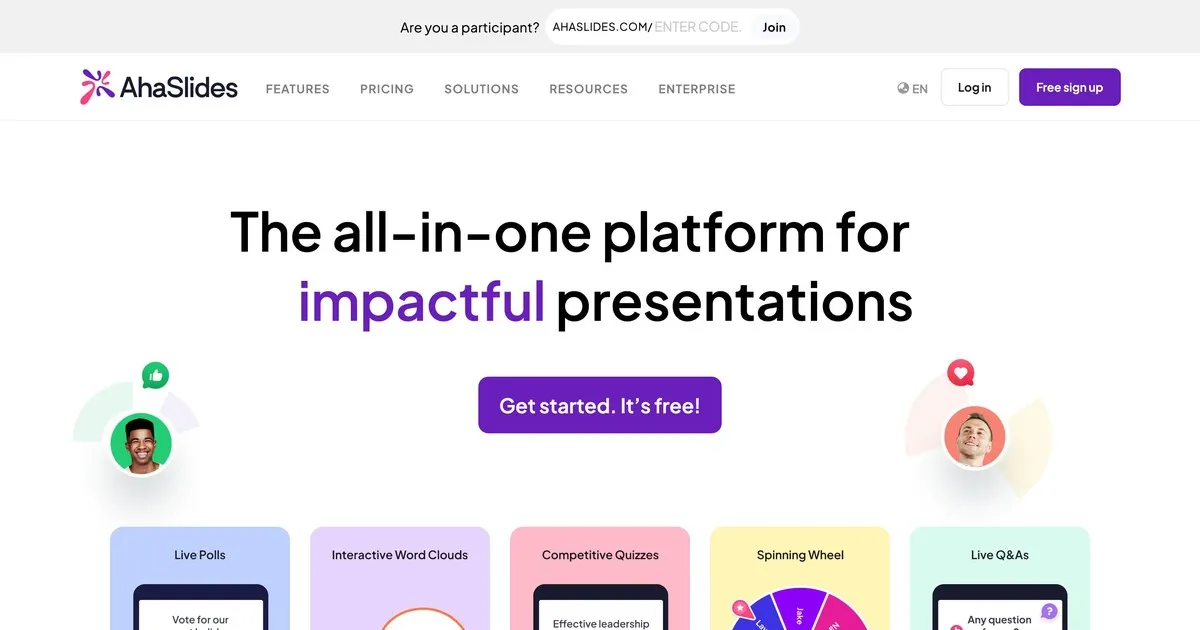
Це наш інструмент, тому ставтеся до цього запису з тим самим скептицизмом, що й до будь-якої самооцінки. Що ми б сказали чесно: AhaSlides побудовано на ідеї, що питання та відповіді працюють краще, коли вони є частиною ширшого інтерактивного сеансу, а не як додатковий елемент в кінці.
Функція «Запитання та відповіді» надійна. Вбудовано анонімне надсилання запитань. Ви можете модерувати запитання, перш ніж вони з’являться на екрані. Учасники аудиторії можуть голосувати за запитання, на які вони хочуть отримати відповіді. AhaSlides відрізняється від інших інструментів тим, що функція «Запитання та відповіді» розташована поруч з опитуваннями, хмарами слів, вікторинами та слайдами в режимі реального часу на одній платформі. Якщо ви хочете провести інтерактивний сеанс, а не просто зібрати запитання, ця інтеграція важлива.
Де ми слабші: AhaSlides — це, перш за все, інструмент для презентацій, який включає запитання та відповіді, а не спеціалізована платформа для запитань та відповідей. Якщо керування запитаннями є вашою основною потребою, і ви презентуєте для великої аудиторії, можливості модерації Slido є більш просунутими. Безкоштовний рівень підтримує до п’ятдесяти учасників, що охоплює більшість класних кімнат та невеликих зустрічей, але не великі заходи.
Найкраще підходить для: вчителів, корпоративних тренерів та всіх, хто проводить сесії, де запитання та відповіді є одним із кількох інтерактивних елементів, а не основною метою.
2. Slido: найкраще підходить для великих корпоративних заходів

Slido – це найспеціальніший інструмент для роботи з питаннями та відповідями у цьому списку. У той час як інші платформи пропонують функції «Запитання та відповіді» поряд з іншими функціями, Slido розвинув свої можливості керування питаннями далі, ніж будь-хто інший тут. Для великих аудиторій, де одночасно надходять десятки або сотні запитань, засоби керування модерацією, виявлення дублікатів та групування запитань Slido мають справжнє значення.
Анонімне подання запитань є стандартним. Голосування аудиторії автоматично відображає найпопулярніші запитання. Модератори можуть переглядати, редагувати, групувати та видаляти запитання, перш ніж вони з’являться публічно. Аналітика після події показує, які запитання викликали найбільший інтерес і які теми найбільше хвилювали аудиторію.
Обмеженням є фокус. Slido надзвичайно добре справляється з керуванням питаннями, а решту — компетентно. Якщо ви хочете ширшої інтерактивності опитувань, хмар слів та гейміфікованого контенту поряд із питаннями та відповідями, інші інструменти з цього списку інтегрують їх більш природно. Безкоштовний рівень підтримує сто учасників. Платні плани починаються приблизно від сімнадцяти доларів на місяць.
Найкраще підходить для: конференцій, зустрічей за участю всіх учасників, дзвінків щодо прибутків та будь-яких великих корпоративних презентацій, де головним завданням є обробка великої кількості запитань.
3. Ментиметр: найкращий показник для залучення до навчання
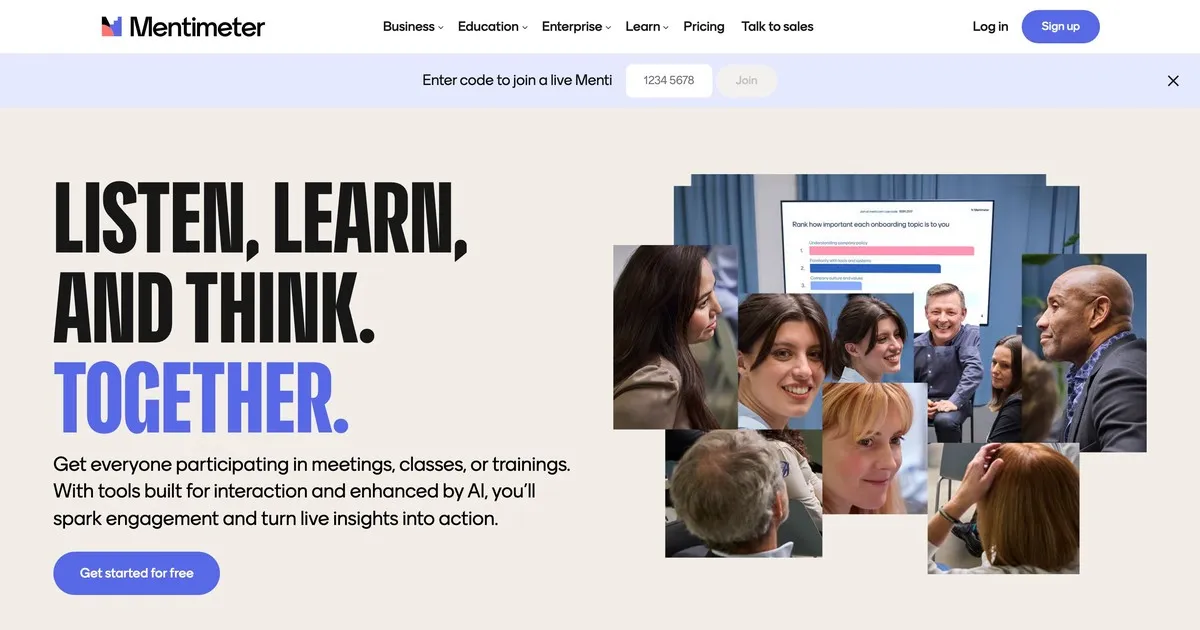
Mentimeter завоював свою репутацію в освіті та досі демонструє там відмінні результати. Інтерфейс швидкий, налаштування мінімальне, а візуальний дизайн достатньо привабливий, щоб виглядати сучасно, не відволікаючи. Вчителі, які не дуже добре розбираються в техніці, вважають його доступним у той спосіб, у який деякі інші інструменти недоступні.
Функціональність «Запитання та відповіді» проста: анонімне надсилання, опції модерації та відображення в режимі реального часу. Mentimeter вирізняється ширшими можливостями опитування та візуалізації, які краще відповідають ритму класної сесії, ніж спеціалізована платформа «Запитання та відповіді». Швидкі перевірки розуміння, опитування думок у реальному часі та відкриті запитання природно поєднуються в одному сеансі Mentimeter.
Безкоштовний рівень обмеженіший, ніж деякі альтернативи: п’ятдесят учасників на місяць, максимум п’ять презентацій. Для регулярного використання в класі, ймовірно, знадобиться платний план. Платні плани починаються приблизно від дванадцяти доларів на місяць.
Найкраще підходить для: вчителів, тренерів та викладачів будь-якого рівня, які хочуть, щоб питання та відповіді були частиною ширшого інтерактивного досвіду в класі.
4. Vevox: найкращий для вищої освіти

Vevox надає пріоритет надійності та контролю модерації над візуальним оформленням. Він створений спеціально для освітніх установ, де можливість переглядати та фільтрувати запитання до того, як студенти їх побачать, важливіша за зовнішній вигляд інтерфейсу. Університети та великі лекційні заклади – це ті місця, де він працює найкраще.
Анонімне надсилання є радше стандартним варіантом, ніж опцією, що важливо в умовах, коли студенти навряд чи ставитимуть запитання, якщо їхнє ім'я додається. Контроль модерації є надійним: викладачі можуть переглядати, редагувати, групувати та видаляти запитання до їх появи. Асистенти викладачів можуть керувати чергою під час презентації викладача.
Інтерфейс вимагає трохи більше навігації, ніж Mentimeter або AhaSlides, що варто знати, якщо пріоритетом є простота налаштування. Ціноутворення, орієнтоване на освіту, робить його доступним для установ. Безкоштовний рівень обмежений і в основному підходить для невеликих груп.
Найкраще підходить для: викладачів університетів, професорів та викладачів у вищих навчальних закладах, де анонімне подання матеріалів та сувора модерація є основними вимогами.
5. Pigeonhole Live: найкращий варіант для багатосесійних подій
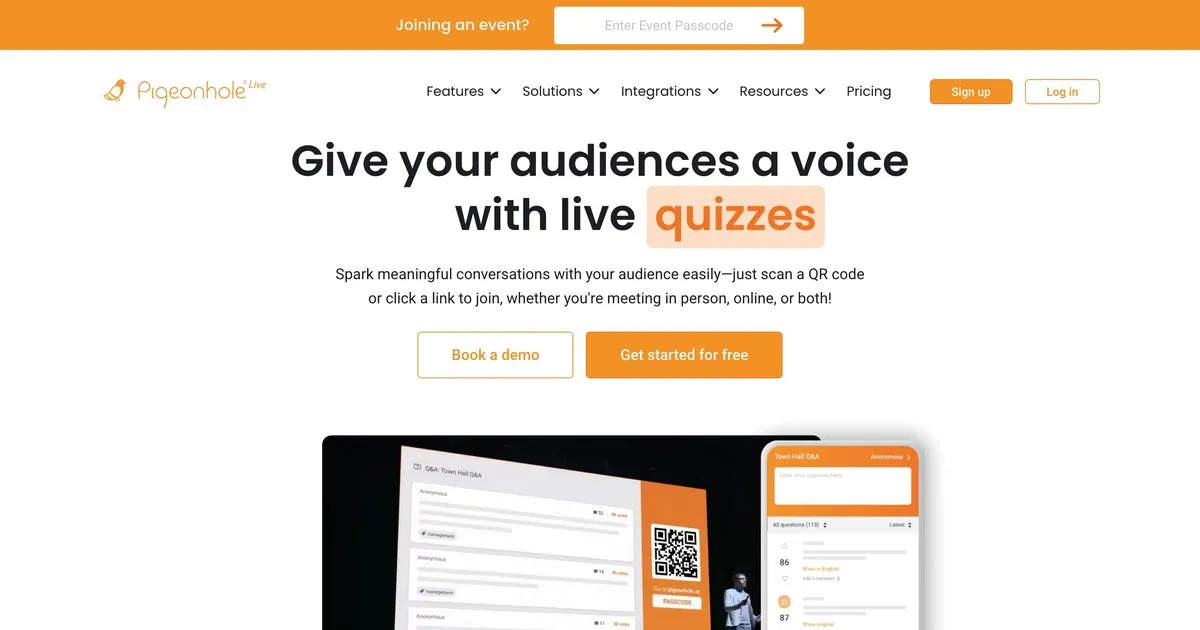
Pigeonhole справляється зі складнощами, для яких інші інструменти з цього списку не були розроблені. Якщо ви проводите конференцію з десятками сесій, що відбуваються одночасно, кожна з яких має різні доповідачі, кімнати та час, Pigeonhole керує цією логістичною структурою так, як це не можуть зробити простіші інструменти.
Система запитань і відповідей для кожної сесії означає, що запитання спрямовуються до потрібного спікера, а не з’являються в одному спільному пулі. Організатори можуть керувати запитаннями на всіх сесіях одночасно. Учасники можуть брати участь у кількох сесіях. Аналітика після заходу показує, які сесії викликали найбільшу залученість, а які теми викликали найбільше запитань протягом заходу.
Компромісом є складність налаштування та ціна. Pigeonhole вимагає більше налаштувань, ніж інші інструменти тут, і не пропонує значного безкоштовного рівня. Для однієї презентації чи невеликого заходу це більше, ніж вам потрібно. Для багатоденної конференції з кількома одночасними доріжками це, ймовірно, правильний вибір.
Найкраще підходить для: організаторів конференцій, які керують багатосесійними заходами, де перенаправлення запитань конкретним спікерам та відстеження залученості протягом сесій є справжньою операційною вимогою.
Як інструменти порівнюються
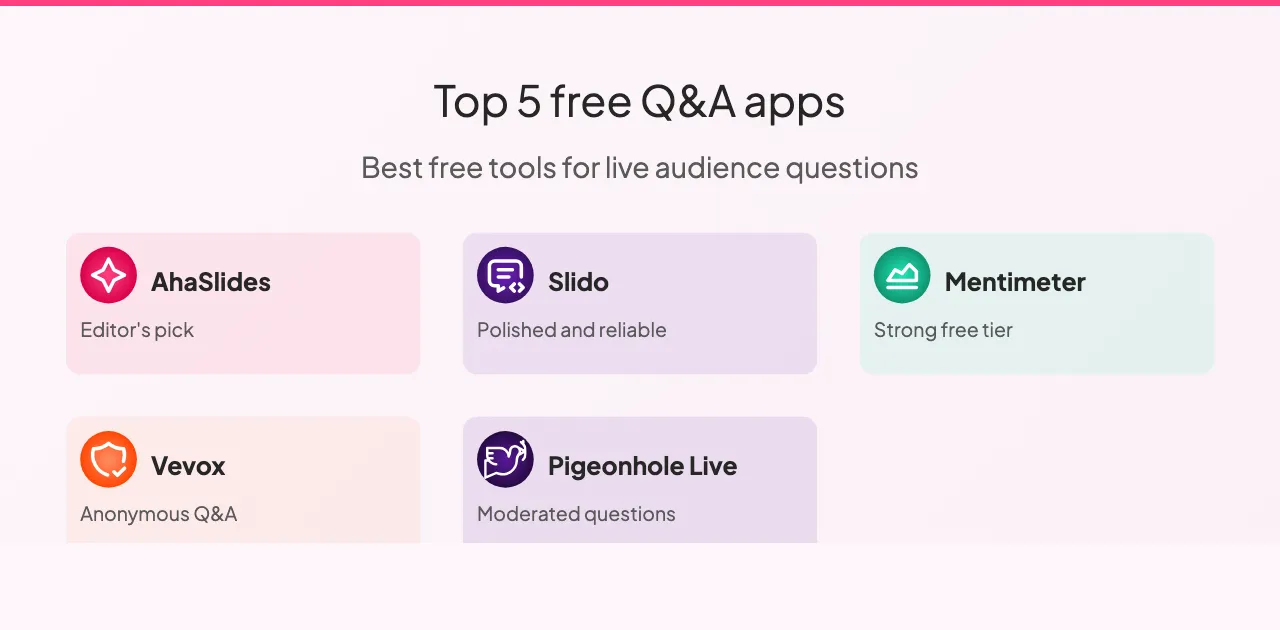
Усі п’ять інструментів підтримують анонімні запитання та голосування аудиторії, за винятком Vevox, де голосування обмежене. Можливості модерації суттєво відрізняються: Slido та Pigeonhole пропонують найсучасніші елементи керування модерацією, Vevox — потужний, а AhaSlides та Mentimeter достатньо добре охоплюють основи для більшості налаштувань.
Інтеграція слайдів – це те, де інструменти розходяться найбільше. AhaSlides інтегрується безпосередньо з вашими слайдами, Slido пропонує інтеграцію з основними платформами для презентацій, Mentimeter має обмежену інтеграцію, а Vevox та Pigeonhole взагалі не інтегруються зі слайдами.
Щодо безкоштовних рівнів: Slido пропонує найщедріший тарифний план зі сотнею учасників, AhaSlides та Mentimeter підтримують п'ятдесят, безкоштовний рівень Vevox обмежений невеликими групами, а Pigeonhole не пропонує жодного суттєвого безкоштовного рівня. Для більшості класів та невеликих зустрічей будь-який з перших трьох варіантів охоплює типовий розмір аудиторії без платного плану.
Ціноутворення на всіх п'яти платформах має схожу схему: щомісячні плани вартістю від восьми до вісімнадцяти доларів за розширені ліміти учасників та розширені функції. Slido та Pigeonhole пропонують корпоративні ціни для організацій, які часто проводять великі заходи. AhaSlides, Mentimeter та Vevox пропонують найдоступніші точки входу для окремих осіб та невеликих команд.
Як отримати максимальну користь від інструментів запитань і відповідей
Кілька практик мають постійний ефект, незалежно від того, яку платформу ви оберете.
Перевірте перед презентацією. Проведіть швидку зустріч із колегою, щоб переконатися, що налаштування працює, перевірити підключення до Інтернету та ознайомитися з інтерфейсом. Технічні несподіванки під час презентації відволікають настільки, що двохвилинна попередня перевірка повністю запобігає цьому.
Розкажіть своїй аудиторії, як це працює, перш ніж їм знадобиться. Поясніть, куди ставити запитання, як їх надсилати та чи є відповіді анонімними. Тридцять секунд пояснення на початку залучають значно більше учасників, ніж якщо ви залишаєте людей розбиратися з цим посеред сесії.
Показуйте запитання на екрані. Видимість підтримує високий рівень залученості. Люди бачать, що запитують інші, що часто викликає запитання, про які вони б навіть не подумали поставити самостійно.
Читайте питання вголос, навіть коли вони видно на екрані. Це підтримує плавність розмови та гарантує, що всі в кімнаті, включаючи тих, хто може не чітко бачити екран, почули питання.
Обговоріть побачене, а не просто продовжуйте. Навіть коротке визнання питання сигналізує про те, що його внесок був важливим. Люди, які відчувають, що їх почули, беруть участь більше. Люди, які відчувають себе ігнорованими, не перепитують.
Перегляньте аналітику після цього. Більшість платформ надають звіти після сеансу. Запитання, які ставила ваша аудиторія, і ті, за які вона проголосувала найбільше, говорять про те, що їх насправді цікавило. Це надійніший зворотний зв’язок, ніж враження з пам’яті.
Також є кілька шаблонів, яких варто уникати. Запуск без пояснення інструменту означає, що більшість вашої аудиторії не використовуватиме його. Зібрати запитання, а потім не дати на них відповідей, гірше, ніж не зібрати їх взагалі: це сигналізує про те, що участь була перформативною. Постійне перевищення відведеного часу сигналізує про неповагу до графіка вашої аудиторії, і саме розділ запитань і відповідей зазвичай скорочується, коли це трапляється.
Підводячи підсумок
Найкращий інструмент для запитань і відповідей – це той, який відповідає масштабу та складності того, що ви насправді робите. Для більшості аудиторій та невеликих зустрічей AhaSlides або Mentimeter допоможуть вам розібратися менш ніж за п’ять хвилин. Для великих корпоративних заходів, де головним завданням є управління великою кількістю запитань, можливості модерації Slido варті вищої ціни. Для багатоденних конференцій з кількома одночасними сесіями Pigeonhole справляється зі складністю, на відміну від інших інструментів тут.
Почніть з безкоштовного рівня будь-якого інструменту, який відповідає вашому контексту. Проведіть один реальний сеанс, перш ніж брати участь. Різниця між презентацією, де питання залишаються без відповіді, і тією, де ваша аудиторія відчуває себе справді почутою, менша, ніж здається. Здебільшого це питання створення умов для участі, а не сподівання, що це станеться саме собою.