



Chúng tôi là một trong những nhà sản xuất công cụ được so sánh trong bài viết này. Điều đó có nghĩa là chúng tôi có cái nhìn khách quan về lĩnh vực này, và sự minh bạch mà chúng tôi đã áp dụng cho hướng dẫn về các công cụ AI cũng được thể hiện ở đây: một đánh giá trung thực về cả năm lựa chọn, bao gồm cả sản phẩm của chúng tôi, sẽ hữu ích hơn cho bạn so với một hướng dẫn ngầm thiên vị.
Vậy nên đây là vấn đề: chúng tôi đã đánh giá năm công cụ hỏi đáp dựa trên cùng một tiêu chí. Nếu AhaSlides là lựa chọn phù hợp, chúng tôi sẽ nói rõ. Nếu một công cụ khác phục vụ tốt hơn cho một trường hợp sử dụng cụ thể, chúng tôi cũng sẽ nói điều đó. Mục tiêu là giúp bạn tìm ra công cụ phù hợp với những gì bạn thực sự đang cố gắng thực hiện.
Các công cụ hỏi đáp thực sự giải quyết vấn đề gì?
Vấn đề với việc đặt câu hỏi trong các bài thuyết trình không phải là khán giả không có câu hỏi, mà là điều kiện để đặt câu hỏi thường không thuận lợi. Giơ tay tạo lợi thế cho người tự tin. Diễn đàn mở tạo lợi thế cho người nói to. Hầu hết những người có câu hỏi thực sự đều im lặng vì việc đặt câu hỏi khiến họ cảm thấy rủi ro hoặc khó xử.
Các công cụ hỏi đáp trực tuyến đang thay đổi điều kiện . Việc gửi câu hỏi ẩn danh loại bỏ rủi ro xã hội. Hệ thống bình chọn tích cực giúp làm nổi bật những gì người tham gia thực sự muốn biết, chứ không phải chỉ là câu hỏi của một người nào đó. Cơ chế điều hành giúp giữ cho cuộc thảo luận đi đúng hướng. Kết quả là có nhiều câu hỏi hơn, những câu hỏi chân thành hơn, và một bức tranh rõ ràng hơn về những gì khán giả thực sự đang nghĩ.
Năm công cụ dưới đây tiếp cận vấn đề này từ các góc độ khác nhau. Mỗi công cụ đều thực sự giỏi ở một khía cạnh nào đó. Câu hỏi đặt ra là liệu thế mạnh của nó có phù hợp với nhu cầu của bạn hay không.
Những điều cần lưu ý trước khi lựa chọn
Công cụ phù hợp phụ thuộc vào bối cảnh cụ thể của bạn. Một vài câu hỏi đáng trả lời trước khi so sánh các lựa chọn: Bạn sẽ thuyết trình cho bao nhiêu người, và gói miễn phí có đáp ứng được điều đó không? Bạn có cần chức năng gửi bài ẩn danh không, và đó là mặc định hay là tùy chọn cần bật? Bạn cần quyền kiểm soát bao nhiêu đối với các câu hỏi hiển thị trên màn hình? Bạn có cần công cụ này tích hợp với slide của mình hay nó có thể hoạt động độc lập? Và bạn có bao nhiêu thời gian để thiết lập trước buổi thuyết trình tiếp theo?
Các câu trả lời sẽ giúp thu hẹp phạm vi lựa chọn nhanh hơn bất kỳ sự so sánh tính năng nào. Các phần bên dưới cung cấp cho bạn những thông tin cần thiết để đưa ra quyết định cuối cùng.
Năm công cụ hỏi đáp đáng biết
Sau đây là cách so sánh.
1. AhaSlides: lựa chọn tốt nhất cho các bài thuyết trình tích hợp.
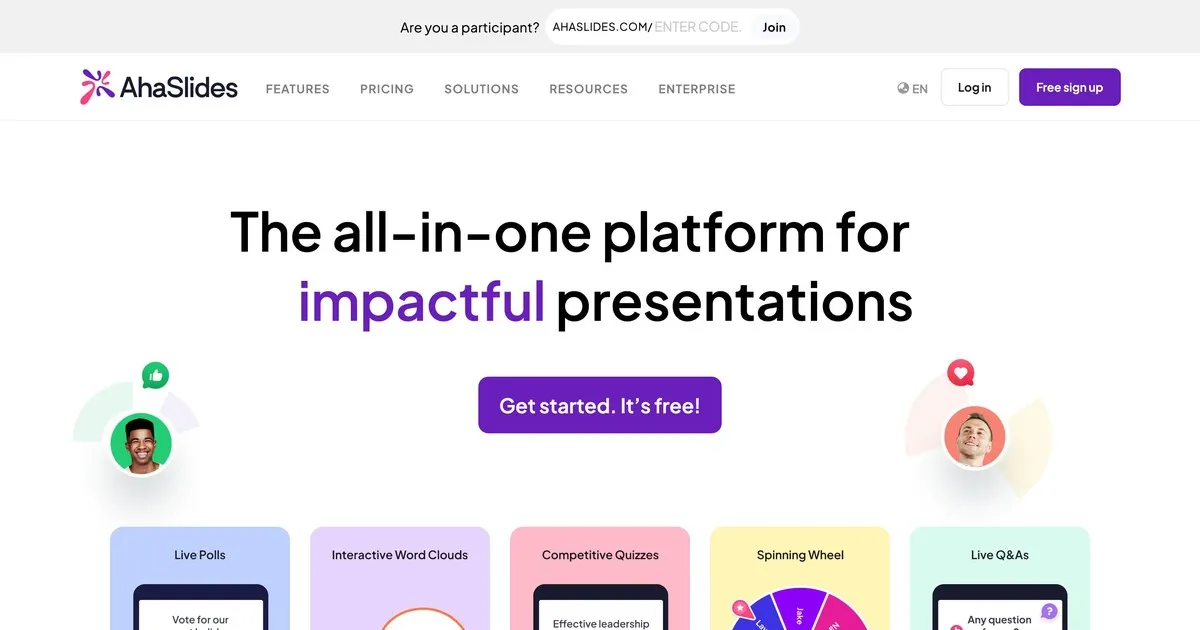
Đây là công cụ của chúng tôi, vì vậy hãy đón nhận bài viết này với thái độ hoài nghi tương tự như khi bạn tự đánh giá bản thân. Điều chúng tôi muốn nói một cách chân thành: AhaSlides được xây dựng dựa trên ý tưởng rằng phần Hỏi & Đáp sẽ hiệu quả hơn khi nó là một phần của buổi thảo luận tương tác rộng hơn, chứ không phải là một phần thêm vào cuối buổi.
Chức năng Hỏi & Đáp hoạt động rất tốt. Tính năng gửi câu hỏi ẩn danh được tích hợp sẵn. Bạn có thể kiểm duyệt câu hỏi trước khi chúng hiển thị trên màn hình. Người tham dự có thể bình chọn cho những câu hỏi mà họ muốn được trả lời. Điểm khác biệt của AhaSlides so với các công cụ khác là chức năng Hỏi & Đáp được tích hợp cùng với các cuộc thăm dò ý kiến, đám mây từ khóa, câu đố và trình chiếu trực tiếp trên cùng một nền tảng. Nếu bạn muốn tổ chức một phiên tương tác chứ không chỉ đơn thuần là thu thập câu hỏi, thì sự tích hợp này rất quan trọng.
Điểm yếu của chúng tôi: AhaSlides chủ yếu là một công cụ trình chiếu có tích hợp chức năng hỏi đáp, chứ không phải là một nền tảng hỏi đáp chuyên dụng. Nếu quản lý câu hỏi là nhu cầu chính của bạn và bạn đang thuyết trình trước nhiều người, khả năng điều phối của Slido sẽ tiên tiến hơn. Gói miễn phí hỗ trợ tối đa năm mươi người tham gia, phù hợp với hầu hết các lớp học và cuộc họp nhỏ, nhưng không đủ cho các sự kiện lớn.
Phù hợp nhất cho: giáo viên, người đào tạo doanh nghiệp và bất kỳ ai tổ chức các buổi học mà phần hỏi đáp chỉ là một trong số các hoạt động tương tác chứ không phải là trọng tâm chính.
2. Slido: lựa chọn tốt nhất cho các sự kiện doanh nghiệp quy mô lớn

Slido là công cụ hỏi đáp được thiết kế chuyên dụng nhất trong danh sách này. Trong khi các nền tảng khác cung cấp tính năng hỏi đáp cùng với các tính năng khác, Slido đã phát triển khả năng quản lý câu hỏi của mình vượt trội hơn bất kỳ nền tảng nào khác. Đối với lượng người dùng lớn, nơi có hàng chục hoặc hàng trăm câu hỏi được gửi đến cùng lúc, các công cụ kiểm duyệt, phát hiện câu hỏi trùng lặp và nhóm câu hỏi của Slido thực sự tạo ra sự khác biệt.
Việc gửi câu hỏi ẩn danh là tiêu chuẩn. Hệ thống bình chọn của khán giả sẽ tự động hiển thị những câu hỏi phổ biến nhất. Người điều hành có thể xem xét, chỉnh sửa, nhóm và xóa câu hỏi trước khi chúng được công khai. Phân tích sau sự kiện cho thấy câu hỏi nào thu hút nhiều sự quan tâm nhất và chủ đề nào được khán giả quan tâm nhất.
Hạn chế của Slido là khả năng tập trung. Slido quản lý câu hỏi rất tốt và các chức năng khác cũng khá ổn. Nếu bạn muốn tính tương tác rộng hơn của các cuộc thăm dò ý kiến, đám mây từ khóa và nội dung được game hóa bên cạnh hỏi đáp, các công cụ khác trong danh sách này tích hợp chúng một cách tự nhiên hơn. Gói miễn phí hỗ trợ một trăm người tham gia. Các gói trả phí bắt đầu từ khoảng mười bảy đô la một tháng.
Phù hợp nhất cho: hội nghị, họp toàn thể nhân viên, cuộc họp công bố kết quả kinh doanh và bất kỳ bài thuyết trình lớn nào của công ty mà việc quản lý số lượng lớn câu hỏi là thách thức chính.
3. Mentimeter: tốt nhất cho việc tương tác trong lớp học
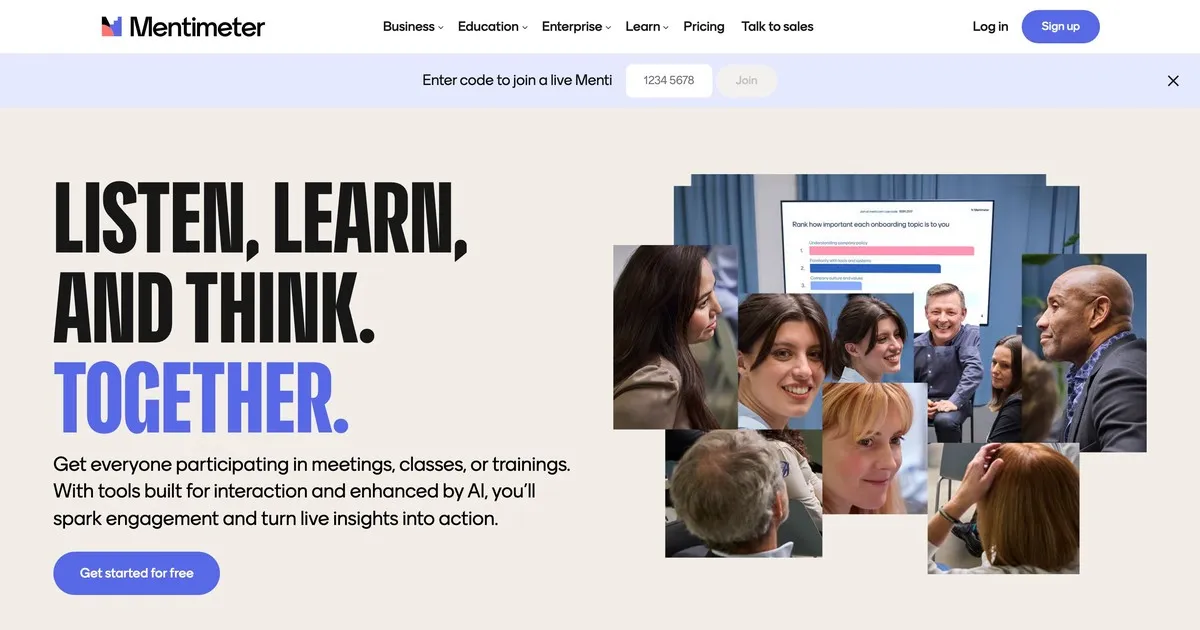
Mentimeter đã xây dựng danh tiếng của mình trong lĩnh vực giáo dục và vẫn đang duy trì vị thế xuất sắc đó. Giao diện nhanh, thiết lập đơn giản và thiết kế trực quan hấp dẫn, hiện đại mà không gây xao nhãng. Giáo viên không am hiểu công nghệ cũng thấy phần mềm này dễ sử dụng hơn so với một số công cụ khác.
Chức năng Hỏi & Đáp rất đơn giản: gửi câu hỏi ẩn danh, tùy chọn kiểm duyệt và hiển thị theo thời gian thực. Điểm nổi bật của Mentimeter nằm ở khả năng khảo sát và trực quan hóa dữ liệu rộng hơn, phù hợp với nhịp điệu của một buổi học trên lớp hơn là một nền tảng Hỏi & Đáp chuyên dụng. Kiểm tra nhanh mức độ hiểu bài, khảo sát ý kiến trực tiếp và các câu hỏi mở đều được tích hợp một cách tự nhiên trong một phiên Mentimeter duy nhất.
Gói miễn phí có nhiều hạn chế hơn so với một số lựa chọn khác: năm mươi người tham gia mỗi tháng với tối đa năm bài thuyết trình. Để sử dụng thường xuyên trong lớp học, gói trả phí có thể là cần thiết. Gói trả phí bắt đầu từ khoảng mười hai đô la một tháng.
Phù hợp nhất cho: giáo viên, người hướng dẫn và nhà giáo dục ở mọi cấp độ muốn sử dụng phần Hỏi & Đáp như một phần của trải nghiệm tương tác trong lớp học.
4. Vevox: lựa chọn tốt nhất cho giáo dục đại học
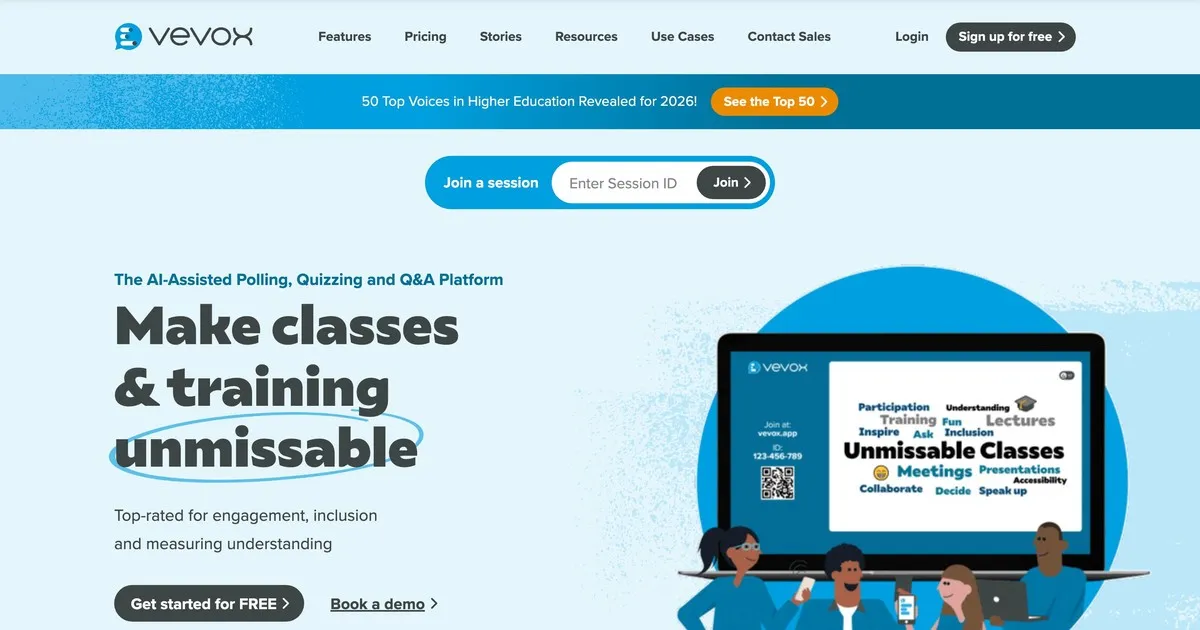
Vevox ưu tiên độ tin cậy và khả năng kiểm soát nội dung hơn là vẻ ngoài bắt mắt. Nó được xây dựng đặc biệt cho môi trường giáo dục, nơi khả năng xem xét và lọc câu hỏi trước khi sinh viên nhìn thấy chúng quan trọng hơn giao diện. Vevox hoạt động hiệu quả nhất ở các trường đại học và các lớp học quy mô lớn.
Chế độ nộp bài ẩn danh là mặc định chứ không phải là tùy chọn, điều này rất quan trọng trong những trường hợp sinh viên ít có khả năng đặt câu hỏi nếu tên của họ được hiển thị. Các biện pháp kiểm duyệt rất mạnh mẽ: giảng viên có thể xem xét, chỉnh sửa, nhóm và xóa câu hỏi trước khi chúng xuất hiện. Trợ giảng có thể quản lý hàng đợi trong khi giảng viên đang thuyết trình.
Giao diện yêu cầu thao tác điều hướng nhiều hơn một chút so với Mentimeter hoặc AhaSlides, điều này đáng lưu ý nếu sự dễ dàng thiết lập là ưu tiên hàng đầu. Giá cả dành riêng cho giáo dục giúp các tổ chức dễ dàng tiếp cận. Gói miễn phí có nhiều hạn chế và chủ yếu phù hợp với các nhóm nhỏ.
Phù hợp nhất cho: giảng viên đại học, giáo sư và nhà giáo dục trong môi trường giáo dục đại học, nơi việc nộp bài ẩn danh và kiểm duyệt nghiêm ngặt là những yêu cầu chính.
5. Pigeonhole Live: phù hợp nhất cho các sự kiện nhiều phiên.
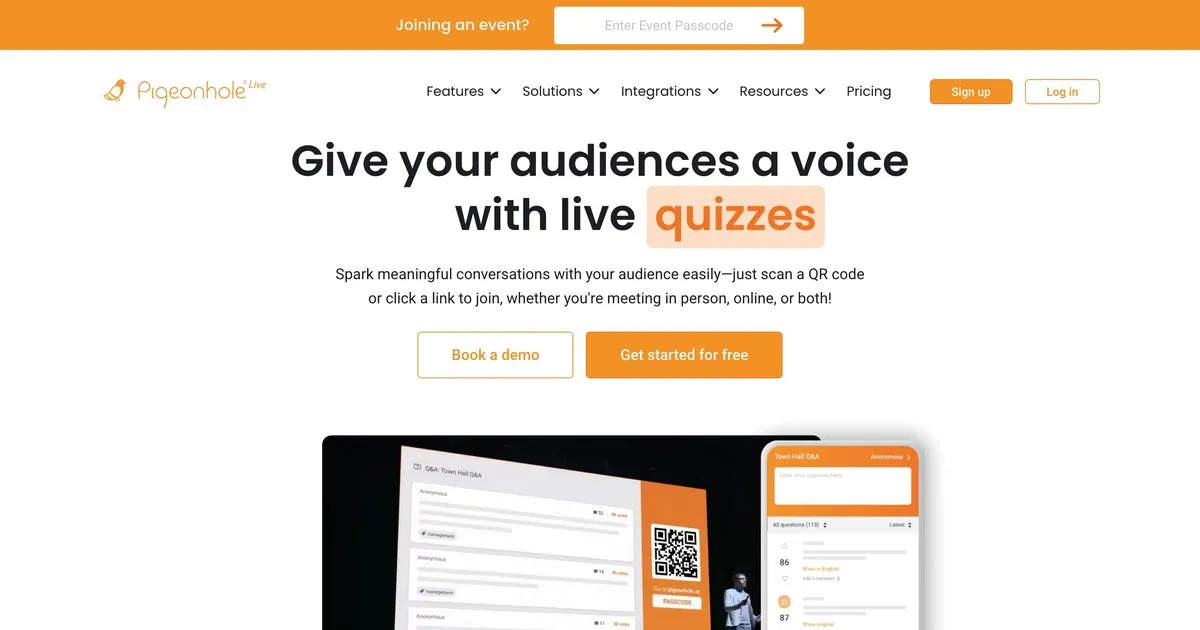
Pigeonhole xử lý được sự phức tạp mà các công cụ khác trong danh sách này không được thiết kế để đáp ứng. Nếu bạn đang tổ chức một hội nghị với hàng chục phiên diễn ra đồng thời, mỗi phiên có diễn giả, phòng và thời gian khác nhau, Pigeonhole sẽ quản lý cấu trúc hậu cần đó theo cách mà các công cụ đơn giản hơn không thể làm được.
Tính năng Hỏi & Đáp dành riêng cho từng phiên giúp các câu hỏi được chuyển đến đúng người thuyết trình thay vì xuất hiện trong một nhóm câu hỏi chung. Ban tổ chức có thể quản lý câu hỏi trên tất cả các phiên cùng lúc. Người tham dự có thể tham gia vào nhiều phiên. Phân tích sau sự kiện cho thấy phiên nào thu hút nhiều sự tương tác nhất và chủ đề nào nhận được nhiều câu hỏi nhất trong suốt sự kiện.
Nhược điểm là độ phức tạp trong thiết lập và giá cả. Pigeonhole yêu cầu cấu hình nhiều hơn các công cụ khác và không cung cấp gói miễn phí thực sự hữu ích. Đối với một bài thuyết trình đơn lẻ hoặc sự kiện nhỏ, nó là quá mức cần thiết. Nhưng đối với một hội nghị kéo dài nhiều ngày với nhiều phiên thảo luận diễn ra đồng thời, đây có lẽ là lựa chọn phù hợp.
Phù hợp nhất cho: các nhà tổ chức hội nghị quản lý các sự kiện nhiều phiên, nơi việc chuyển câu hỏi đến các diễn giả cụ thể và theo dõi mức độ tương tác giữa các phiên là một yêu cầu vận hành thiết yếu.
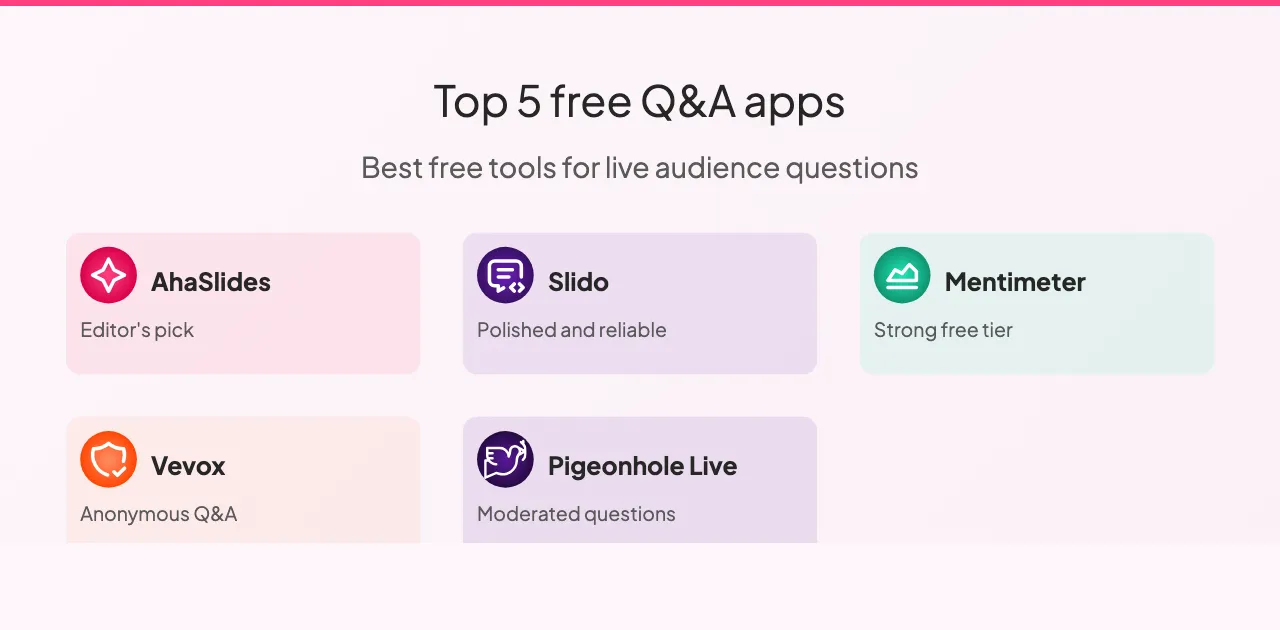
So sánh các công cụ
Cả năm công cụ đều hỗ trợ câu hỏi ẩn danh và bình chọn của khán giả, ngoại trừ Vevox nơi tính năng bình chọn bị hạn chế. Khả năng kiểm duyệt khác nhau đáng kể: Slido và Pigeonhole cung cấp các công cụ kiểm duyệt tiên tiến nhất, Vevox cũng khá mạnh, còn AhaSlides và Mentimeter đáp ứng tốt các chức năng cơ bản trong hầu hết các trường hợp.
Khả năng tích hợp với slide là điểm khác biệt rõ rệt nhất giữa các công cụ. AhaSlides tích hợp trực tiếp với slide của bạn, Slido cung cấp khả năng tích hợp với các nền tảng trình chiếu chính, Mentimeter có khả năng tích hợp hạn chế, còn Vevox và Pigeonhole thì hoàn toàn không tích hợp với slide.
Về các gói miễn phí: Slido hào phóng nhất với 100 người tham gia, AhaSlides và Mentimeter hỗ trợ 50 người, gói miễn phí của Vevox giới hạn ở các nhóm nhỏ, và Pigeonhole không có gói miễn phí nào đáng kể. Đối với hầu hết các lớp học và cuộc họp nhỏ, ba phần mềm đầu tiên đều đáp ứng được quy mô người tham dự điển hình mà không cần gói trả phí.
Mức giá của cả năm phần mềm đều tương tự nhau: các gói hàng tháng có giá từ khoảng tám đến mười tám đô la cho giới hạn người tham gia mở rộng và các tính năng nâng cao. Slido và Pigeonhole cung cấp giá dành cho doanh nghiệp, phù hợp với các tổ chức thường xuyên tổ chức các sự kiện lớn. AhaSlides, Mentimeter và Vevox cung cấp các lựa chọn dễ tiếp cận nhất cho cá nhân và các nhóm nhỏ.
Tận dụng tối đa các công cụ hỏi đáp
Một vài phương pháp thực hành sẽ tạo ra sự khác biệt nhất quán bất kể bạn chọn nền tảng nào.
Hãy kiểm tra trước khi thuyết trình. Thực hiện một phiên làm việc nhanh với đồng nghiệp để xác nhận thiết lập hoạt động tốt, kiểm tra kết nối internet và làm quen với giao diện. Những sự cố kỹ thuật bất ngờ trong khi thuyết trình có thể gây mất tập trung, và việc kiểm tra trước hai phút có thể ngăn chặn điều này hoàn toàn.
Hãy cho người tham dự biết cách thức hoạt động trước khi họ cần sử dụng nó. Giải thích nơi đặt câu hỏi, cách gửi câu hỏi và liệu câu hỏi có được gửi ẩn danh hay không. Ba mươi giây giải thích ngay từ đầu sẽ thu hút sự tham gia nhiều hơn đáng kể so với việc để mọi người tự tìm hiểu giữa chừng.
Hiển thị câu hỏi trên màn hình. Tính trực quan giúp duy trì sự tương tác cao. Mọi người thấy những gì người khác đang hỏi, điều này thường dẫn đến những câu hỏi mà họ có thể không nghĩ đến trước đó.
Hãy đọc to các câu hỏi ngay cả khi chúng hiển thị trên màn hình. Điều này giúp duy trì sự trôi chảy của cuộc hội thoại và đảm bảo mọi người trong phòng, kể cả những người có thể không nhìn rõ màn hình, đều nghe được câu hỏi.
Hãy thảo luận về những gì bạn thấy thay vì chỉ bỏ qua. Việc phản hồi câu hỏi, dù chỉ ngắn gọn, cho thấy rằng ý kiến đóng góp đó rất quan trọng. Những người cảm thấy được lắng nghe sẽ tham gia nhiều hơn. Những người cảm thấy bị phớt lờ sẽ không hỏi lại nữa.
Hãy xem lại số liệu phân tích sau đó. Hầu hết các nền tảng đều cung cấp báo cáo sau phiên. Những câu hỏi mà khán giả của bạn đã đặt ra, và những câu hỏi họ bình chọn nhiều nhất, cho bạn biết họ thực sự quan tâm đến điều gì. Đó là phản hồi đáng tin cậy hơn so với những ấn tượng dựa trên trí nhớ.
Ngoài ra, còn có một vài kiểu mẫu cần tránh. Ra mắt công cụ mà không giải thích rõ ràng nghĩa là hầu hết người tham dự sẽ không sử dụng nó. Thu thập câu hỏi rồi không trả lời còn tệ hơn là không thu thập câu hỏi nào cả: điều đó cho thấy sự tham gia chỉ mang tính hình thức. Việc liên tục vượt quá thời gian quy định thể hiện sự thiếu tôn trọng đối với lịch trình của người tham dự, và phần hỏi đáp thường bị cắt bớt khi điều đó xảy ra.
Kết thúc
Công cụ hỏi đáp tốt nhất là công cụ phù hợp với quy mô và độ phức tạp của công việc bạn đang thực hiện. Đối với hầu hết các lớp học và cuộc họp nhỏ, AhaSlides hoặc Mentimeter giúp bạn bắt đầu chỉ trong vòng chưa đầy năm phút. Đối với các sự kiện doanh nghiệp lớn, nơi việc quản lý số lượng lớn câu hỏi là thách thức chính, khả năng điều phối của Slido xứng đáng với mức giá cao hơn. Đối với các hội nghị kéo dài nhiều ngày với nhiều phiên họp diễn ra đồng thời, Pigeonhole xử lý được sự phức tạp mà không công cụ nào khác làm được.
Hãy bắt đầu với phiên bản miễn phí của công cụ phù hợp với hoàn cảnh của bạn. Chạy thử một buổi thực tế trước khi quyết định sử dụng phiên bản đầy đủ. Sự khác biệt giữa một bài thuyết trình mà khán giả không đặt câu hỏi và một bài thuyết trình mà họ cảm thấy thực sự được lắng nghe là không lớn như vẻ ngoài. Quan trọng hơn cả là tạo ra điều kiện để khán giả tham gia chứ không phải hy vọng điều đó sẽ tự xảy ra.