

Building a presentation used to take a full afternoon: blank slide, agonize over fonts, find images, get the flow right, realize the flow is wrong, start over. AI presentation tools have cut that process down to minutes. The harder problem, the one AI doesn't solve by default, is what happens when you actually show the slides to people.
This guide covers seven slides AI platforms tested in 2026, ranked by how useful they are for professionals who present regularly. We'll be specific about what each tool actually does well, what it costs, and who it's really built for.

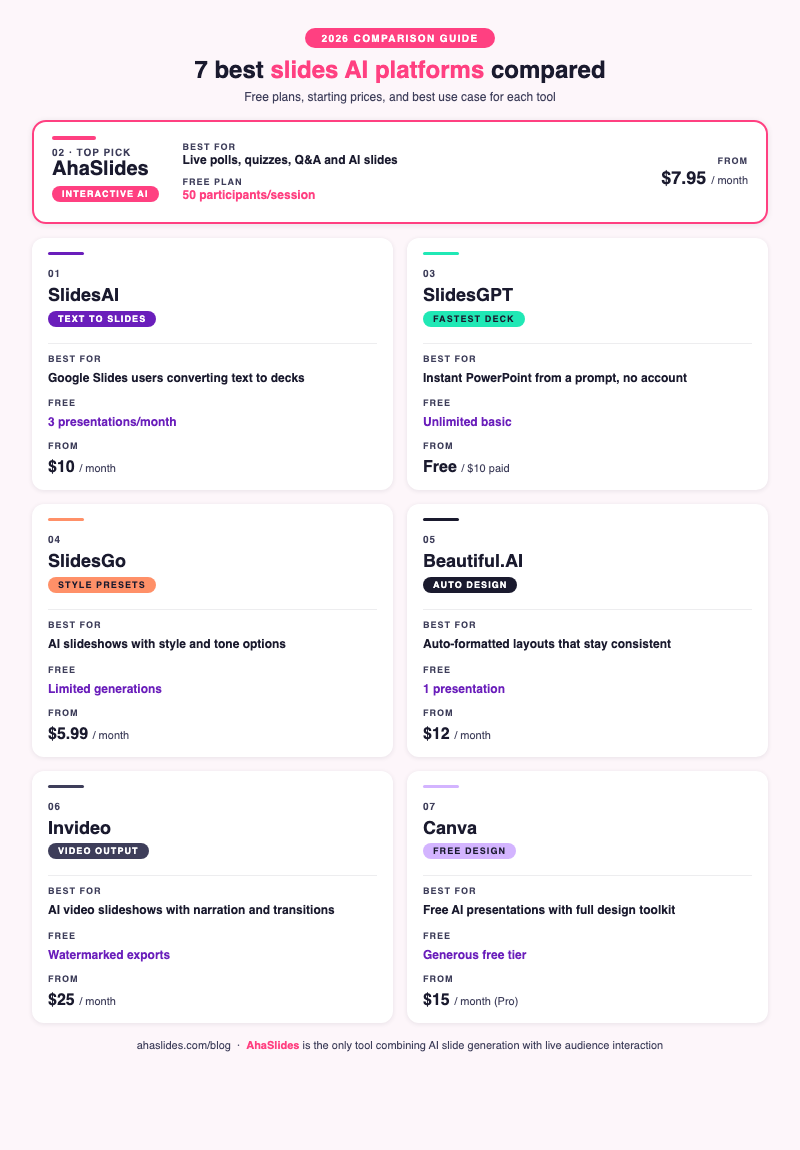
7 best slides AI platforms at a glance
| Tool | Best for | Free plan | Starting price |
|---|---|---|---|
| SlidesAI | Text-to-slides inside Google Slides | 3 presentations/month | $10/month |
| AhaSlides | Interactive presentations with live audience engagement | 50 participants/session | $7.95/month |
| SlidesGPT | One-click PowerPoint generation from a prompt | Unlimited (basic) | Free / $10/month |
| SlidesGo | Customizable AI slideshows with style presets | Limited | $5.99/month |
| Beautiful.AI | Automatically formatted, design-smart slides | 1 presentation | $12/month |
| Invideo | AI-generated video slideshows with narration | Watermarked exports | $25/month |
| Canva | Free AI presentations with a full design toolkit | Generous | $15/month (Pro) |
1. SlidesAI
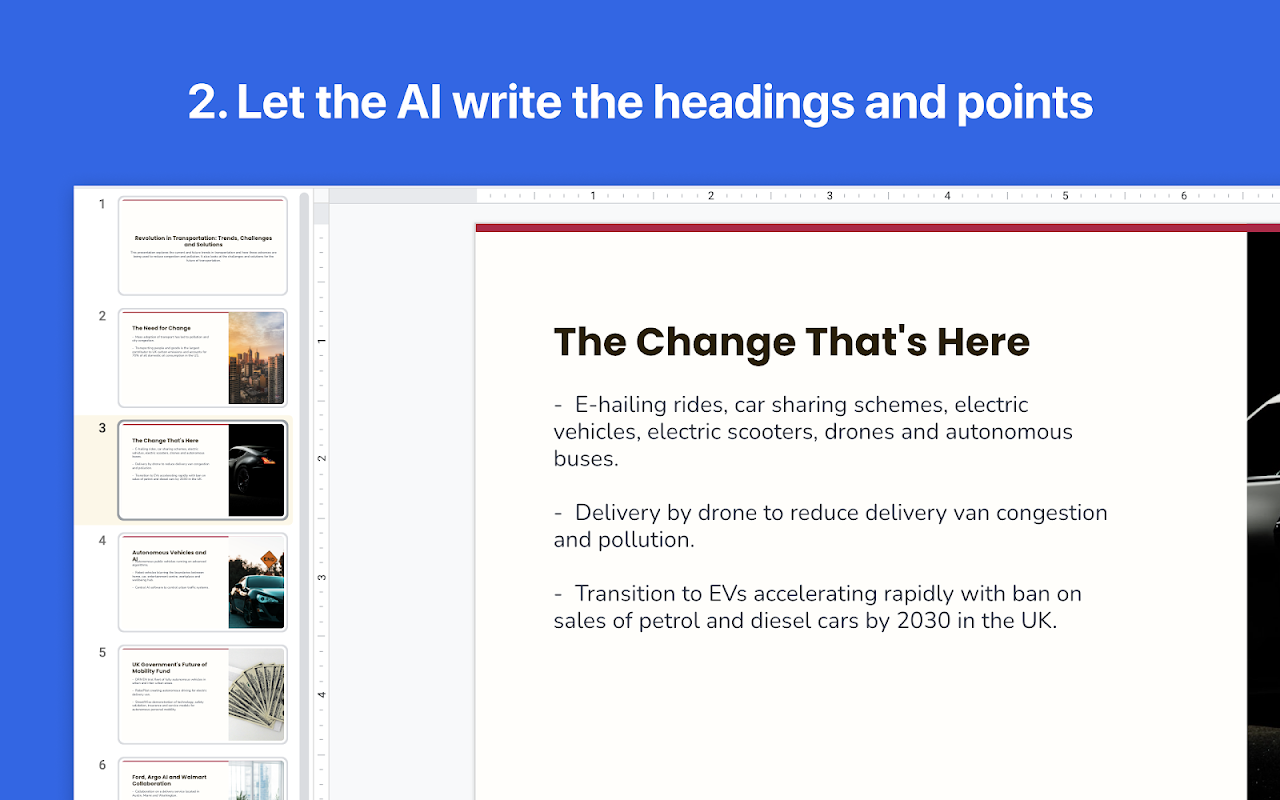
Attention Google Slides enthusiasts! You won't want to miss out on SlidesAI — the ultimate AI slide generator for transforming your presentation into a fully-designed Google Slides deck, all from within Google Workspace.
Why choose SlidesAI, you ask? For starters, it seamlessly integrates with Google Workspace, making it the perfect tool for businesses that rely on the Google ecosystem.
And let's not forget about the Magic Write tool, which allows you to edit your slides even further. With the Paraphrase Sentences command, you can easily rewrite sections of your presentation to perfection.
SlidesAI also offers Recommended Images, an ingenious feature that suggests free stock images based on the content of your slides.
And the best part? SlidesAI is currently developing a new feature that works with PowerPoint presentations, providing a game-changing solution for businesses that use both platforms.
Free plan: 3 presentations/month
Paid plans: From $10/month
Platform: Google Slides add-on (browser-based)
2. AhaSlides
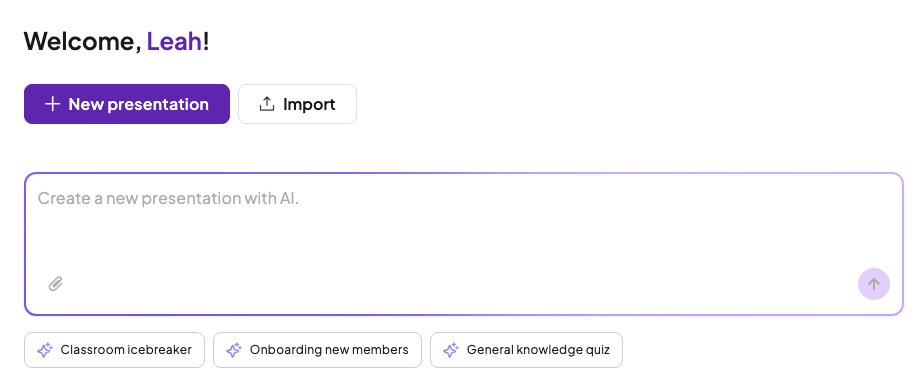
Best for: Trainers, educators, and presenters who need AI-generated content AND live audience interaction in the same tool
AhaSlides solves a different problem from the other tools on this list. While most slides AI platforms focus on making slide creation faster, AhaSlides focuses on what happens during the presentation itself: whether your audience is actually paying attention.
The AI slide builder generates a full deck from a topic or outline in seconds. But the output isn't just static slides: every deck can include live polls, word clouds, open-ended questions, Q&A with audience upvoting, scored quizzes with leaderboards, and a spinner wheel, all of which participants join from their phones without downloading anything.
For L&D teams and corporate trainers, this matters. A 2023 Stanford study on AI workplace tools found that AI assistance increased task quality and completion speed by 14% on average [1], but the real gain in training comes from keeping participants active rather than passive. AhaSlides handles both sides: building the content and running the session.
The free plan covers up to 50 participants per session, which handles most training groups, team meetings, and classroom sizes without paying.
Free plan: 50 participants/session, unlimited presentations
Paid plans: From $7.95/month (monthly billing from $23.95/month)
Platform: Any browser (Mac, Windows, iOS, Android); PowerPoint and Google Slides add-ins available
3. SlidesGPT
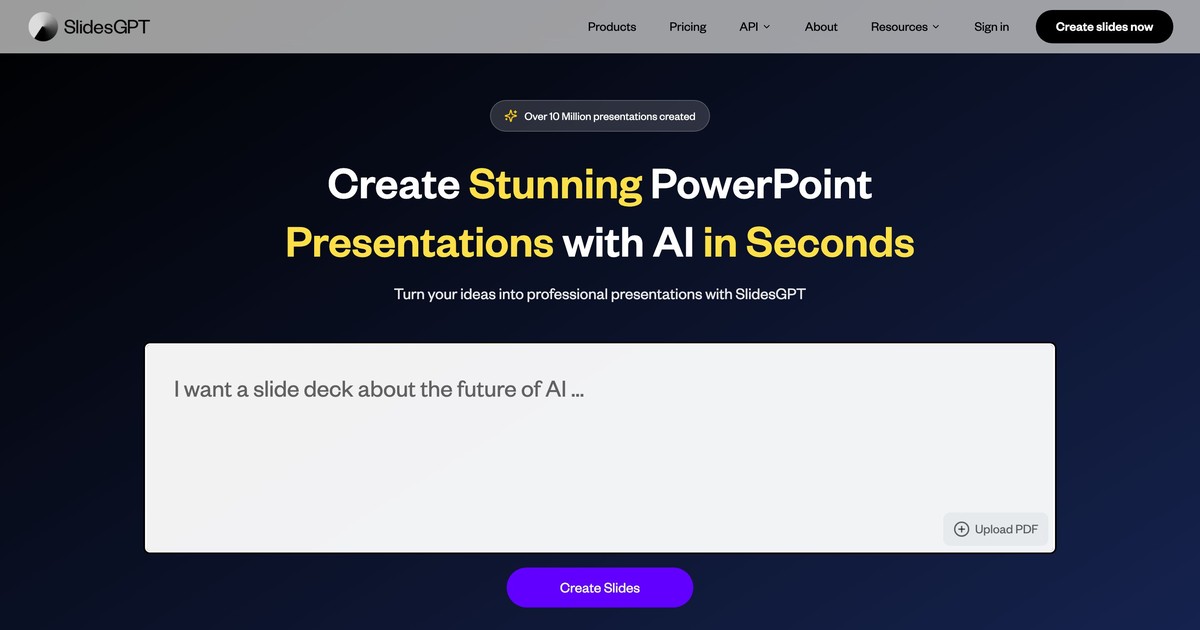
Best for: Anyone who needs a PowerPoint or Google Slides deck fast from a single-sentence prompt, with no account required
SlidesGPT is the most frictionless tool on this list. Go to the website, type what you want a presentation about, and it generates a downloadable PPTX or Google Slides file in under a minute. No account needed, no settings to configure.
The output quality is functional: clean layouts, relevant text, basic images. It won't win design awards, but if you need a starting structure for a presentation you'll customize yourself, it's the fastest zero-to-deck option available.
SlidesGPT supports both Google Slides and Microsoft PowerPoint export formats. The basic tier is free with no generation limits, though paid plans add more slides per deck and priority processing.
Free plan: Unlimited basic generations
Paid plans: From $10/month (longer decks, priority)
Platform: Web (browser-based, no install)
4. SlidesGo
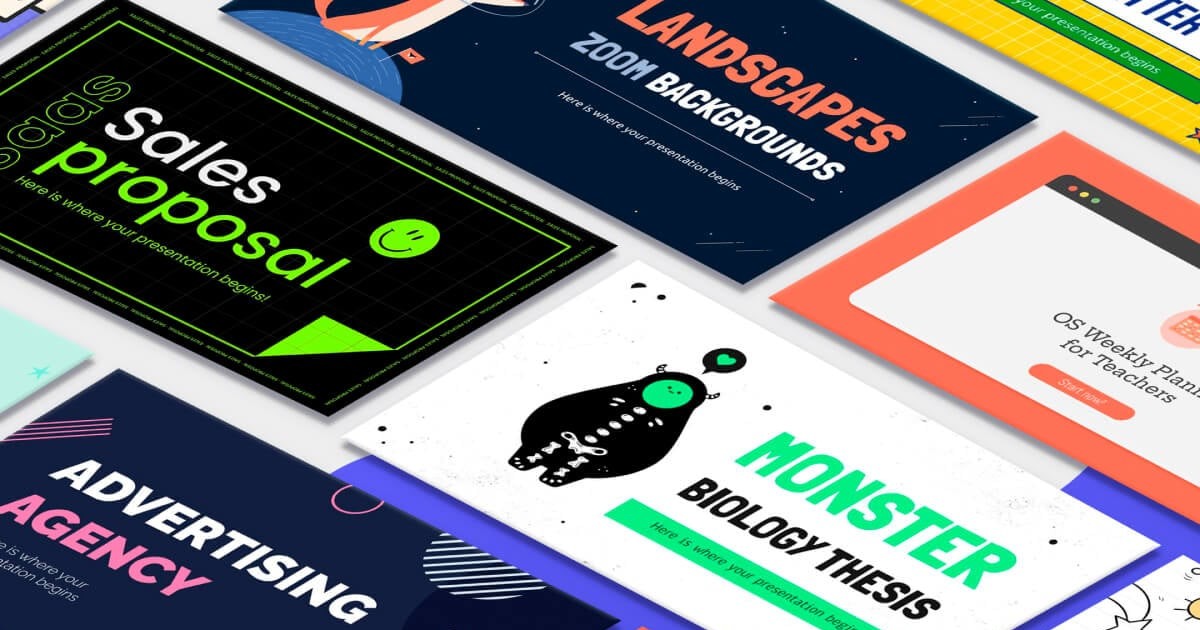
Best for: Presenters who want AI to pick an aesthetic and apply it consistently, with a large library of templates to start from
SlidesGo combines a large template library with an AI generator that lets you specify not just the topic but also the visual style: doodle, simple, abstract, geometric, or elegant. You can also set the tone (fun, casual, professional, formal), which changes both the language and the design direction.
The built-in online editor lets you tweak the result without switching to another app, and the output works in both Google Slides and PowerPoint.
SlidesGo sits between a design tool and an AI generator: it's most useful when you want something that looks polished quickly but still needs your own content and messaging.
Free plan: Limited generations
Paid plans: From $5.99/month
Platform: Web (browser-based)
5. Beautiful.AI
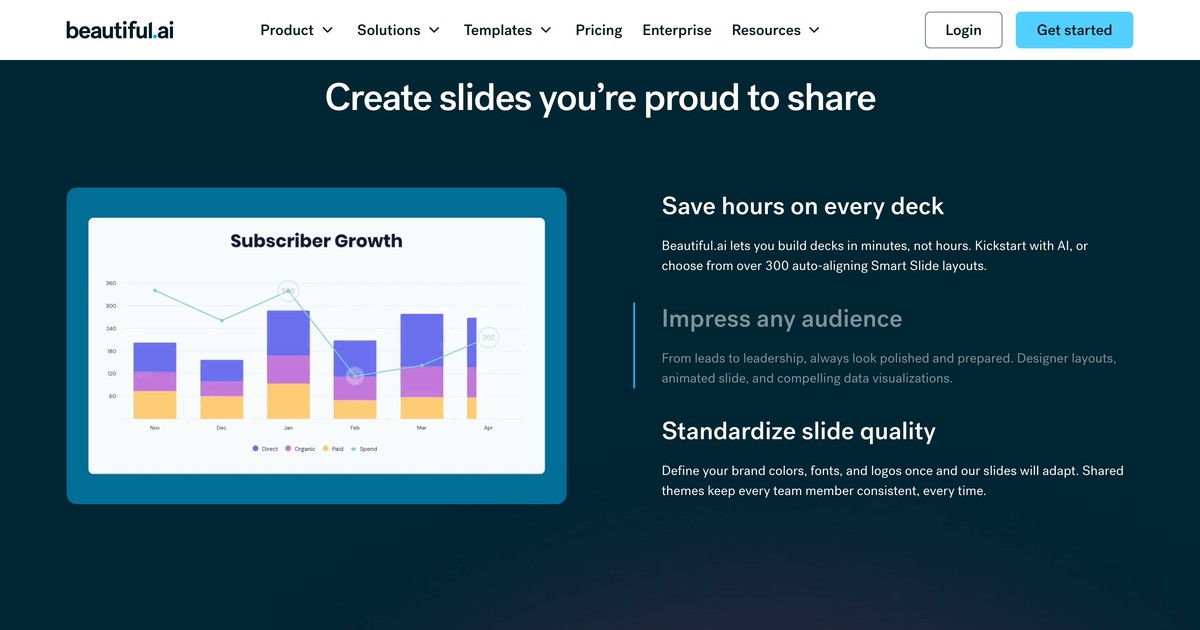
Best for: Professionals who struggle with slide layout and want a tool that automatically keeps designs consistent
Beautiful.AI uses a rule-based design system where slides snap into clean layouts automatically as you add content. The AI layer suggests the right layout type for your content, so a bullet list becomes a grid, a comparison becomes a two-column card view, and a timeline becomes an actual timeline.
The initial learning curve is real: the tool has its own interface logic that takes a session or two to internalize. Once past that, it produces reliably formatted decks faster than working in PowerPoint manually. It also imports data directly to generate charts and diagrams.
Beautiful.AI is a design-forward tool, best suited to people who value visual consistency and are willing to invest an hour learning the system.
Free plan: 1 presentation
Paid plans: From $12/month
Platform: Web (browser-based)
6. Invideo

Best for: Presenters and marketers who want video-format slideshows with voiceover and transitions, not static decks
Invideo is the one tool on this list that outputs video rather than slides. Type a topic, and the AI generates a scripted, narrated video with text overlays, transitions, stock footage, and background music, a slideshow in video form rather than a PowerPoint file.
This makes it useful for a specific subset of use cases: social media content, product explainers, onboarding videos, and recorded course modules. It's not the right tool if you need a live presentation deck; it's the right tool if you need content that runs on its own.
The free plan exports with a watermark. Paid plans remove it and unlock longer videos and higher resolution.
Free plan: Watermarked exports
Paid plans: From $25/month
Platform: Web (browser-based)
7. Canva
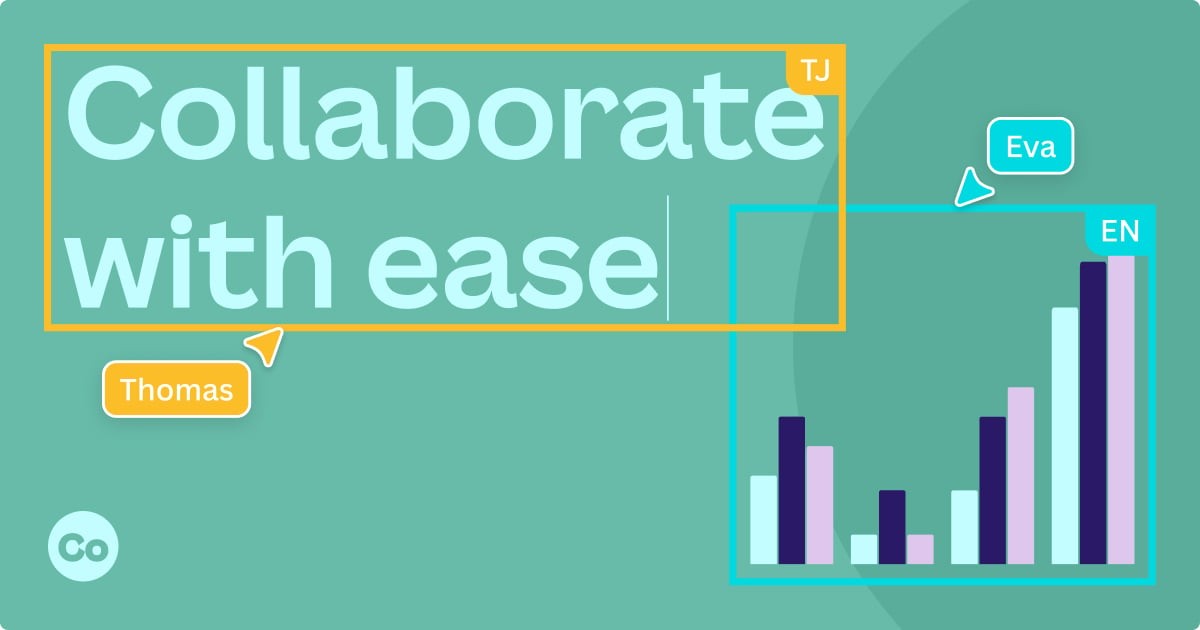
Best for: Presenters who want free AI slide generation with the broadest design toolkit and asset library
Canva's Magic Presentation generates a full deck from a single-line input, pulling from its library of photos, graphics, icons, and fonts to populate each slide. The output quality is above average for a free tool, and the editing experience is the most approachable on this list.
Canva is a design-first platform that happens to include presentations, which means you get access to thousands of templates, a photo editor, video tools, and brand kit features alongside the slide builder. It's best for content creators, marketers, and solo presenters who don't need live audience interaction but do want polished output without a design background.
Free plan: Generous (includes AI generation, most templates, and basic assets)
Paid plans: From $15/month (Pro, unlocks premium assets and brand controls)
Platform: Web, iOS, Android
How to choose
| If your priority is... | Use |
|---|---|
| Speed: deck in under 60 seconds | SlidesGPT |
| Live audience engagement during the session | AhaSlides |
| Google Slides integration | SlidesAI |
| Consistent, auto-formatted design | Beautiful.AI |
| Aesthetic variety and style presets | SlidesGo |
| Video output instead of live slides | Invideo |
| Free + full design toolkit | Canva |
Our verdict
For most presenters, the choice comes down to what you're optimizing for. If you want the fastest deck from scratch, SlidesGPT or Canva get you there for free. If you want professional design that stays consistent as you edit, Beautiful.AI earns its learning curve. If you need your audience to actively participate during the presentation, not just watch, AhaSlides is the only tool on this list built for that.
Frequently asked questions
What is the best free slides AI platform?
Canva offers the most capable free tier: unlimited AI presentations, access to most templates, and a full design toolkit at no cost. SlidesGPT is the fastest for a basic deck with no account needed. AhaSlides is the strongest free option if you need interactive features alongside slide generation (free plan: 50 participants/session).
Can AI really replace manual slide building?
For first drafts and structured content, yes. AI tools handle layout, text generation, and image sourcing faster than doing it manually. Where they fall short is nuance: brand-specific formatting, complex data storytelling, and slides that need a strong editorial voice still benefit from human editing. Think of AI as a first-draft accelerator, not a finisher.
Which slides AI platform works with PowerPoint?
SlidesGPT and SlidesGo both export directly to PPTX. AhaSlides has a PowerPoint add-in that adds interactive slides to an existing deck. SlidesAI works within Google Slides but is adding PowerPoint compatibility. Beautiful.AI, Invideo, and Canva use their own editors with limited PPTX export options.
What is the difference between a slides AI platform and an interactive presentation tool?
Most slides AI platforms generate content: they take a prompt or document and produce a deck with text and visuals. Interactive presentation tools go further by adding real-time audience participation: live polls, Q&A, word clouds, quizzes. AhaSlides combines both: AI generation for the content layer and interactive features for the delivery layer.
Is it safe to use AI tools for work presentations?
Generally yes for public or general content. For sensitive business data, check each platform's data handling policy before pasting in internal documents or confidential information. SlidesAI (Google Workspace) and Canva (enterprise plans) have formal enterprise privacy controls. For proprietary content, use prompts that describe the structure without including the actual data.
More alternatives guides
- 7 best Poll Everywhere alternatives for better audience engagement
- 6 great Mentimeter alternatives with unique features you'll love in 2026
- 12 best Kahoot alternatives in 2026 (free and paid options)
- 5 best ClassPoint alternatives for interactive teaching (2026)
- 5 free online polling tools for meetings and training (2026)
Sources
[1] Brynjolfsson, E., Li, D., & Raymond, L. R. (2023). Generative AI at work. NBER Working Paper 31161. https://www.nber.org/papers/w31161