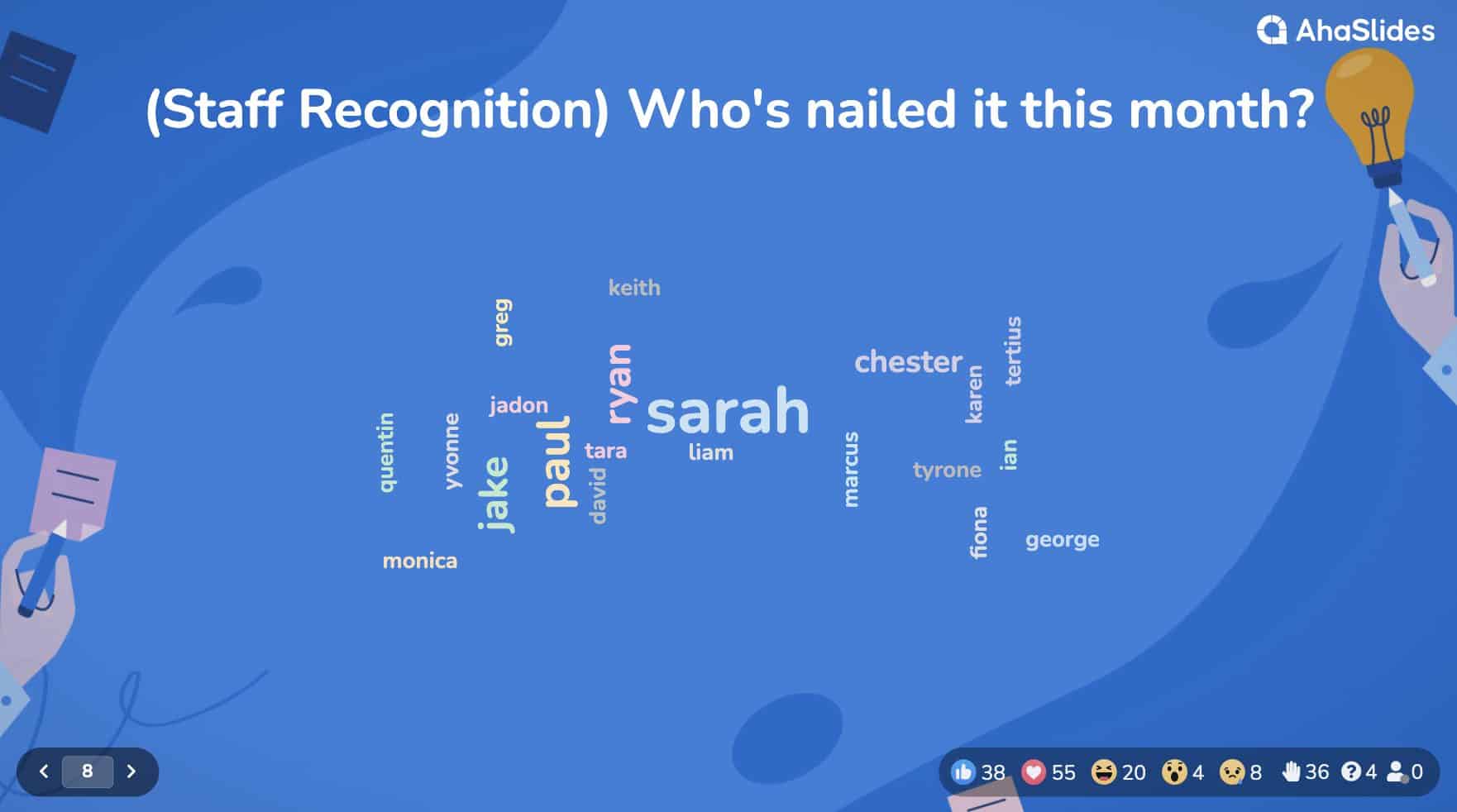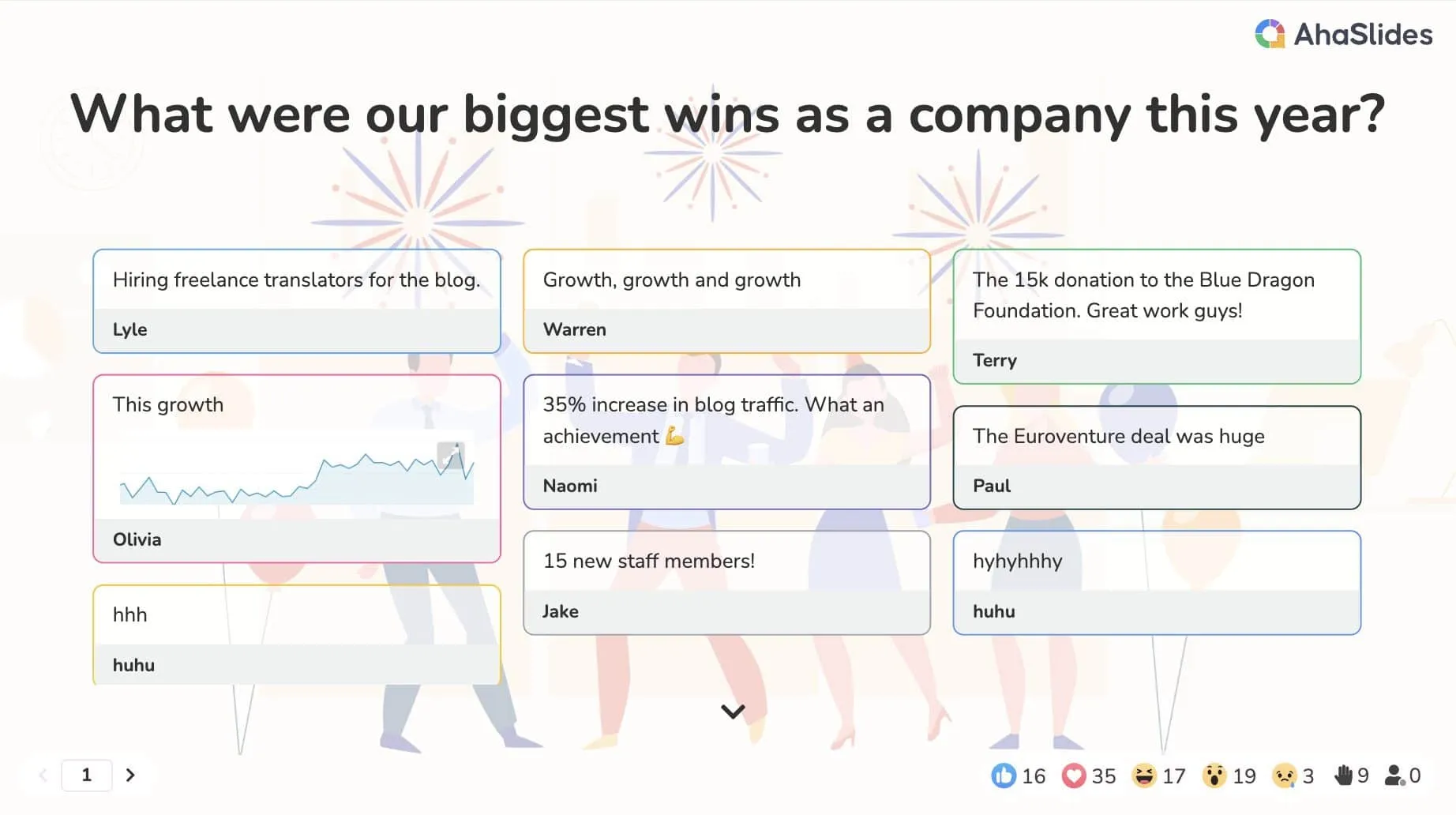

Run live polls, quizzes, Q&A, team games and idea boards - then track participation with built-in post-session reports. All in one tool.




.webp)
.webp)

.webp)

.webp)
.webp)
.webp)
.webp)
.webp)
Use a poll to bring audience voices into the webinar and use the results to guide key discussion points or close with a shared conclusion.
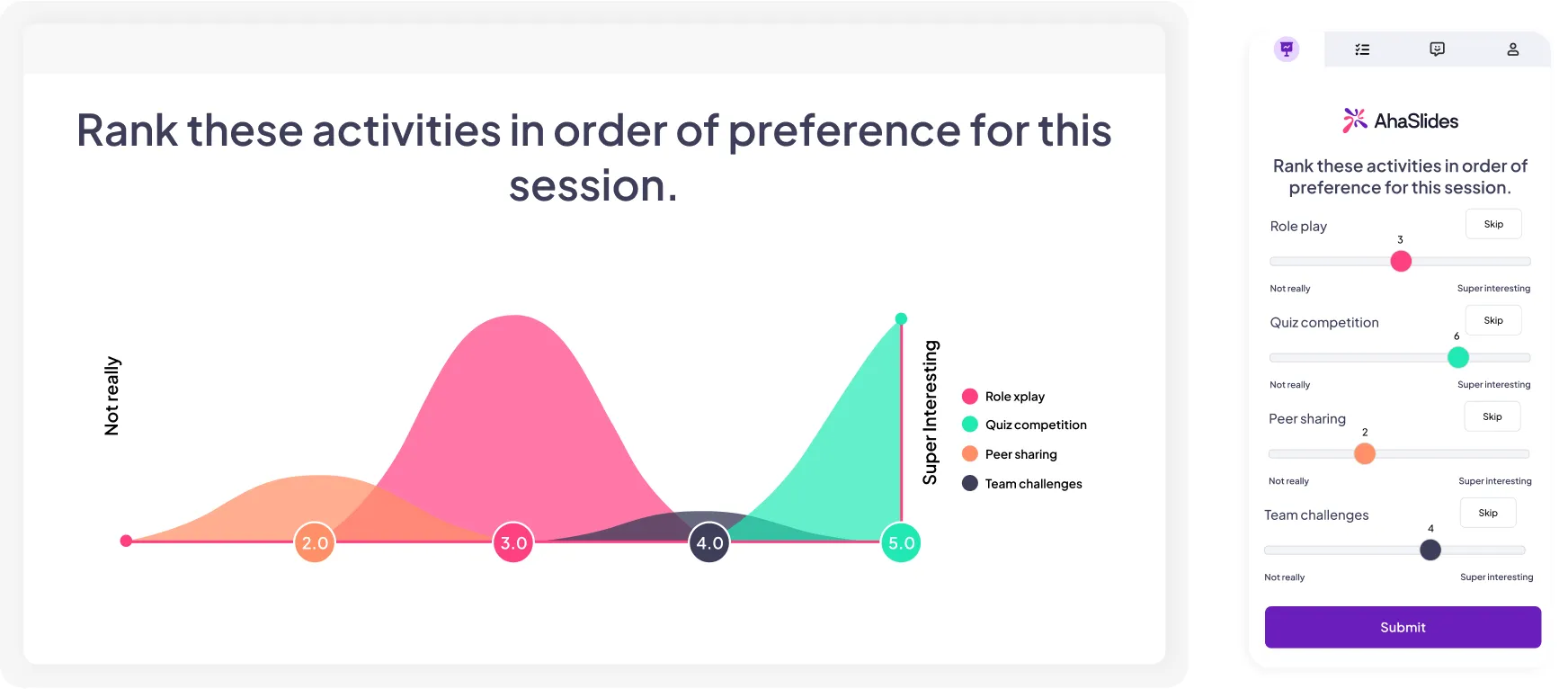
Use a poll to bring audience voices into the webinar and use the results to guide key discussion points or close with a shared conclusion.
.webp)
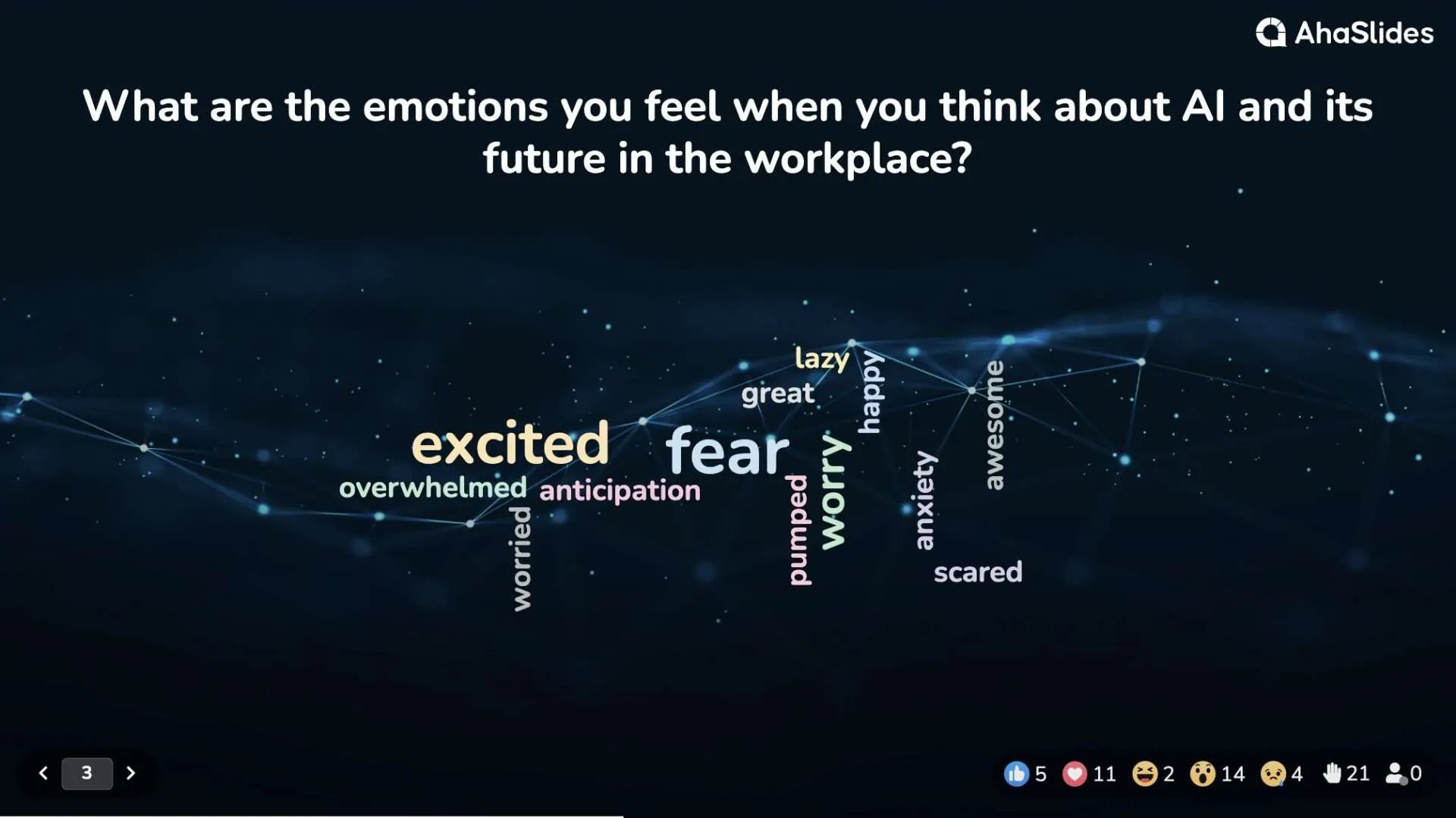
End with an open-ended question or idea board, then group responses with AI and use upvotes to surface the top ideas.
.webp)
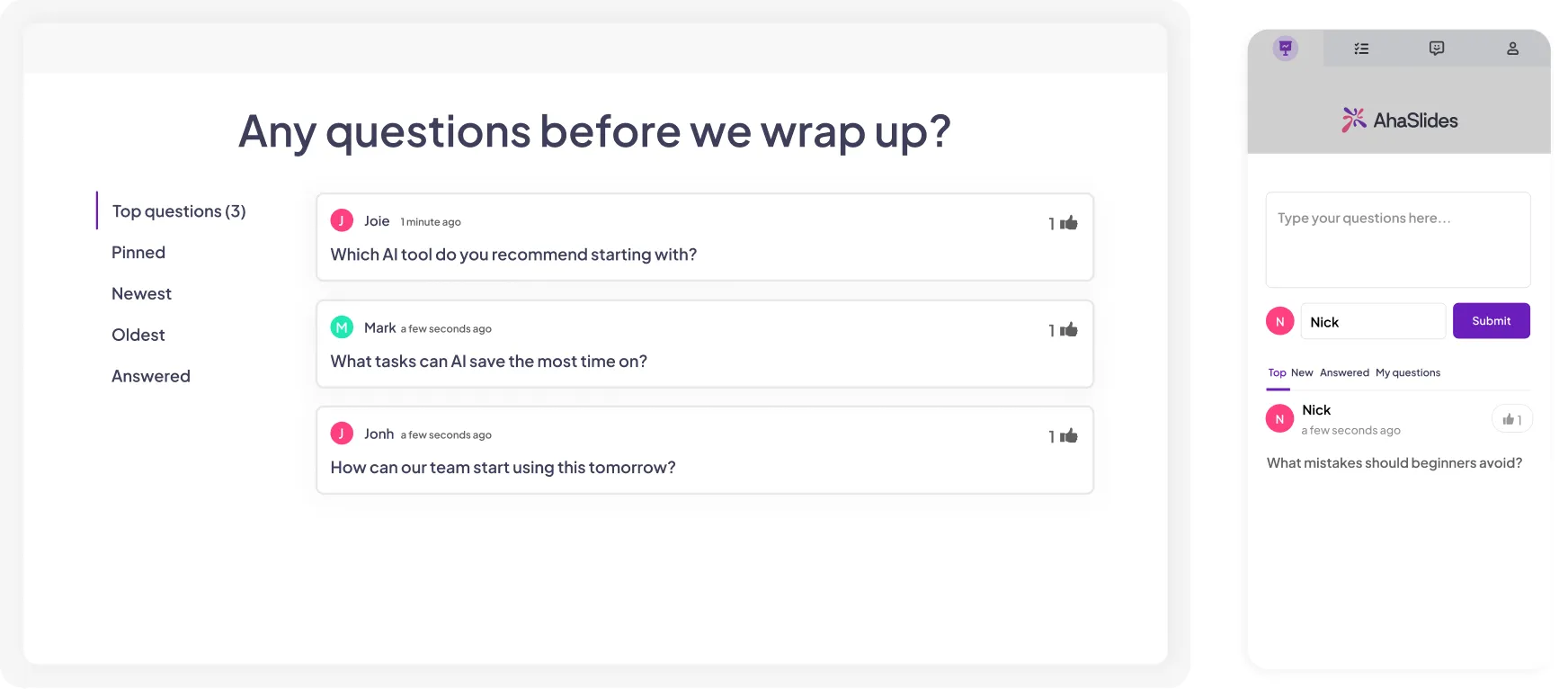
Anonymous, upvoted questions throughout the session or to wrap up. Moderator mode lets you filter before they go live.
Want to learn more about AhaSlides in webinars and virtual sessions? Explore guides, tips, and ideas here.
One platform for every webinar engagement need — live polls, anonymous Q&A, idea boards, and self-paced follow-ups. Integrates with Zoom, Teams, and Google Meet. Every online session, fully interactive.
Perfect for conducting icebreakers, quiz competitions, fun trivia, group activities, or virtual assessments across various contexts.
A wide range of interactive questions, polls, and assessments that keep your audiences actively engaged throughout virtual sessions.
Track participant engagement levels, completion rates, and identify specific improvement areas via post-session reports.

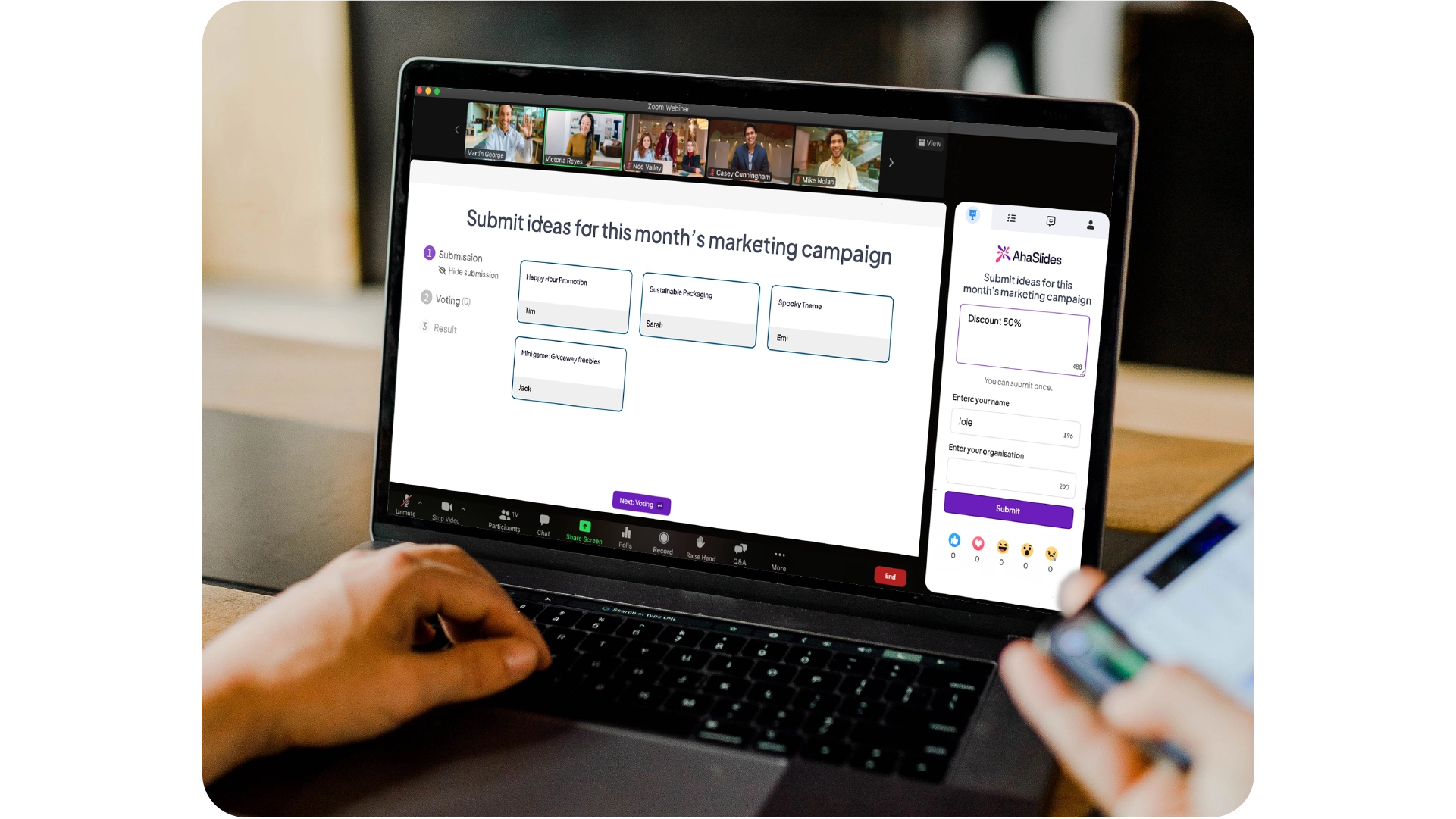
No learning curve, easy access for learners via QR code.
With a 3000+ template library and our AI assistance that helps presentations get ready in 15 minutes.
Works well with Teams, Zoom, Google Slides, and PowerPoint.




.svg)
.svg)
.svg)





.svg)