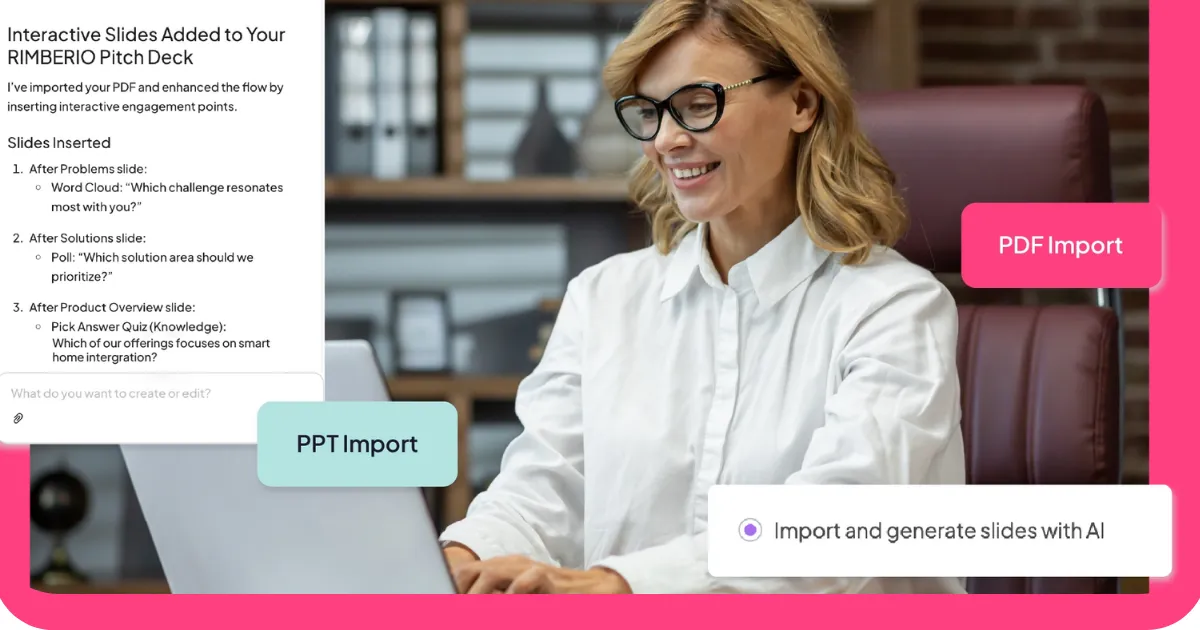


V tomto srovnání tvoříme jeden z nástrojů. To znamená, že na tuto kategorii máme perspektivu a stejná transparentnost, jakou jsme vnesli do našeho průvodce nástroji umělé inteligence, platí i zde: poctivé zhodnocení všech pěti možností, včetně naší vlastní, je pro vás užitečnější než průvodce, který tiše ukazuje palec na váze.
Takže tady je situace: posoudili jsme pět nástrojů pro otázky a odpovědi podle stejných kritérií. Pokud je AhaSlides tou správnou volbou, řekneme to. Pokud jiný nástroj lépe slouží konkrétnímu případu použití, řekneme to také. Cílem je pomoci vám najít nástroj, který odpovídá tomu, co se skutečně snažíte dělat.
Co nástroje pro otázky a odpovědi skutečně řeší
Problém s otázkami v prezentacích nespočívá v tom, že by je publikum nemělo. Spíš v tom, že podmínky pro jejich kladení jsou obvykle špatné. Zvednuté ruce přejí sebevědomým lidem. Otevřené prostory přejí hlučným. Většina lidí s upřímnými otázkami mlčí, protože kladení otázek se zdá riskantní nebo trapné.
Digitální nástroje pro otázky a odpovědi mění podmínkyAnonymní zasílání odstraňuje sociální riziko. Hlasování „up“ odhaluje, co se daná místnost skutečně chce dozvědět, spíše než to, na co se zeptá jeden člověk. Moderování udržuje věci v chodu. Výsledkem je více otázek, více upřímných otázek a jasnější představa o tom, co si vaše publikum skutečně myslí.
Níže uvedených pět nástrojů k tomuto problému přistupuje z různých úhlů pohledu. Každý z nich je v něčem skutečně dobrý. Otázkou je, zda to, v čem je dobrý, odpovídá vašim potřebám.
Na co se zaměřit před výběrem
Správný nástroj závisí na vašem konkrétním kontextu. Před porovnáním možností je vhodné zodpovědět několik otázek: Pro kolik lidí budete prezentovat a zahrnuje to bezplatná úroveň? Potřebujete anonymní odesílání a je to výchozí nastavení, nebo je to možnost, kterou musíte povolit? Jak velkou kontrolu potřebujete nad tím, které otázky se zobrazují na obrazovce? Potřebujete nástroj integrovat s vašimi snímky, nebo může běžet samostatně? A kolik času máte na jeho nastavení před další prezentací?
Odpovědi zúží výběr rychleji než jakékoli srovnání funkcí. Níže uvedené části vám poskytnou vše, co potřebujete k konečnému rozhodnutí.
Pět nástrojů pro otázky a odpovědi, které stojí za to znát
Zde je návod, jak se srovnávají.
1. AhaSlides: nejlepší pro integrované prezentace
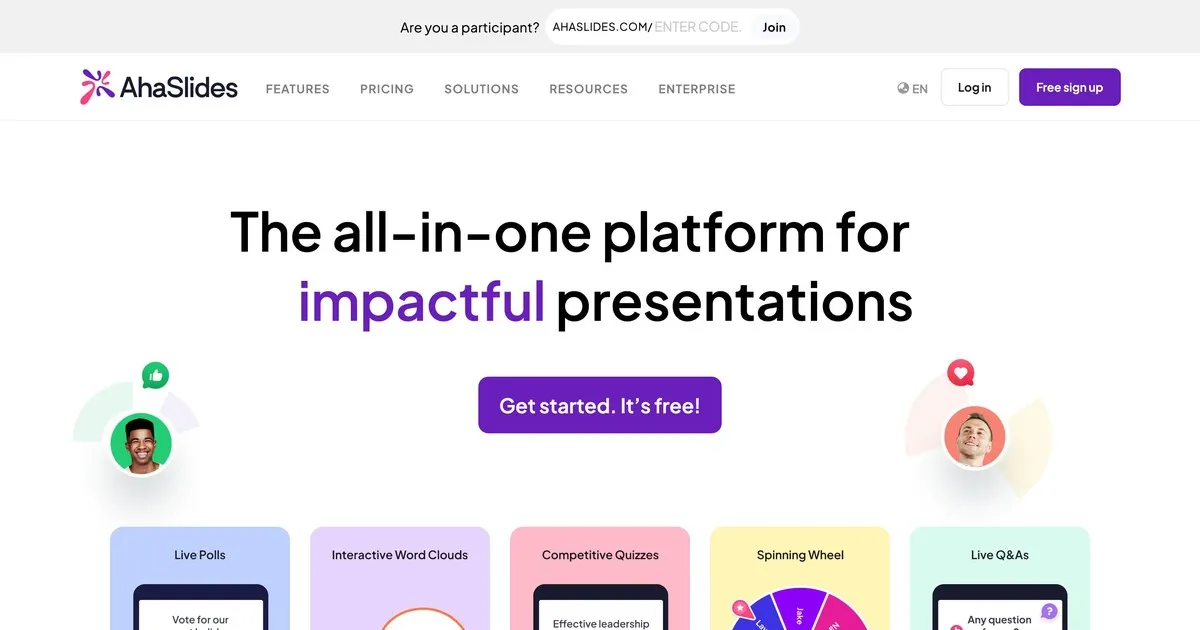
Toto je náš nástroj, takže berte tento příspěvek se stejnou skepsí, jakou byste uplatňovali u jakéhokoli sebehodnocení. Co bychom řekli upřímně: AhaSlides je postaven na myšlence, že otázky a odpovědi fungují lépe, když jsou součástí širší interaktivní relace, spíše než když jsou na konci jen lákadlem.
Funkce otázek a odpovědí je solidní. Je integrováno anonymní zadávání otázek. Otázky můžete moderovat předtím, než se objeví na obrazovce. Členové publika mohou hlasovat pro otázky, na které chtějí odpovědět. AhaSlides se od ostatních nástrojů liší tím, že otázky a odpovědi jsou součástí jedné platformy, kde najdete ankety, cloudy slov, kvízy a živé snímky. Pokud chcete spustit interaktivní relaci, a ne jen sbírat otázky, je tato integrace důležitá.
Kde jsme slabší: AhaSlides je primárně prezentační nástroj, který zahrnuje otázky a odpovědi, nikoli specializovaná platforma pro otázky a odpovědi. Pokud je vaší primární potřebou správa otázek a prezentujete před velkým publikem, jsou moderační funkce Slida pokročilejší. Bezplatná úroveň podporuje až padesát účastníků, což pokrývá většinu prostředí pro učebny a malé schůzky, ale ne velké akce.
Nejlepší pro: učitele, firemní školitele a kohokoli, kdo pořádá lekce, kde otázky a odpovědi představují pouze jeden z interaktivních prvků, nikoli jejich hlavní zaměření.
2. Slido: nejlepší pro velké firemní akce

Slido je v tomto seznamu nejvíce účelově navrženým nástrojem pro otázky a odpovědi. Zatímco ostatní platformy nabízejí otázky a odpovědi spolu s dalšími funkcemi, Slido rozvinul své funkce správy otázek více než kdokoli jiný. Pro velké publikum, kde přicházejí desítky nebo stovky otázek současně, mají Slido skutečný význam jeho moderační ovládací prvky, detekce duplicit a seskupování otázek.
Anonymní odesílání je standardem. Hlasování publika automaticky zobrazuje nejoblíbenější otázky. Moderátoři mohou otázky před jejich zveřejněním kontrolovat, upravovat, seskupovat a mazat. Analýzy po události ukazují, které otázky vzbudily největší zájem a která témata publikum nejvíce zajímala.
Omezením je zaměření. Slido zvládá správu otázek výjimečně dobře a zbytek kompetentně. Pokud chcete širší interaktivitu anket, cloudů slov a gamifikovaného obsahu spolu s otázkami a odpověďmi, další nástroje na tomto seznamu je integrují přirozeněji. Bezplatná úroveň podporuje sto účastníků. Placené plány začínají na zhruba sedmnácti dolarech měsíčně.
Nejlepší pro: konference, schůzky všech zúčastněných stran, hovory o výsledcích hospodaření a jakékoli velké firemní prezentace, kde je zvládnutí velkého množství otázek hlavní výzvou.
3. Mentimetr: nejlepší pro zapojení ve třídě
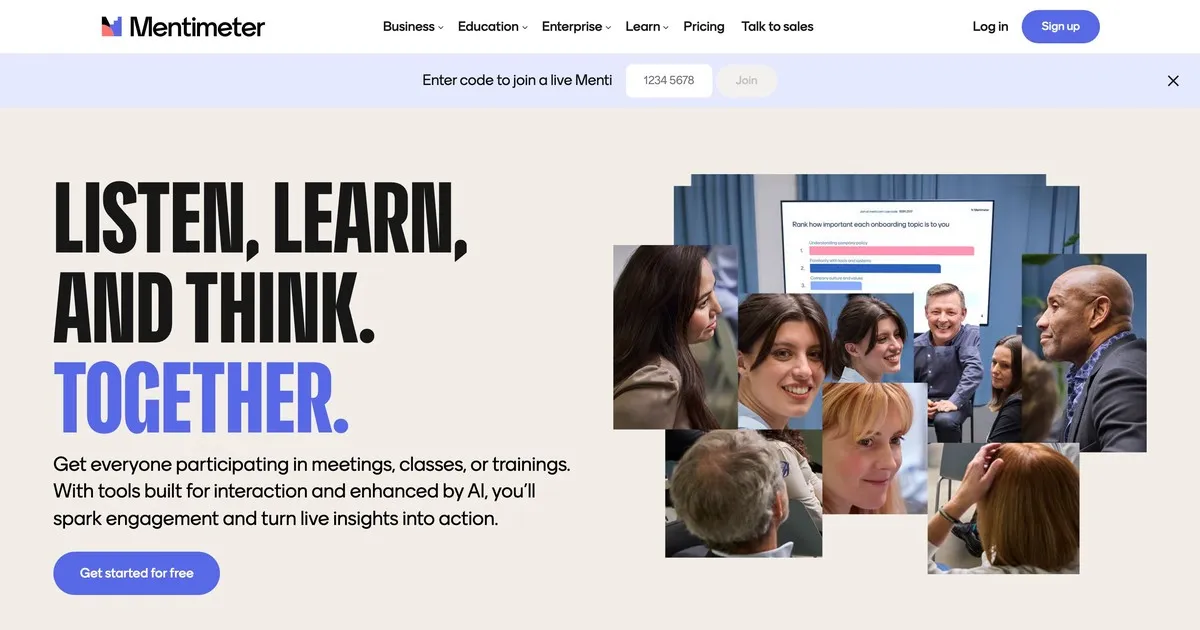
Mentimeter si vybudoval reputaci ve vzdělávání a stále tam vyniká. Rozhraní je rychlé, nastavení je minimalistické a vizuální design je dostatečně atraktivní, aby působil moderně, aniž by rušil. Učitelé, kteří nejsou nijak zvlášť technicky zdatní, ho shledávají přístupným způsobem, na rozdíl od některých jiných nástrojů.
Funkce otázek a odpovědí je přímočará: anonymní odesílání, možnosti moderování a zobrazení v reálném čase. Mentimeter vyniká svými širšími možnostmi dotazování a vizualizace, které se lépe hodí k rytmu výuky než specializovaná platforma pro otázky a odpovědi. Rychlé kontroly porozumění textu, živé ankety a otevřené otázky – to vše přirozeně zapadá do jedné relace Mentimetru.
Bezplatná úroveň je omezenější než některé alternativy: padesát účastníků měsíčně s maximálně pěti prezentacemi. Pro běžné používání ve třídě je pravděpodobně nutný placený plán. Placené plány začínají na zhruba dvanácti dolarech měsíčně.
Nejlepší pro: učitele, školitele a pedagogy všech úrovní, kteří chtějí mít otázky a odpovědi jako součást širšího interaktivního zážitku ve třídě.
4. Vevox: nejlepší pro vysokoškolské vzdělávání
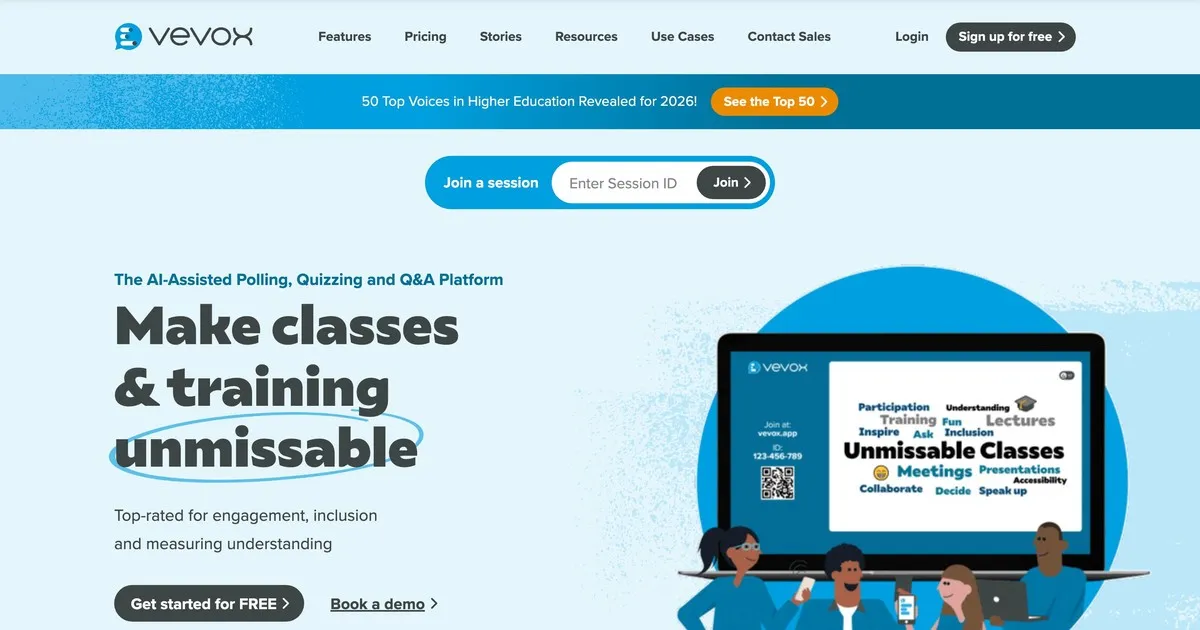
Vevox upřednostňuje spolehlivost a kontrolu moderování před vizuální propracovaností. Je vytvořen speciálně pro vzdělávací prostředí, kde je schopnost kontrolovat a filtrovat otázky dříve, než je studenti uvidí, důležitější než vzhled rozhraní. Nejlépe si vede na univerzitách a ve velkých přednáškových prostorách.
Anonymní odesílání je spíše výchozí nastavení než možnost, což je důležité v prostředích, kde je nepravděpodobné, že by studenti kladli otázky, pokud je uvedeno jejich jméno. Ovládací prvky moderování jsou silné: instruktoři mohou otázky kontrolovat, upravovat, seskupovat a mazat ještě předtím, než se objeví. Asistenti učitele mohou spravovat frontu, zatímco instruktor prezentuje.
Rozhraní vyžaduje o něco více navigace než Mentimeter nebo AhaSlides, což je dobré vědět, pokud je pro vás prioritou snadné nastavení. Ceny specifické pro vzdělávací instituce jej zpřístupňují. Bezplatná verze je omezená a je vhodná především pro malé skupiny.
Nejlepší pro: univerzitní lektory, profesory a pedagogy ve vysokoškolském vzdělávání, kde jsou primárními požadavky anonymní zasílání příspěvků a důsledná moderace.
5. Pigeonhole Live: nejlepší pro akce s více sezeními
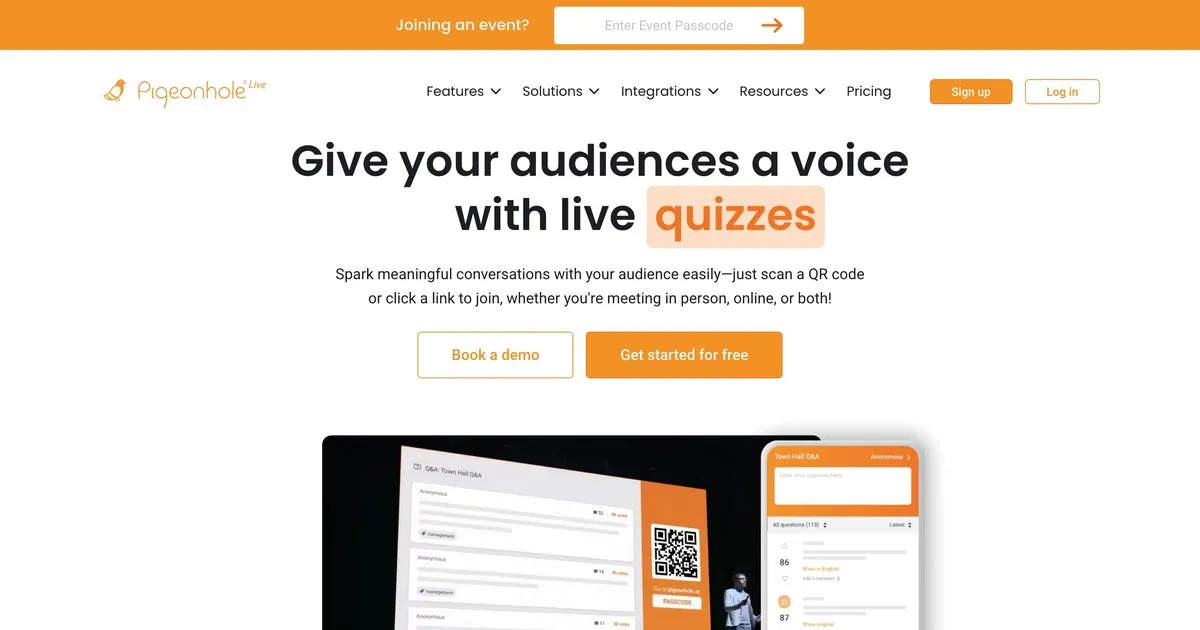
Pigeonhole zvládá složitosti, pro které ostatní nástroje v tomto seznamu nebyly navrženy. Pokud pořádáte konferenci s desítkami přednášek probíhajících současně, z nichž každá má jiného řečníka, místnost a načasování, Pigeonhole zvládá tuto logistickou strukturu způsobem, jakým to jednodušší nástroje nedokážou.
Otázky a odpovědi specifické pro danou sekci znamenají, že otázky směřují ke správnému řečníkovi, místo aby se zobrazovaly v jednom sdíleném seznamu. Organizátoři mohou spravovat otázky napříč všemi sekcemi současně. Účastníci se mohou zapojit do více sekcí. Analýzy po akci ukazují, které sekce vyvolaly největší zájem a která témata vyvolala nejvíce otázek v rámci celé akce.
Nevýhodou je složitost nastavení a cena. Pigeonhole vyžaduje více konfigurace než ostatní nástroje zde a nenabízí smysluplnou bezplatnou úroveň. Pro jednu prezentaci nebo malou akci je to více, než potřebujete. Pro vícedenní konferenci s více simultánními kanály je to pravděpodobně správná volba.
Nejlepší pro: organizátory konferencí, kteří spravují akce s více sekcemi, kde je směrování otázek na konkrétní řečníky a sledování zapojení napříč sekcemi skutečným provozním požadavkem.
Jak se nástroje srovnávají
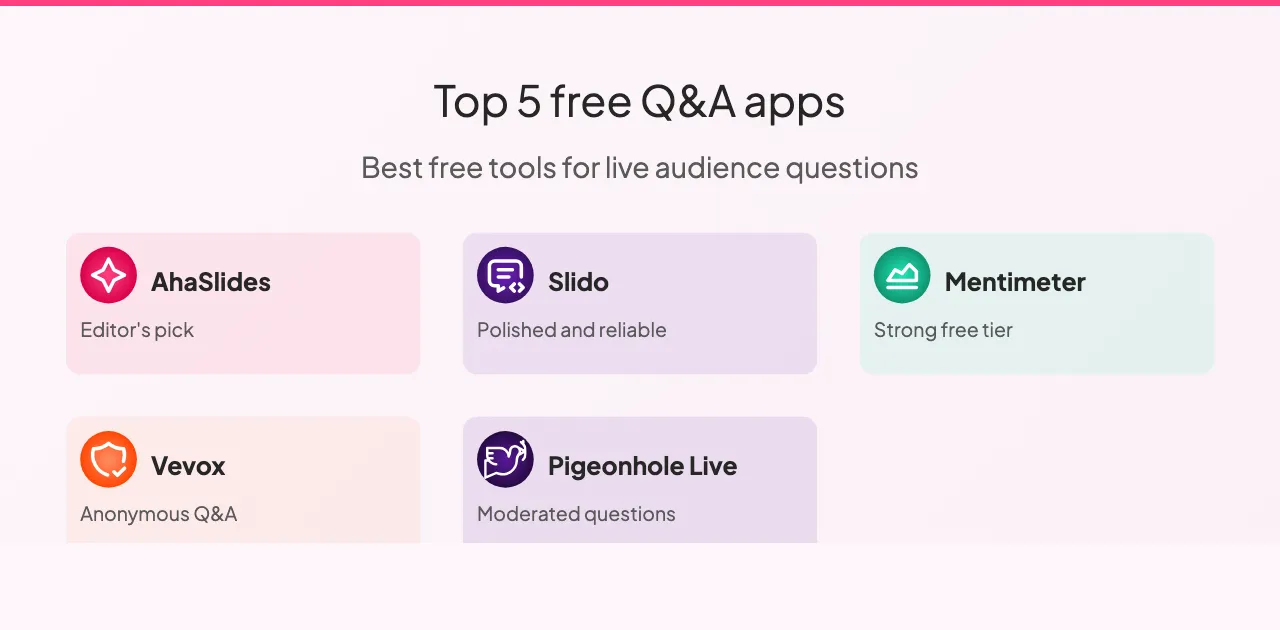
Všech pět nástrojů podporuje anonymní otázky a hlasování publika, s výjimkou Vevoxu, kde je hlasování omezené. Možnosti moderování se liší výrazněji: Slido a Pigeonhole nabízejí nejpokročilejší ovládací prvky moderování, Vevox je silný a AhaSlides a Mentimeter dostatečně dobře pokrývají základy pro většinu nastavení.
Integrace slajdů je oblast, kde se nástroje nejvíce liší. AhaSlides se nativně integruje s vašimi slajdy, Slido nabízí integraci s hlavními prezentačními platformami, Mentimeter má omezenou integraci a Vevox a Pigeonhole se slajdy vůbec neintegrují.
Na bezplatných úrovních: Slido je nejštědřejší se sto účastníky, AhaSlides a Mentimeter podporují padesát, bezplatná úroveň Vevoxu je omezena na malé skupiny a Pigeonhole nenabízí žádnou smysluplnou bezplatnou úroveň. Pro většinu učeben a malých schůzek pokrývají kterékoli z prvních tří možností typickou velikost publika bez placeného tarifu.
Ceny u všech pěti programů se řídí podobným vzorem: měsíční tarify se pohybují od osmi do osmnácti dolarů za rozšířené limity účastníků a pokročilé funkce. Slido a Pigeonhole nabízejí podnikové ceny pro organizace, které pořádají časté velké akce. AhaSlides, Mentimeter a Vevox nabízejí nejdostupnější vstupní body pro jednotlivce a malé týmy.
Jak nejlépe využít nástroje pro otázky a odpovědi
Několik postupů má konzistentní dopad bez ohledu na to, jakou platformu si vyberete.
Před prezentací si vše otestujte. Domluvte si s kolegou krátkou konzultaci, abyste si ověřili, zda nastavení funguje, zkontrolovali připojení k internetu a seznámili se s rozhraním. Technická překvapení během prezentace ruší takovým způsobem, že jim dvouminutová předběžná kontrola zcela zabrání.
Řekněte publiku, jak to funguje, ještě než to bude potřebovat. Vysvětlete, kam otázky patří, jak je odesílat a zda jsou otázky anonymní. Třicet sekund vysvětlování na začátku vede k výrazně větší účasti, než když necháte lidi, aby si to uprostřed lekce sami vyřešili.
Zobrazujte otázky na obrazovce. Viditelnost udržuje vysokou míru zapojení. Lidé vidí, na co se ostatní ptají, což často vyvolává otázky, na které by je samotné nenapadlo se zeptat.
Čtěte otázky nahlas, i když jsou viditelné na obrazovce. Udržuje to plynulost konverzace a zajišťuje, že otázku slyší všichni v místnosti, včetně lidí, kteří obrazovku nemusí jasně vidět.
Diskutujte o tom, co vidíte, místo abyste jen šli dál. Uznání otázky, byť jen krátké, signalizuje, že na vstupu záleželo. Lidé, kteří se cítí slyšet, se více zapojují. Lidé, kteří se cítí ignorováni, se už znovu neptají.
Poté si projděte analytické údaje. Většina platforem poskytuje po skončení sezení reporty. Otázky, které vaše publikum kladlo, a ty, které nejvíce hlasovalo, vám prozradí, na čem jim skutečně záleželo. To je spolehlivější zpětná vazba než dojmy z paměti.
Existuje také několik vzorců, kterým je třeba se vyhnout. Spuštění bez vysvětlení nástroje znamená, že většina publika jej nepoužije. Shromáždit otázky a poté na ně neodpovědět je horší než je neshromáždit vůbec: signalizuje to, že účast byla performativní. Důsledné překračování vyhrazeného času signalizuje neúctu k harmonogramu publika a v takovém případě se obvykle vynechá sekce otázek a odpovědí.
Balit
Nejlepší nástroj pro otázky a odpovědi je ten, který odpovídá rozsahu a složitosti toho, co skutečně děláte. Pro většinu tříd a malých schůzek vám AhaSlides nebo Mentimeter umožní vyřešit problémy za méně než pět minut. Pro velké firemní akce, kde je primární výzvou zvládnutí velkého množství otázek, se moderační schopnosti Slida vyplatí za vyšší cenu. Pro vícedenní konference s více simultánními sezeními se Pigeonhole vypořádá se složitostí, kterou nic jiného zde nezvládne.
Začněte s bezplatnou verzí nástroje, který nejlépe vyhovuje vašemu kontextu. Než se k ní pustíte, proveďte jednu reálnou lekci. Rozdíl mezi prezentací, kde se otázky nekladou, a prezentací, kde se vaše publikum cítí skutečně slyšet, je menší, než se zdá. Jde hlavně o vytvoření podmínek pro účast, spíše než o doufání, že se to stane samo od sebe.