


Looking for meaningful activities to engage with your audience online? AhaSlides is here to help you with our newest Zoom integration.
Setting it up doesn't take more than 5 minutes and is completely GRATIS!
How to use the AhaSlides Zoom integration
- Get the app: Log into your Zoom account, search for "AhaSlides" in the Apps section, and click "Get."
- Launch it in your meeting: Launch the app during your meeting, log into your AhaSlides account, pick a deck, and share your screen. Attendees won't need separate login details or devices.
- Run your presentation: Run your presentation as usual and watch responses appear live on the shared slideshow.
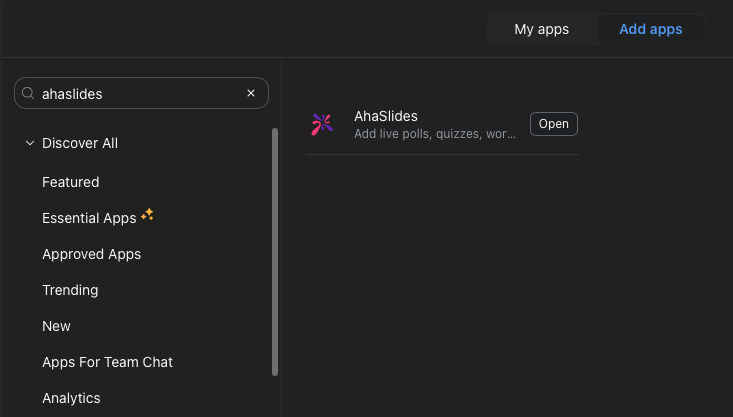
Attendees can join in one of two ways: through the Zoom app marketplace, or via a simple invitation link shared in the meeting chat.
What you can do with the AhaSlides Zoom integration
Icebreakers for Zoom meetings
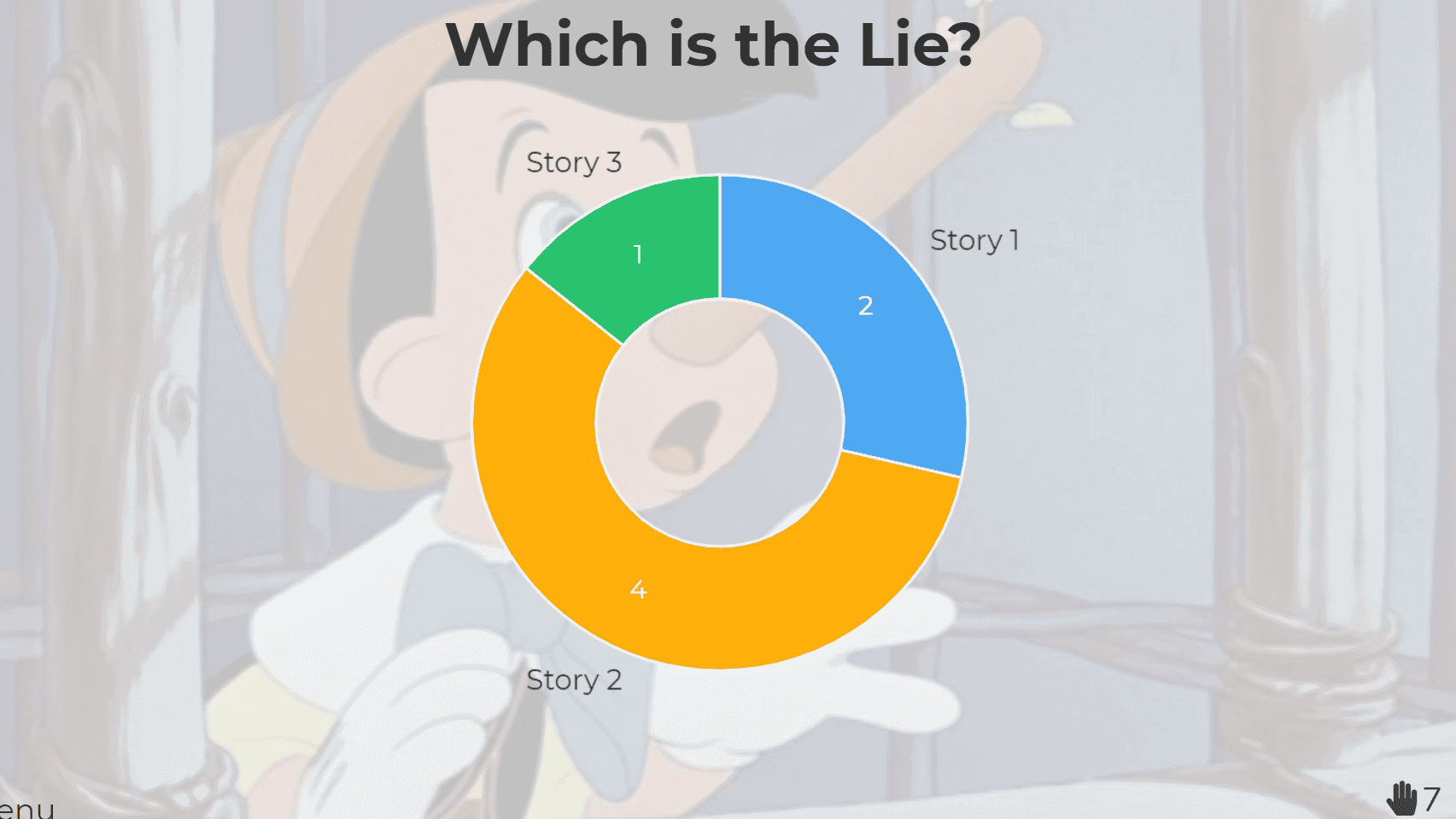
1. To sandheder, én løgn
Participants share 3 short facts about themselves — 2 true and 1 false. Everyone else votes on which one is the lie.
Kræver: Multiple-choice poll slide.
2. Færdiggør sætningen
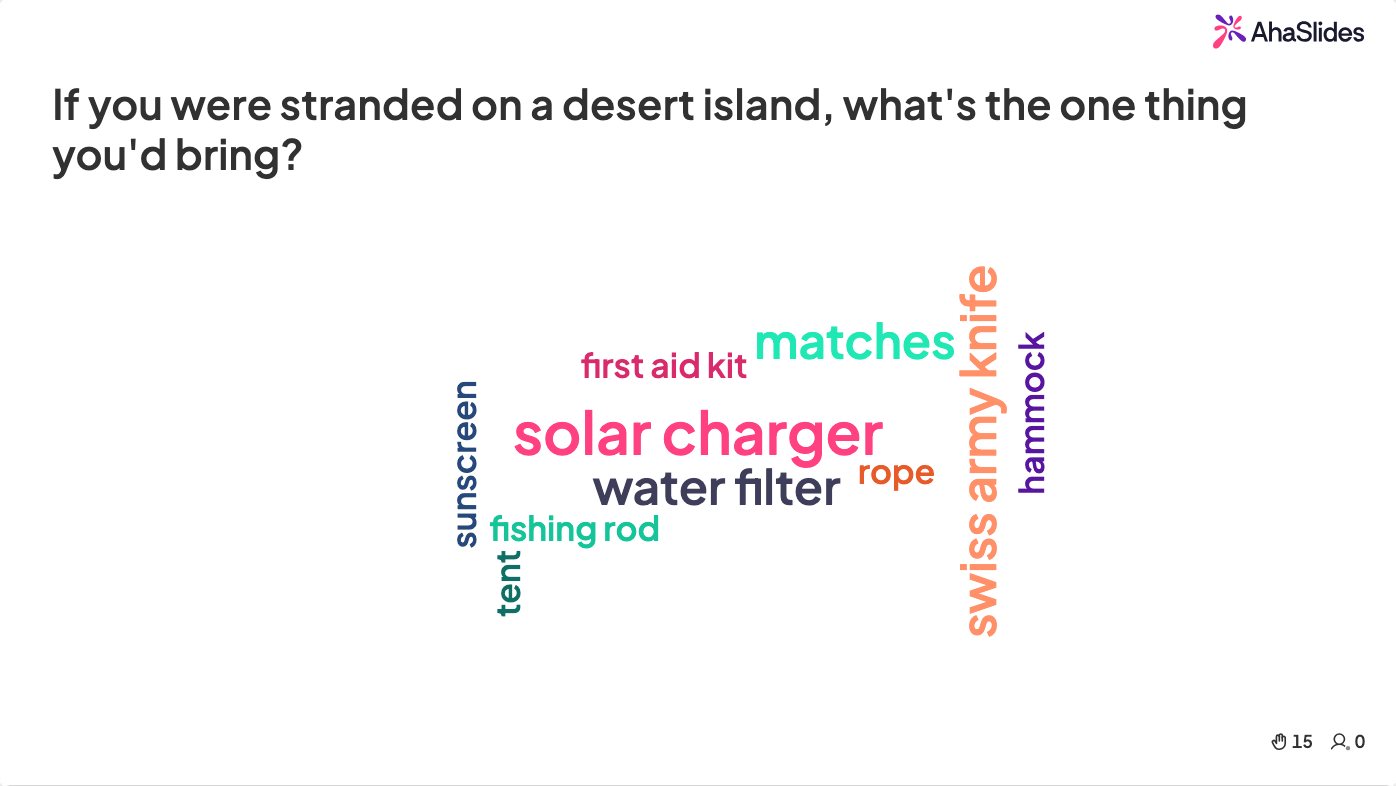
Present an unfinished statement and let people complete it in 1-2 words, live, in a real-time poll.
Kræver: Word cloud slide.
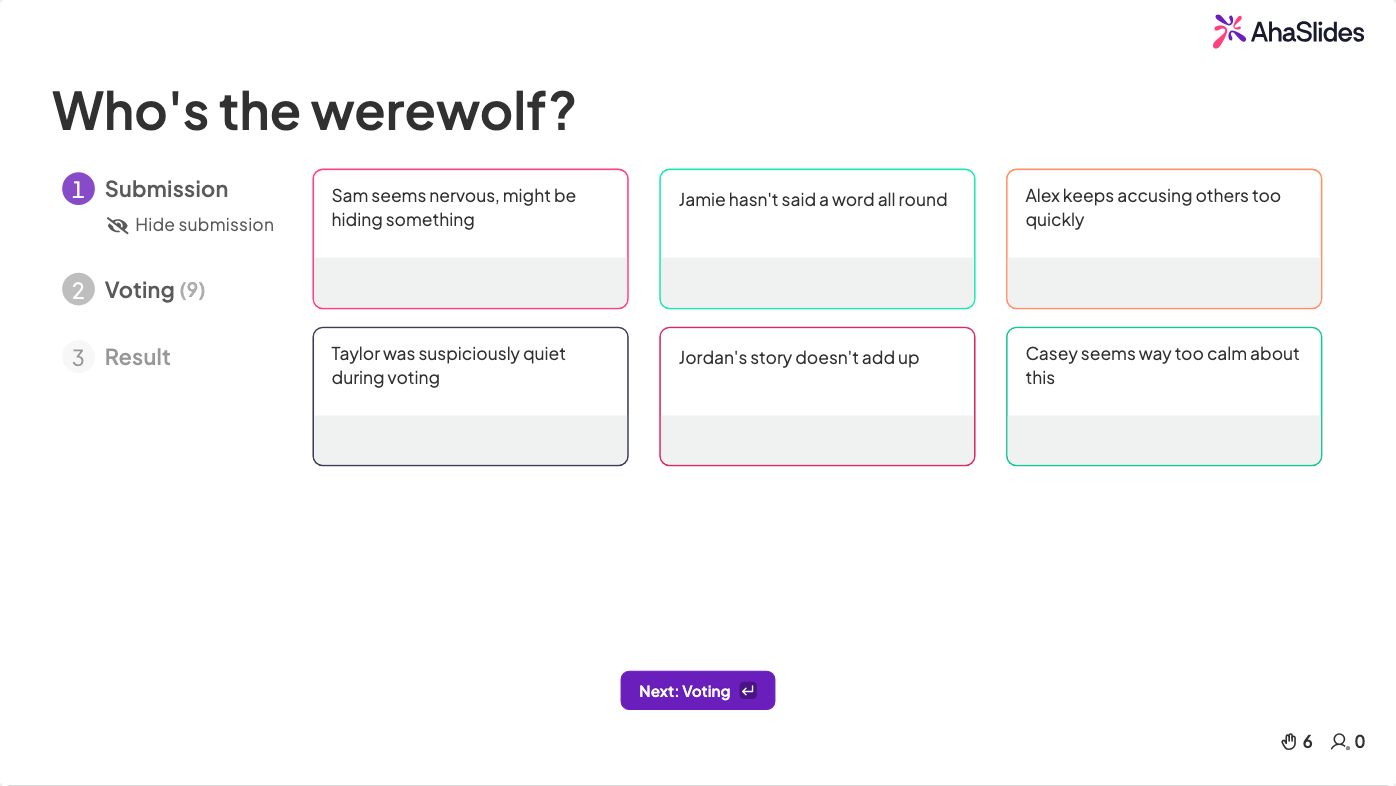
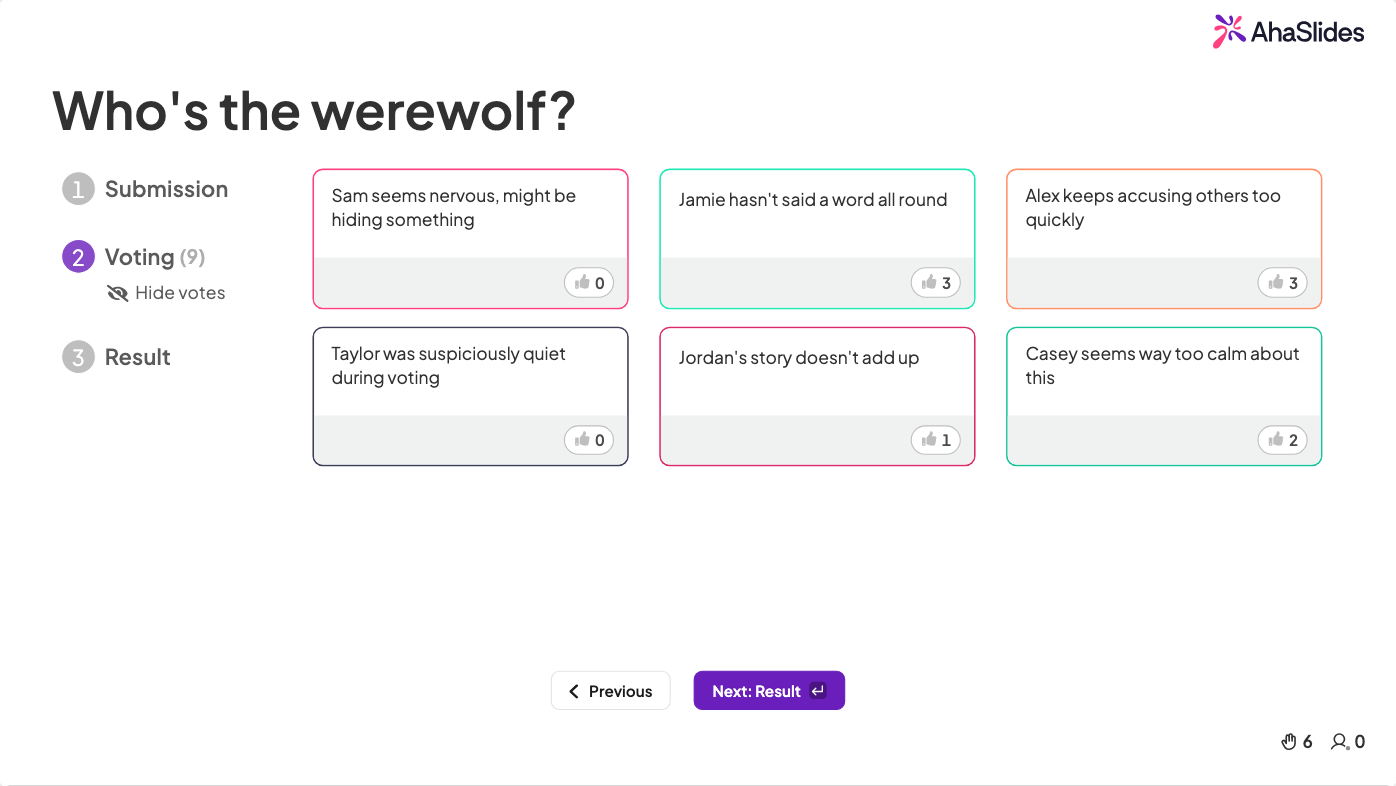
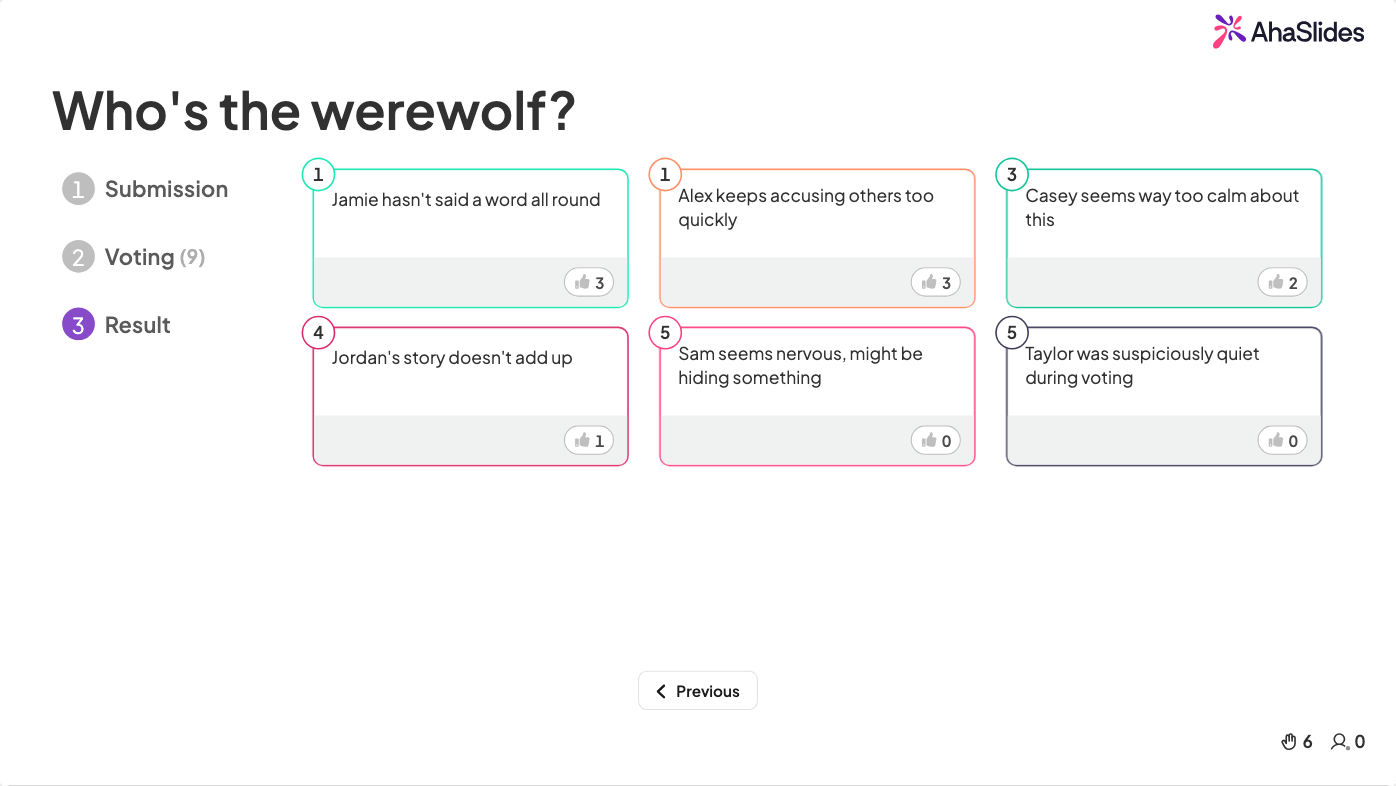
3. Varulve
The Werewolves game, also known as Mafia or Werewolf, is a hugely popular large-group game that excels at breaking the ice.
Players are assigned secret roles — Werewolves (a minority) and Villagers (the majority) — and the game alternates between "night" and "day" phases. Werewolves try to eliminate Villagers without getting caught, while Villagers try to identify and vote out the Werewolves. Villagers win if all Werewolves are eliminated; Werewolves win if they come to outnumber the Villagers.
Kræver: A moderator, a Zoom private chat for assigning roles, and an AhaSlides brainstorm slide.
Interactive activities on Zoom
- Spark lively Q&A: Let your Zoom crowd fire away questions — incognito or loud and proud.
- Keep everyone in the loop: Quick polls ensure your Zoom squad is all on the same page.
- Quiz 'em up: Use the AI-powered quiz generator to create edge-of-your-seat quizzes in 30 seconds.
- Instant feedback, no sweat: Drop in a poll slide and get honest feedback in real time.
- Brainstorm effectively: Get those creative juices flowing with virtual brainstorms.
- Training with ease: Test retention with quizzes and get meaningful participant reports afterward.
Ofte stillede spørgsmål
Hvad er AhaSlides Zoom-integration?
It lets you use AhaSlides interactive presentations directly within your Zoom meetings and Zoom webinars, without ever leaving the platform.
Hvad er forskellene mellem Zoom-møder og Zoom-webinarer?
Meetings are collaborative — all participants can see and interact, share screens, and unmute themselves. Webinars are a broadcast format built around a presenter-audience dynamic, with attendees in "view-only" mode by default. The AhaSlides integration supports both formats.
Kan flere oplægsholdere bruge AhaSlides i det samme Zoom-møde?
Yes — multiple presenters can collaborate on, edit, and access an AhaSlides presentation, but only one person can share the screen at a time.
Har jeg brug for en betalt AhaSlides-konto for at bruge Zoom-integrationen?
No. The basic AhaSlides Zoom integration is free to use.
Hvor kan jeg se resultaterne efter min Zoom-session?
The participant report will be available to view and download in your AhaSlides account.
Ready to bring your Zoom meetings to life? Tilmeld dig AhaSlides — it's free to get started.
.webp)