

Kami membuat salah satu alat dalam perbandingan ini. Itu berarti kami memiliki perspektif tentang kategori ini, dan transparansi yang sama yang kami terapkan pada panduan alat AI kami berlaku di sini: penilaian jujur dari kelima opsi, termasuk milik kami sendiri, lebih bermanfaat bagi Anda daripada panduan yang diam-diam memihak.
Jadi begini: kami telah menilai lima alat tanya jawab berdasarkan kriteria yang sama. Jika AhaSlides adalah pilihan yang tepat, kami akan mengatakannya. Jika alat lain lebih cocok untuk kasus penggunaan tertentu, kami juga akan mengatakannya. Tujuannya adalah untuk membantu Anda menemukan alat yang sesuai dengan apa yang sebenarnya ingin Anda lakukan.
Apa sebenarnya yang dipecahkan oleh alat tanya jawab?
Masalah dengan pertanyaan dalam presentasi bukanlah karena audiens tidak memiliki pertanyaan. Masalahnya adalah kondisi untuk mengajukan pertanyaan biasanya tidak baik. Tangan yang terangkat menguntungkan mereka yang percaya diri. Sesi terbuka menguntungkan mereka yang bersuara lantang. Kebanyakan orang yang memiliki pertanyaan tulus memilih diam karena bertanya terasa berisiko atau canggung.
Alat tanya jawab digital mengubah kondisi.Pengajuan anonim menghilangkan risiko sosial. Sistem upvote memunculkan apa yang sebenarnya ingin diketahui oleh peserta, bukan hanya apa yang ditanyakan oleh satu orang. Moderasi menjaga agar diskusi tetap pada jalurnya. Hasilnya adalah lebih banyak pertanyaan, pertanyaan yang lebih jujur, dan gambaran yang lebih jelas tentang apa yang sebenarnya dipikirkan audiens Anda.
Kelima alat di bawah ini mendekati masalah ini dari sudut pandang yang berbeda. Masing-masing memang unggul dalam hal tertentu. Pertanyaannya adalah apakah keunggulan tersebut sesuai dengan kebutuhan Anda.
Hal yang perlu diperhatikan sebelum Anda memilih
Alat yang tepat bergantung pada konteks spesifik Anda. Beberapa pertanyaan yang perlu dijawab sebelum membandingkan pilihan: Berapa banyak orang yang akan Anda hadapi dalam presentasi, dan apakah paket gratis mencakup hal itu? Apakah Anda memerlukan pengiriman anonim, dan apakah itu pengaturan default atau opsi yang harus Anda aktifkan? Seberapa besar kontrol moderasi yang Anda butuhkan atas pertanyaan apa yang muncul di layar? Apakah Anda memerlukan alat yang terintegrasi dengan slide Anda, atau dapatkah alat tersebut berjalan secara mandiri? Dan berapa banyak waktu yang Anda miliki untuk menyiapkannya sebelum presentasi Anda berikutnya?
Jawaban-jawaban ini akan mempersempit pilihan lebih cepat daripada perbandingan fitur apa pun. Bagian-bagian di bawah ini memberikan apa yang Anda butuhkan untuk membuat keputusan akhir.
Lima alat tanya jawab yang perlu diketahui
Berikut ini perbandingannya.
1. AhaSlides: terbaik untuk presentasi terintegrasi
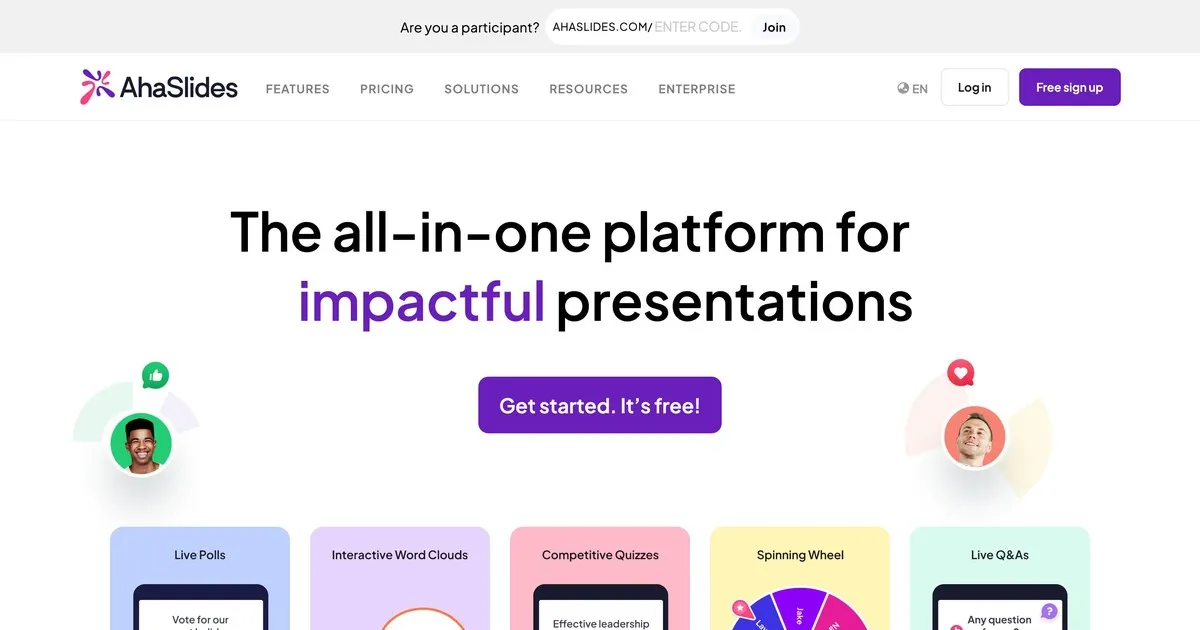
Ini adalah alat kami, jadi anggaplah entri ini dengan skeptisisme yang sama seperti yang Anda terapkan pada penilaian diri apa pun. Sejujurnya, yang ingin kami katakan adalah: AhaSlides dibangun berdasarkan gagasan bahwa tanya jawab bekerja lebih baik ketika menjadi bagian dari sesi interaktif yang lebih luas daripada sebagai tambahan di akhir.
Fitur tanya jawabnya sangat bagus. Pengiriman pertanyaan secara anonim sudah terintegrasi. Anda dapat memoderasi pertanyaan sebelum muncul di layar. Anggota audiens dapat memberikan suara positif (upvote) pada pertanyaan yang ingin mereka jawab. Perbedaan AhaSlides dengan alat lain terletak pada integrasi fitur tanya jawab dengan jajak pendapat, word cloud, kuis, dan slide presentasi langsung dalam satu platform. Jika Anda ingin menjalankan sesi interaktif dan bukan hanya mengumpulkan pertanyaan, integrasi ini sangat penting.
Kelemahan kami: AhaSlides pada dasarnya adalah alat presentasi yang menyertakan fitur tanya jawab, bukan platform tanya jawab khusus. Jika manajemen pertanyaan adalah kebutuhan utama Anda dan Anda melakukan presentasi kepada audiens besar, kemampuan moderasi Slido lebih canggih. Paket gratis mendukung hingga lima puluh peserta, yang mencakup sebagian besar pengaturan kelas dan pertemuan kecil, tetapi tidak untuk acara besar.
Cocok untuk: guru, pelatih perusahaan, dan siapa pun yang menyelenggarakan sesi di mana tanya jawab adalah salah satu dari beberapa elemen interaktif, bukan fokus utama.
2. Slido: paling cocok untuk acara perusahaan berskala besar
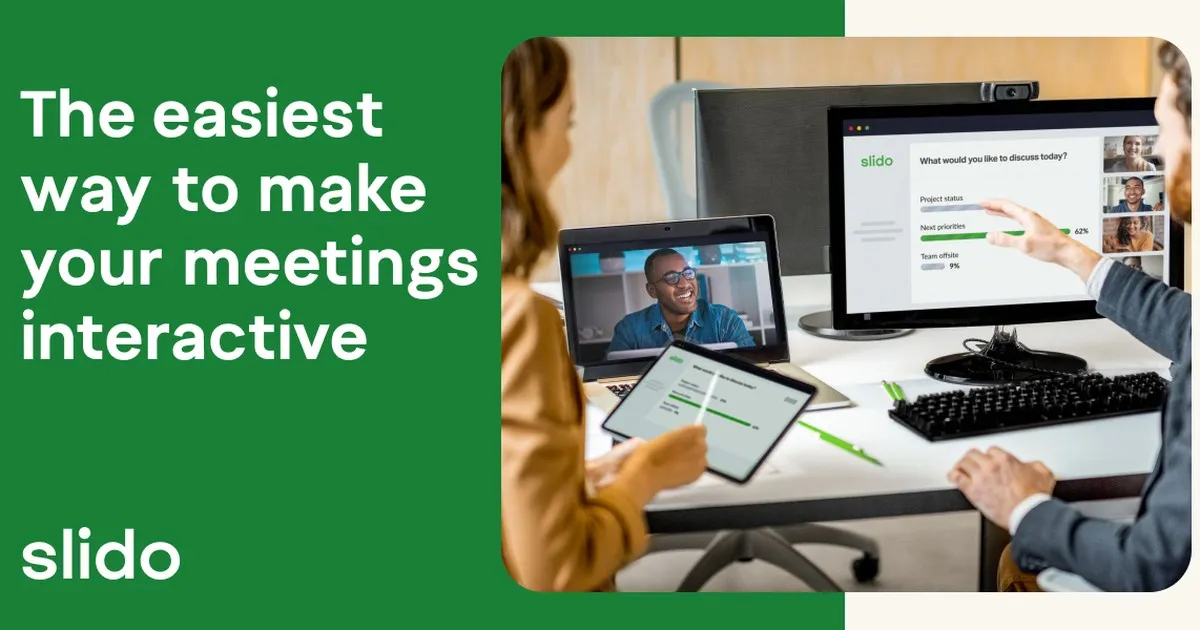
Slido adalah alat tanya jawab yang paling berfokus pada tujuan di daftar ini. Sementara platform lain menawarkan tanya jawab bersama fitur-fitur lainnya, Slido telah mengembangkan kemampuan manajemen pertanyaannya lebih jauh daripada siapa pun di sini. Untuk audiens besar di mana puluhan atau ratusan pertanyaan datang secara bersamaan, kontrol moderasi Slido, deteksi duplikat, dan pengelompokan pertanyaan benar-benar membuat perbedaan.
Pengajuan anonim adalah standar. Pemberian suara positif dari audiens akan menampilkan pertanyaan-pertanyaan terpopuler secara otomatis. Moderator dapat meninjau, mengedit, mengelompokkan, dan menghapus pertanyaan sebelum ditampilkan secara publik. Analisis pasca-acara menunjukkan pertanyaan mana yang paling menarik perhatian dan topik apa yang paling diminati audiens.
Keterbatasannya terletak pada fokus. Slido mengelola pertanyaan dengan sangat baik dan fitur lainnya cukup kompeten. Jika Anda menginginkan interaktivitas yang lebih luas seperti jajak pendapat, word cloud, dan konten yang digamifikasi di samping tanya jawab, alat lain dalam daftar ini mengintegrasikan fitur-fitur tersebut dengan lebih alami. Versi gratis mendukung seratus peserta. Paket berbayar dimulai sekitar tujuh belas dolar per bulan.
Cocok untuk: konferensi, rapat seluruh karyawan, laporan keuangan, dan presentasi perusahaan besar apa pun di mana mengelola volume pertanyaan yang tinggi adalah tantangan utama.
3. Mentimeter: terbaik untuk keterlibatan di kelas.
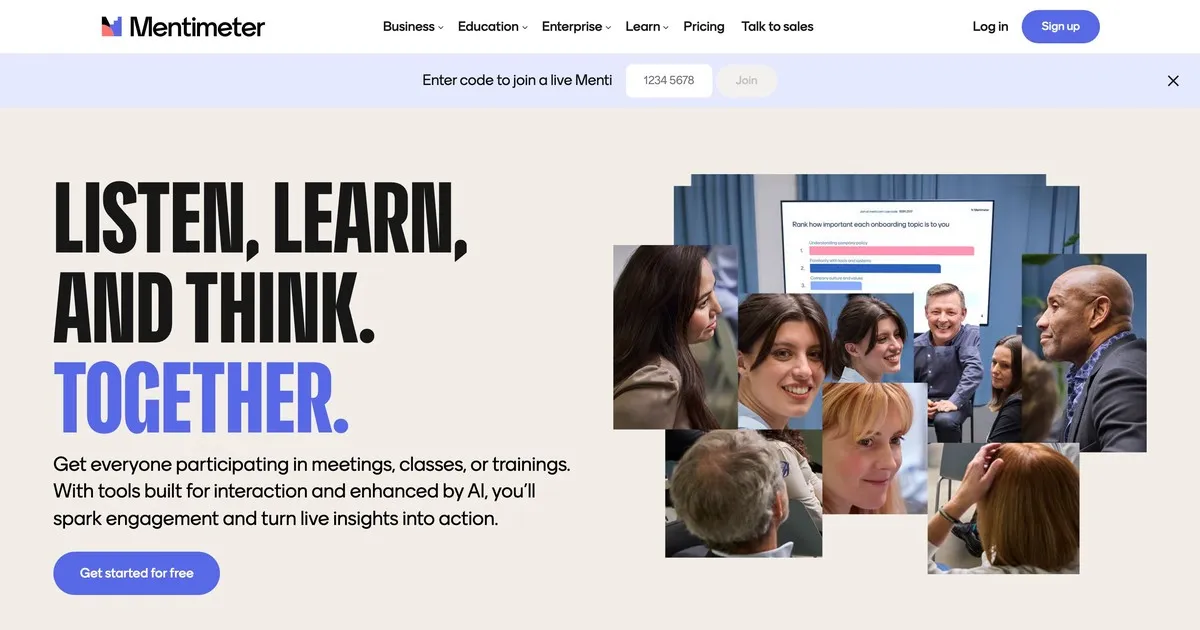
Mentimeter membangun reputasinya di bidang pendidikan dan masih unggul di sana. Antarmuka cepat, pengaturan minimal, dan desain visual cukup menarik sehingga terasa modern tanpa mengganggu. Guru yang tidak terlalu paham teknologi pun merasa mudah mengaksesnya, tidak seperti beberapa alat lain.
Fitur tanya jawabnya mudah digunakan: pengajuan anonim, opsi moderasi, dan tampilan waktu nyata. Keunggulan Mentimeter terletak pada kemampuan jajak pendapat dan visualisasinya yang lebih luas, yang lebih sesuai dengan ritme sesi kelas daripada platform tanya jawab khusus. Pemeriksaan pemahaman cepat, jajak pendapat langsung, dan pertanyaan terbuka semuanya terintegrasi secara alami dalam satu sesi Mentimeter.
Paket gratisnya lebih terbatas dibandingkan beberapa alternatif lain: lima puluh peserta per bulan dengan maksimal lima presentasi. Untuk penggunaan di kelas secara rutin, paket berbayar kemungkinan diperlukan. Paket berbayar dimulai sekitar dua belas dolar per bulan.
Cocok untuk: guru, pelatih, dan pendidik di semua tingkatan yang menginginkan sesi tanya jawab sebagai bagian dari pengalaman kelas interaktif yang lebih luas.
4. Vevox: terbaik untuk pendidikan tinggi
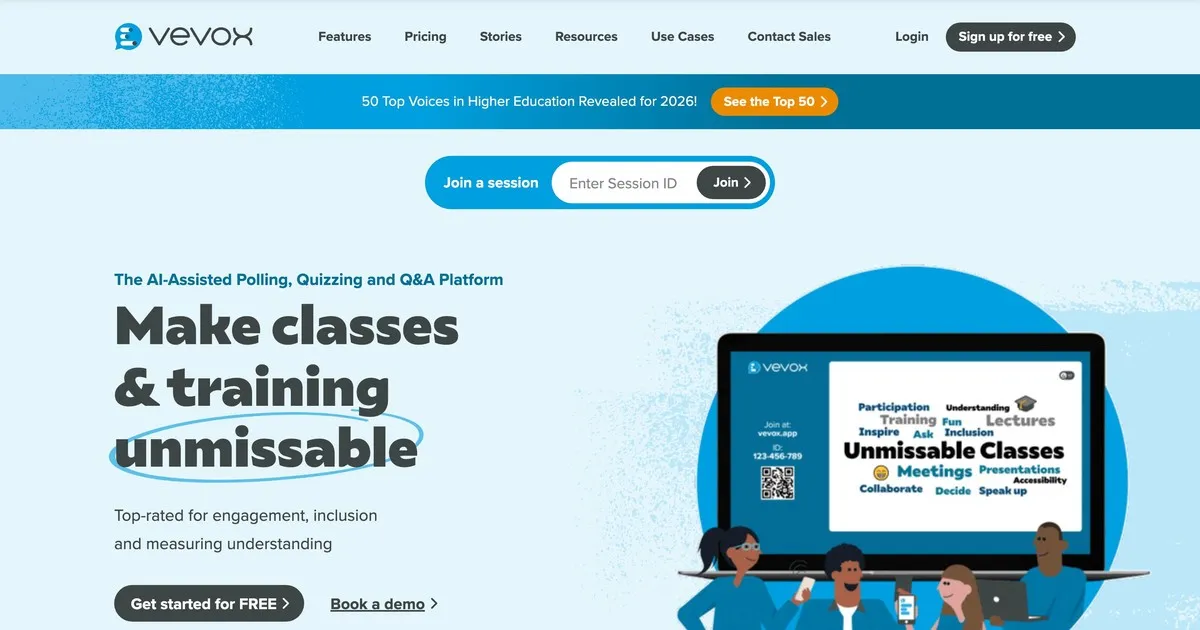
Vevox memprioritaskan keandalan dan kontrol moderasi daripada tampilan visual yang menarik. Platform ini dirancang khusus untuk lingkungan pendidikan di mana kemampuan untuk meninjau dan menyaring pertanyaan sebelum siswa melihatnya lebih penting daripada tampilan antarmuka. Universitas dan lingkungan perkuliahan besar adalah tempat Vevox bekerja paling baik.
Pengajuan anonim adalah pengaturan default, bukan pilihan, yang penting dalam situasi di mana siswa cenderung tidak mengajukan pertanyaan jika nama mereka tercantum. Kontrol moderasi sangat ketat: instruktur dapat meninjau, mengedit, mengelompokkan, dan menghapus pertanyaan sebelum muncul. Asisten pengajar dapat mengelola antrean saat instruktur sedang presentasi.
Antarmuka pengguna membutuhkan navigasi yang sedikit lebih rumit daripada Mentimeter atau AhaSlides, yang perlu diketahui jika kemudahan pengaturan menjadi prioritas. Harga khusus pendidikan membuatnya terjangkau bagi institusi. Tingkat gratisnya terbatas dan terutama cocok untuk kelompok kecil.
Cocok untuk: dosen universitas, profesor, dan pendidik di lingkungan pendidikan tinggi di mana pengiriman anonim dan moderasi yang ketat merupakan persyaratan utama.
5. Pigeonhole Live: terbaik untuk acara multi-sesi
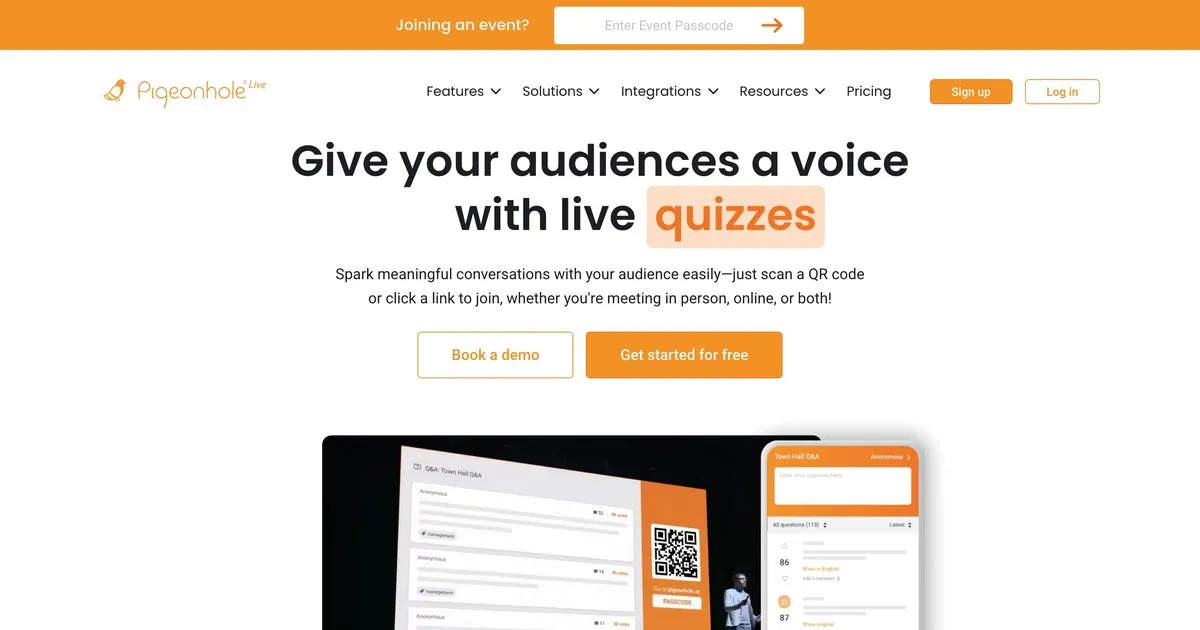
Pigeonhole menangani kompleksitas yang tidak dirancang untuk alat-alat lain dalam daftar ini. Jika Anda menyelenggarakan konferensi dengan puluhan sesi yang berlangsung secara bersamaan, masing-masing dengan pembicara, ruangan, dan waktu yang berbeda, Pigeonhole mengelola struktur logistik tersebut dengan cara yang tidak dapat dilakukan oleh alat-alat yang lebih sederhana.
Sesi tanya jawab khusus sesi berarti pertanyaan diarahkan ke pembicara yang tepat, bukan muncul dalam satu kumpulan pertanyaan bersama. Penyelenggara dapat mengelola pertanyaan di semua sesi secara bersamaan. Peserta dapat berinteraksi dengan beberapa sesi. Analisis pasca-acara menunjukkan sesi mana yang menghasilkan keterlibatan paling banyak dan topik mana yang paling banyak menarik pertanyaan di seluruh acara.
Kelemahannya adalah kompleksitas pengaturan dan harga. Pigeonhole membutuhkan lebih banyak konfigurasi daripada alat lain di sini dan tidak menawarkan paket gratis yang memadai. Untuk presentasi tunggal atau acara kecil, ini lebih dari cukup. Namun, untuk konferensi multi-hari dengan beberapa sesi simultan, ini mungkin pilihan yang tepat.
Cocok untuk: penyelenggara konferensi yang mengelola acara multi-sesi di mana pengarahan pertanyaan ke pembicara tertentu dan pelacakan keterlibatan di seluruh sesi merupakan kebutuhan operasional yang nyata.
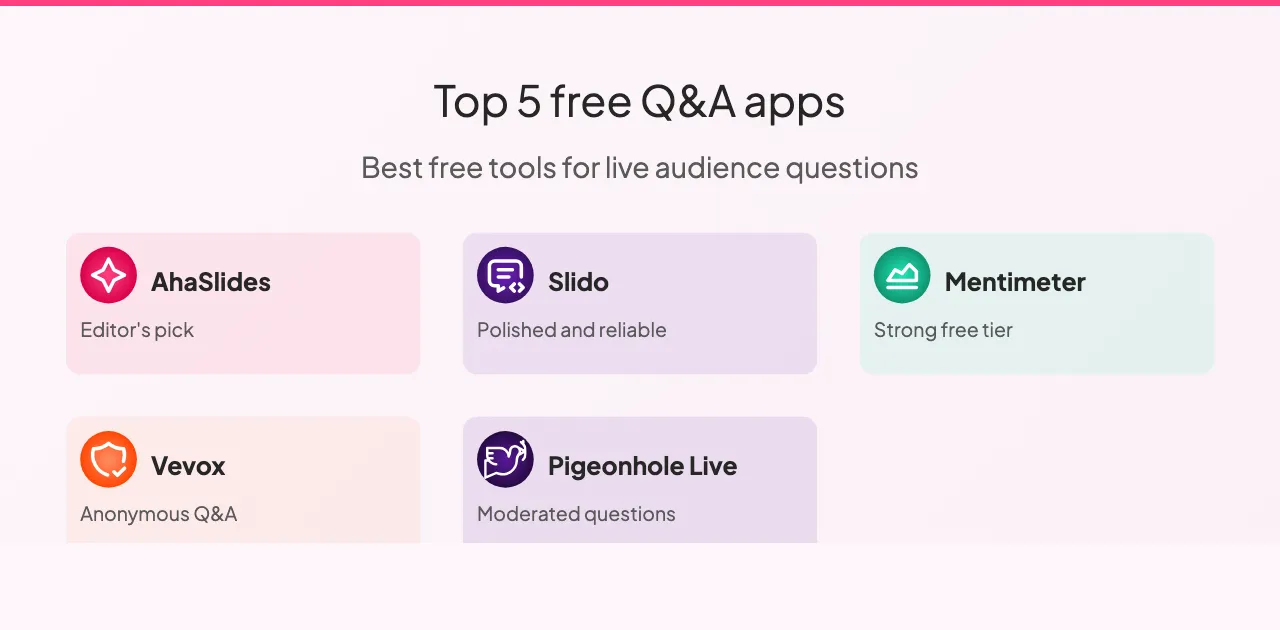
Perbandingan antara berbagai alat
Kelima alat tersebut mendukung pertanyaan anonim dan pemberian suara positif dari audiens, kecuali Vevox yang memiliki keterbatasan dalam pemberian suara positif. Kemampuan moderasi sangat bervariasi: Slido dan Pigeonhole menawarkan kontrol moderasi paling canggih, Vevox cukup mumpuni, dan AhaSlides serta Mentimeter cukup baik dalam menyediakan fitur dasar untuk sebagian besar situasi.
Integrasi slide adalah area di mana alat-alat tersebut paling jelas berbeda. AhaSlides terintegrasi secara native dengan slide Anda, Slido menawarkan integrasi dengan platform presentasi utama, Mentimeter memiliki integrasi terbatas, dan Vevox serta Pigeonhole sama sekali tidak terintegrasi dengan slide.
Untuk paket gratis: Slido adalah yang paling murah hati dengan seratus peserta, AhaSlides dan Mentimeter mendukung lima puluh peserta, paket gratis Vevox terbatas untuk kelompok kecil, dan Pigeonhole tidak menawarkan paket gratis yang berarti. Untuk sebagian besar pengaturan kelas dan pertemuan kecil, salah satu dari tiga yang pertama mencakup ukuran audiens tipikal tanpa paket berbayar.
Harga di kelima platform tersebut mengikuti pola yang serupa: paket bulanan mulai dari sekitar delapan hingga delapan belas dolar untuk peningkatan jumlah peserta dan fitur-fitur canggih. Slido dan Pigeonhole menawarkan harga khusus perusahaan untuk organisasi yang sering menyelenggarakan acara besar. AhaSlides, Mentimeter, dan Vevox menawarkan titik masuk yang paling terjangkau untuk individu dan tim kecil.
Memanfaatkan fitur tanya jawab secara maksimal
Beberapa praktik tertentu memberikan perbedaan yang konsisten terlepas dari platform mana yang Anda pilih.
Lakukan uji coba sebelum presentasi. Jalankan sesi singkat dengan kolega untuk memastikan pengaturan berfungsi, periksa koneksi internet Anda, dan biasakan diri dengan antarmuka. Kejutan teknis selama presentasi sangat mengganggu, dan pengecekan singkat selama dua menit sebelum presentasi dapat mencegah hal tersebut sepenuhnya.
Jelaskan cara kerjanya kepada audiens Anda sebelum mereka perlu menggunakannya. Jelaskan ke mana pertanyaan harus diajukan, bagaimana cara mengirimkannya, dan apakah pengajuan bersifat anonim. Penjelasan selama tiga puluh detik di awal akan menghasilkan partisipasi yang jauh lebih besar daripada membiarkan orang-orang mencari tahu sendiri di tengah sesi.
Tampilkan pertanyaan di layar. Visibilitas menjaga keterlibatan tetap tinggi. Orang-orang melihat apa yang ditanyakan orang lain, yang sering kali memicu pertanyaan yang mungkin tidak terpikirkan oleh mereka sendiri.
Bacalah pertanyaan dengan lantang meskipun pertanyaan tersebut terlihat di layar. Hal ini menjaga kelancaran percakapan dan memastikan semua orang di ruangan, termasuk orang-orang yang mungkin tidak dapat melihat layar dengan jelas, mendengar pertanyaan tersebut.
Diskusikan apa yang Anda lihat daripada langsung beralih ke hal lain. Menanggapi pertanyaan, meskipun secara singkat, menandakan bahwa masukan tersebut penting. Orang yang merasa didengarkan akan lebih banyak berpartisipasi. Orang yang merasa diabaikan tidak akan bertanya lagi.
Tinjau analitiknya setelahnya. Sebagian besar platform menyediakan laporan pasca-sesi. Pertanyaan yang diajukan audiens Anda, dan pertanyaan yang paling banyak mendapat suara positif, memberi tahu Anda apa yang sebenarnya mereka pedulikan. Itu adalah umpan balik yang lebih andal daripada kesan berdasarkan ingatan.
Ada juga beberapa pola yang sebaiknya dihindari. Meluncurkan tanpa menjelaskan alat tersebut berarti sebagian besar audiens Anda tidak akan menggunakannya. Mengumpulkan pertanyaan lalu tidak menjawabnya lebih buruk daripada tidak mengumpulkannya sama sekali: hal itu menandakan bahwa partisipasi tersebut hanya sekadar formalitas. Melebihi waktu yang dialokasikan secara konsisten menandakan ketidak уваan terhadap jadwal audiens Anda, dan sesi tanya jawab biasanya yang akan dipotong jika hal itu terjadi.
Membungkus
Alat tanya jawab terbaik adalah alat yang sesuai dengan skala dan kompleksitas dari apa yang sebenarnya Anda lakukan. Untuk sebagian besar pengaturan kelas dan pertemuan kecil, AhaSlides atau Mentimeter dapat membantu Anda memulai dalam waktu kurang dari lima menit. Untuk acara perusahaan besar di mana mengelola volume pertanyaan yang tinggi adalah tantangan utama, kemampuan moderasi Slido sepadan dengan harganya yang lebih tinggi. Untuk konferensi multi-hari dengan banyak sesi simultan, Pigeonhole menangani kompleksitas yang tidak dapat ditangani oleh alat lain di sini.
Mulailah dengan versi gratis dari alat mana pun yang sesuai dengan konteks Anda. Jalankan satu sesi nyata terlebih dahulu sebelum berkomitmen. Perbedaan antara presentasi di mana pertanyaan tidak diajukan dan presentasi di mana audiens Anda merasa benar-benar didengar sebenarnya lebih kecil dari yang terlihat. Ini sebagian besar tentang menciptakan kondisi untuk partisipasi daripada berharap itu terjadi dengan sendirinya.