



Šajā salīdzinājumā mēs piedāvājam vienu no rīkiem. Tas nozīmē, ka mums ir perspektīva šajā kategorijā, un tā pati caurspīdīgums, ko ieviesām savā mākslīgā intelekta rīku ceļvedī, attiecas arī uz to: godīgs visu piecu iespēju, tostarp mūsu pašu, novērtējums ir noderīgāks nekā ceļvedis, kas klusībā norāda uz svariem.
Tātad, lūk, darījums: mēs esam novērtējuši piecus jautājumu un atbilžu rīkus pēc vieniem un tiem pašiem kritērijiem. Ja AhaSlides ir pareizā izvēle, mēs tā teiksim. Ja cits rīks labāk kalpo konkrētam lietošanas gadījumam, mēs to arī teiksim. Mērķis ir palīdzēt jums atrast rīku, kas atbilst tam, ko jūs faktiski mēģināt darīt.
Ko jautājumu un atbilžu rīki faktiski risina
Problēma ar jautājumiem prezentācijās nav tā, ka auditorijai to nav. Tā ir tā, ka apstākļi to uzdošanai parasti ir slikti. Paceltas rokas ir paredētas pārliecinātajiem. Atvērta grīda ir paredēta skaļajiem. Lielākā daļa cilvēku ar patiesiem jautājumiem klusē, jo uzdot šķiet riskanti vai neveikli.
Digitālie jautājumu un atbilžu rīki maina apstākļus . Anonīma iesniegšana novērš sociālo risku. Pozitīva balsošana atklāj to, ko telpa patiesībā vēlas zināt, nevis to, ko viens cilvēks nejauši jautā. Moderācija notur lietas uz pareizā ceļa. Rezultātā rodas vairāk jautājumu, godīgāki jautājumi un skaidrāks priekšstats par to, ko jūsu auditorija patiesībā domā.
Pieci tālāk minētie rīki pieiet šai problēmai no dažādiem skatupunktiem. Katrs no tiem patiesi labi darbojas kaut kādā jomā. Jautājums ir, vai tas, ko tas dara, atbilst jūsu vajadzībām.
Kas jāņem vērā pirms izvēles
Pareizais rīks ir atkarīgs no jūsu konkrētā konteksta. Pirms iespēju salīdzināšanas ir vērts atbildēt uz dažiem jautājumiem: Cik cilvēkiem jūs prezentēsiet, un vai bezmaksas līmenis to sedz? Vai jums ir nepieciešama anonīma iesniegšana, un vai tā ir noklusējuma opcija vai opcija, kas jums ir jāiespējo? Cik liela moderācijas kontrole jums ir nepieciešama pār to, kādi jautājumi tiek parādīti ekrānā? Vai jums ir nepieciešams rīks, lai to integrētu ar jūsu slaidiem, vai arī tas var darboties atsevišķi? Un cik daudz laika jums ir atvēlēts tā iestatīšanai pirms nākamās prezentācijas?
Atbildes sašaurinās atlases lauku ātrāk nekā jebkurš funkciju salīdzinājums. Tālāk sniegtajās sadaļās ir sniegts viss nepieciešamais, lai pieņemtu galīgo lēmumu.
Pieci jautājumu un atbilžu rīki, kas ir vērts zināt
Lūk, kā viņi salīdzina.
1. AhaSlides: vislabākais integrētām prezentācijām
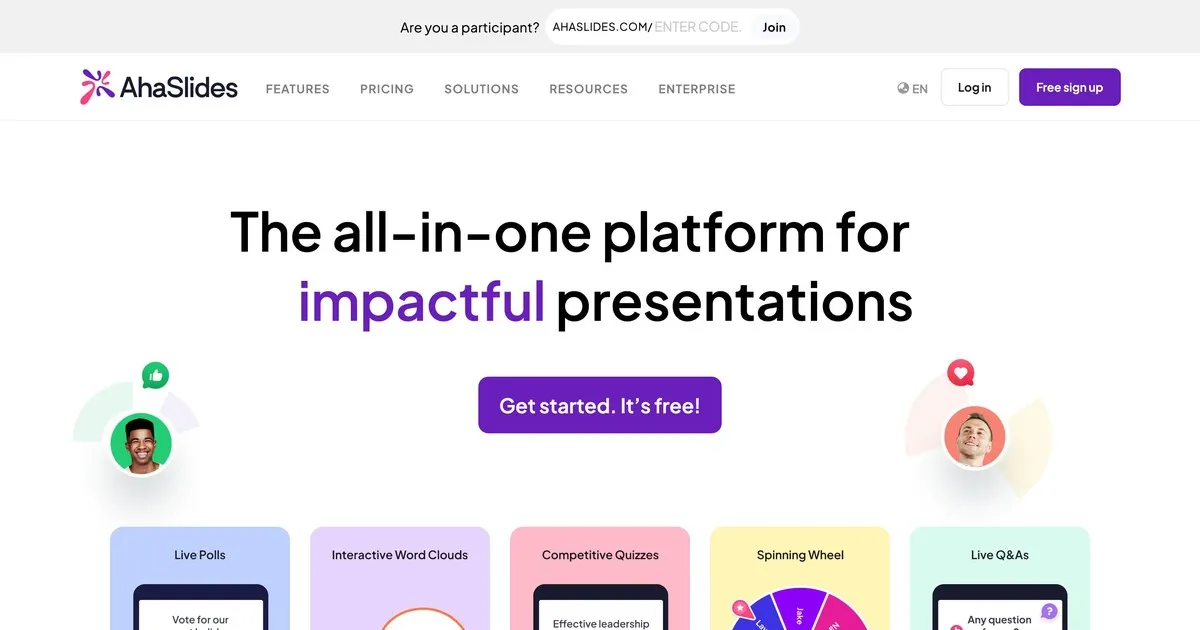
Šis ir mūsu rīks, tāpēc uztveriet šo ierakstu ar tādu pašu skepsi, kādu jūs piemērotu jebkuram pašnovērtējumam. Ko mēs teiktu godīgi: AhaSlides ir veidots, balstoties uz ideju, ka jautājumi un atbildes darbojas labāk, ja tās ir daļa no plašākas interaktīvas sesijas, nevis tikai beigās.
Jautājumu un atbilžu funkcionalitāte ir stabila. Ir iebūvēta anonīma iesniegšana. Jūs varat moderēt jautājumus, pirms tie parādās ekrānā. Auditorijas dalībnieki var pozitīvi novērtēt jautājumus, uz kuriem viņi vēlas atbildes. AhaSlides atšķiras no citiem šeit esošajiem rīkiem ar to, ka jautājumi un atbildes atrodas līdzās aptaujām, vārdu mākoņiem, viktorīnām un tiešraides slaidiem vienā platformā. Ja vēlaties vadīt interaktīvu sesiju, nevis tikai apkopot jautājumus, šī integrācija ir svarīga.
Kur mēs esam vājāki: AhaSlides galvenokārt ir prezentāciju rīks, kas ietver jautājumu un atbilžu sadaļu, nevis speciāla jautājumu un atbilžu platforma. Ja jautājumu pārvaldība ir jūsu galvenā vajadzība un jūs prezentējat lielai auditorijai, Slido moderēšanas iespējas ir uzlabotas. Bezmaksas līmenis atbalsta līdz piecdesmit dalībniekiem, kas aptver lielāko daļu klases un nelielu sanāksmju iestatījumu, bet ne lielus pasākumus.
Vispiemērotākais: skolotājiem, korporatīvajiem treneriem un ikvienam, kas vada sesijas, kurās jautājumi un atbildes ir viens no vairākiem interaktīviem elementiem, nevis galvenā uzmanība.
2. Slido: vislabāk piemērots lieliem korporatīviem pasākumiem

Slido ir mērķtiecīgāk izstrādātais jautājumu un atbilžu rīks šajā sarakstā. Kamēr citas platformas piedāvā jautājumu un atbilžu funkciju līdzās citām funkcijām, Slido ir attīstījis savas jautājumu pārvaldības iespējas tālāk nekā jebkurš cits šeit. Lielām auditorijām, kurām vienlaikus tiek iesniegti desmitiem vai simtiem jautājumu, Slido moderācijas vadīklas, dublikātu noteikšana un jautājumu grupēšana rada reālas pārmaiņas.
Anonīma iesniegšana ir standarta iespēja. Auditorijas pozitīvais vērtējums automātiski parāda populārākos jautājumus. Moderatori var pārskatīt, rediģēt, grupēt un dzēst jautājumus, pirms tie tiek publiski parādīti. Pēc pasākuma sniegtā analīze parāda, kuri jautājumi izraisīja vislielāko interesi un kādas tēmas auditorijai bija vissvarīgākās.
Ierobežojums ir koncentrēšanās. Slido jautājumu pārvaldību veic izcili labi, un pārējo – kompetenti. Ja vēlaties plašāku interaktivitāti, piemēram, aptaujām, vārdu mākoņiem un spēļu saturam līdzās jautājumu un atbilžu funkcijai, citi šajā sarakstā iekļautie rīki tos integrē dabiskāk. Bezmaksas līmenis atbalsta simts dalībniekus. Maksas plāni sākas no aptuveni septiņpadsmit dolāriem mēnesī.
Vispiemērotākais: konferencēm, visu dalībnieku sanāksmēm, peļņas konferencēm un jebkurām lielām korporatīvām prezentācijām, kurās galvenais izaicinājums ir liela jautājumu apjoma pārvaldīšana.
3. Mentimetrs: vislabāk piemērots iesaistei klasē
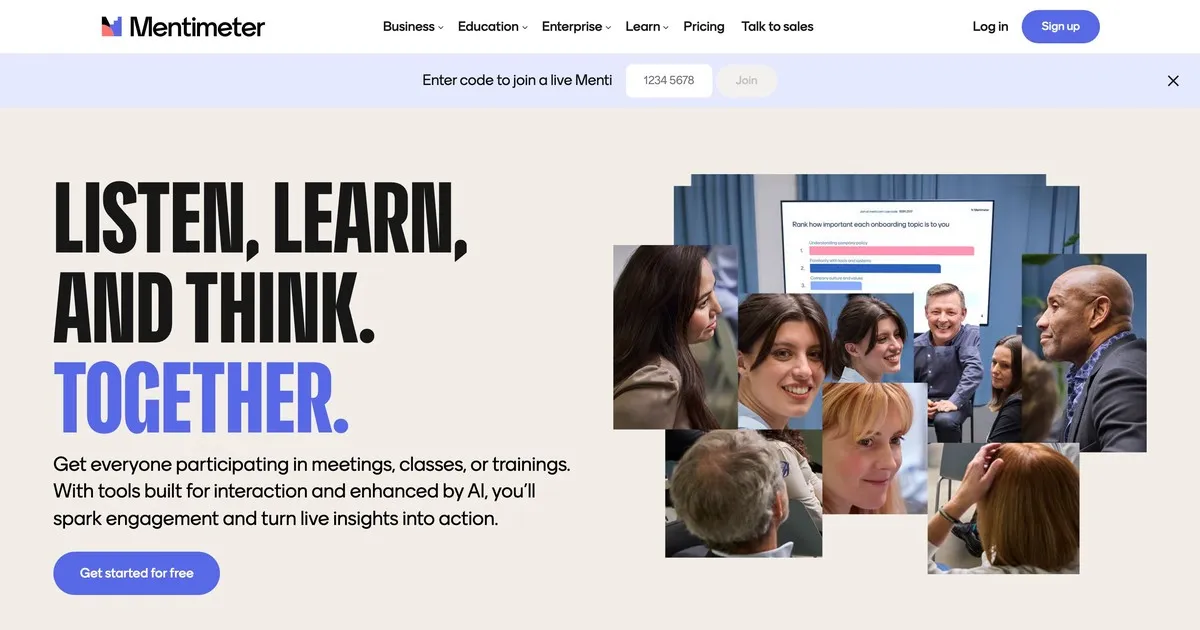
Mentimeter ir izveidojis savu reputāciju izglītības jomā un joprojām tur izceļas. Saskarne ir ātra, iestatīšana ir minimāla, un vizuālais dizains ir pietiekami pievilcīgs, lai tas šķistu moderns, nenovēršot uzmanību. Skolotāji, kuriem nav īpašas tehniskas prasmes, uzskata to par pieejamu tādā veidā, kā daži citi rīki nav.
Jautājumu un atbilžu funkcionalitāte ir vienkārša: anonīma iesniegšana, moderēšanas iespējas un attēlošana reāllaikā. Mentimeter izceļas ar plašākām aptauju un vizualizācijas iespējām, kas labāk atbilst klases sesijas ritmam nekā īpaša jautājumu un atbilžu platforma. Ātras izpratnes pārbaudes, tiešraides viedokļu aptaujas un atvērtie jautājumi dabiski ietilpst vienā Mentimeter sesijā.
Bezmaksas līmenis ir ierobežotāks nekā dažas alternatīvas: piecdesmit dalībnieki mēnesī ne vairāk kā piecās prezentācijās. Regulārai lietošanai klasē, visticamāk, būs nepieciešams maksas plāns. Maksas plānu cenas sākas no aptuveni divpadsmit dolāriem mēnesī.
Vispiemērotākais: skolotājiem, pasniedzējiem un pedagogiem jebkurā līmenī, kuri vēlas jautājumu un atbilžu sesiju kā daļu no plašākas interaktīvas klases pieredzes.
4. Vevox: vislabākais augstākajai izglītībai
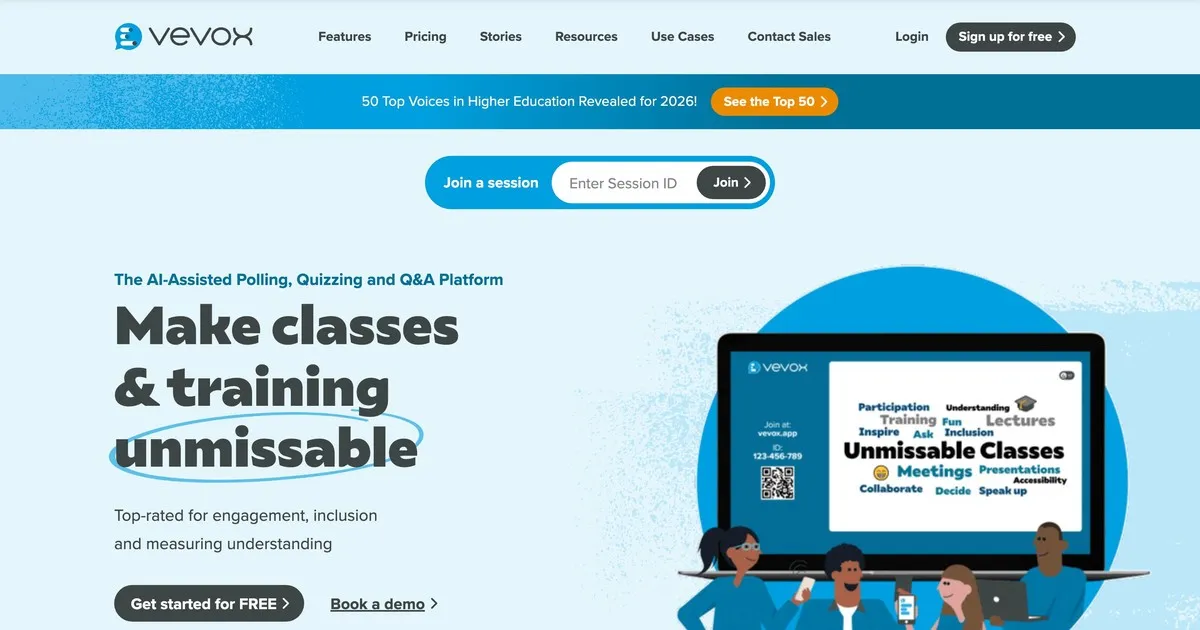
Vevox prioritāti piešķir uzticamībai un moderācijas kontrolei, nevis vizuālajam noformējumam. Tas ir īpaši izstrādāts izglītības iestādēm, kur iespēja pārskatīt un filtrēt jautājumus, pirms studenti tos redz, ir svarīgāka par saskarnes izskatu. Vislabāk tas darbojas universitātēs un lielās lekciju vidēs.
Anonīma iesniegšana ir noklusējuma iestatījums, nevis izvēles iespēja, kas ir svarīgi vidēs, kur studenti, visticamāk, neuzdos jautājumus, ja ir pievienots viņu vārds. Moderācijas vadīklas ir spēcīgas: pasniedzēji var pārskatīt, rediģēt, grupēt un dzēst jautājumus, pirms tie parādās. Mācību asistenti var pārvaldīt rindu, kamēr pasniedzējs prezentē.
Saskarnei nepieciešama nedaudz vairāk navigācijas nekā Mentimeter vai AhaSlides, kas ir vērts zināt, ja prioritāte ir vienkārša iestatīšana. Izglītības nozarei specifiskas cenas padara to pieejamu iestādēm. Bezmaksas līmenis ir ierobežots un galvenokārt piemērots nelielām grupām.
Vispiemērotākais: universitāšu pasniedzējiem, profesoriem un pedagogiem augstākās izglītības iestādēs, kur galvenās prasības ir anonīma iesniegšana un stingra moderācija.
5. Pigeonhole Live: vislabāk piemērots vairāku sesiju pasākumiem
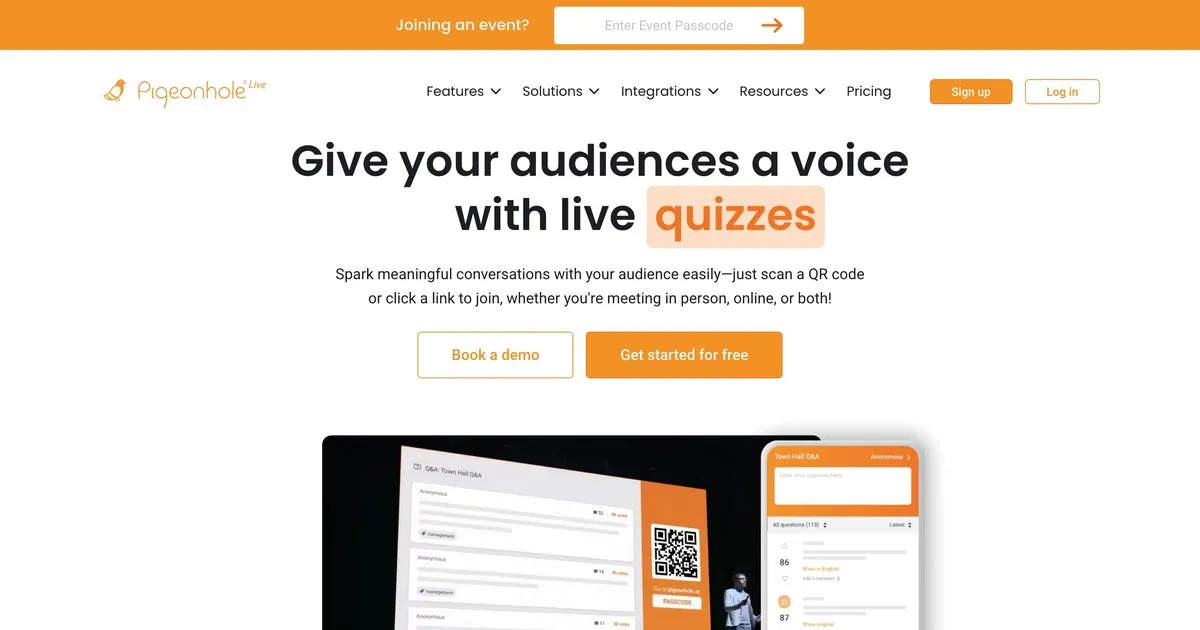
Pigeonhole tiek galā ar sarežģītību, kurai citi šajā sarakstā iekļautie rīki nebija paredzēti. Ja jūs vadāt konferenci, kurā vienlaikus notiek desmitiem sesiju, katrai no tām ir atšķirīgi runātāji, telpas un laiks, Pigeonhole pārvalda šo loģistikas struktūru tādā veidā, kā to nevar vienkāršāki rīki.
Sesijai specifiski jautājumi un atbildes nozīmē, ka jautājumi tiek novirzīti pareizajam runātājam, nevis tiek parādīti vienā koplietojamā grupā. Organizatori var pārvaldīt jautājumus visās sesijās vienlaikus. Dalībnieki var piedalīties vairākās sesijās. Pēc pasākuma analīze parāda, kuras sesijas radīja vislielāko iesaisti un kuras tēmas izraisīja visvairāk jautājumu visā pasākumā.
Kompromiss ir iestatīšanas sarežģītība un cena. Pigeonhole prasa vairāk konfigurācijas nekā citi šeit esošie rīki, un tas nepiedāvā jēgpilnu bezmaksas līmeni. Vienai prezentācijai vai nelielam pasākumam tas ir vairāk nekā nepieciešams. Vairāku dienu konferencei ar vairākām vienlaicīgām celiņiem tā, visticamāk, ir pareizā izvēle.
Vispiemērotākais: konferenču organizatoriem, kas pārvalda vairāku sesiju pasākumus, kuros jautājumu novirzīšana konkrētiem runātājiem un iesaistes izsekošana dažādās sesijās ir patiesa operatīva prasība.
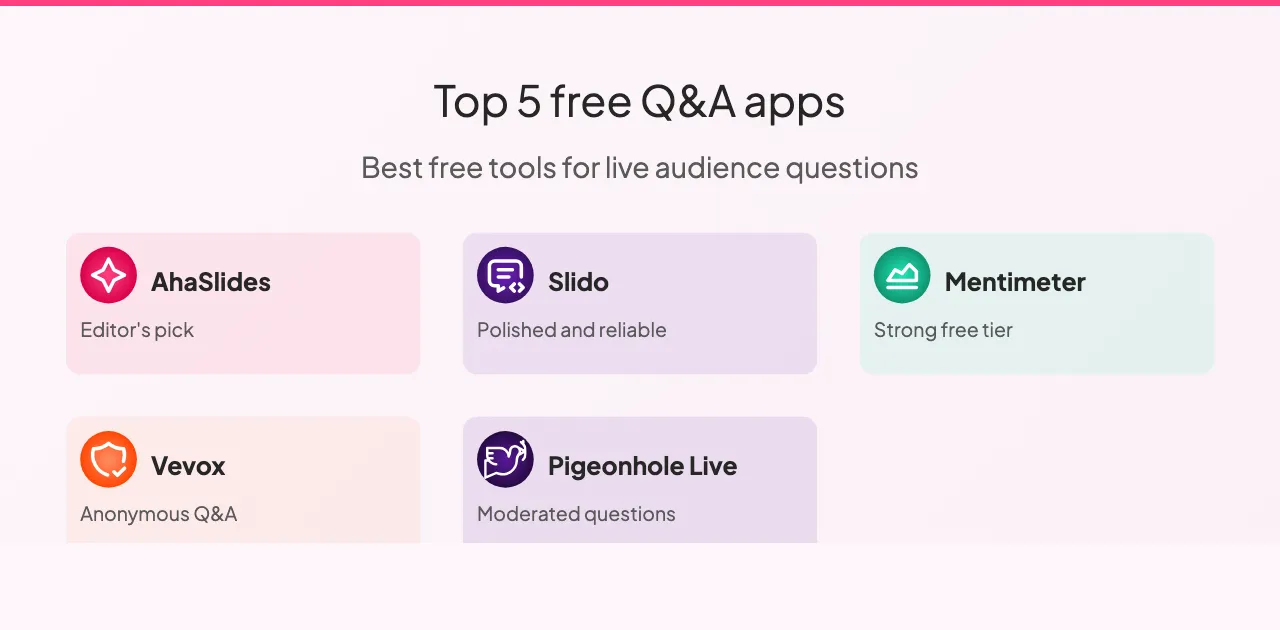
Kā rīki salīdzināmi
Visi pieci rīki atbalsta anonīmus jautājumus un auditorijas pozitīvu balsošanu, izņemot Vevox, kur pozitīvā balsošana ir ierobežota. Moderācijas iespējas atšķiras ievērojami vairāk: Slido un Pigeonhole piedāvā vismodernākās moderācijas vadīklas, Vevox ir spēcīgs, bet AhaSlides un Mentimeter pietiekami labi aptver pamatus lielākajai daļai iestatījumu.
Slaidu integrācija ir joma, kurā rīki visizteiktāk atšķiras. AhaSlides integrējas ar jūsu slaidiem dabiski, Slido piedāvā integrāciju ar galvenajām prezentāciju platformām, Mentimeter ir ierobežota integrācija, un Vevox un Pigeonhole vispār neintegrējas ar slaidiem.
Bezmaksas līmeņos: Slido ir visdāsnākais ar simts dalībniekiem, AhaSlides un Mentimeter atbalsta piecdesmit, Vevox bezmaksas līmenis ir ierobežots ar nelielām grupām, un Pigeonhole nepiedāvā nekādu nozīmīgu bezmaksas līmeni. Lielākajai daļai klases un nelielu sanāksmju iestatījumu jebkurš no pirmajiem trim līmeņiem aptver tipisko auditorijas lielumu bez maksas plāna.
Visu piecu pakalpojumu cenas ir līdzīgas: mēneša plāni svārstās no aptuveni astoņiem līdz astoņpadsmit dolāriem, iekļaujot paplašinātus dalībnieku ierobežojumus un uzlabotas funkcijas. Slido un Pigeonhole piedāvā uzņēmuma līmeņa cenas organizācijām, kas bieži rīko lielus pasākumus. AhaSlides, Mentimeter un Vevox piedāvā vispieejamākās piekļuves punktus indivīdiem un mazām komandām.
Kā maksimāli izmantot jautājumu un atbilžu rīkus
Dažas prakses rada pastāvīgu atšķirību neatkarīgi no tā, kuru platformu izvēlaties.
Pirms prezentācijas veiciet pārbaudi. Veiciet īsu sesiju ar kolēģi, lai pārliecinātos, ka iestatījumi darbojas, pārbaudiet interneta savienojumu un iepazīstieties ar saskarni. Tehniski pārsteigumi prezentācijas laikā novērš uzmanību tādā veidā, ko divu minūšu iepriekšēja pārbaude pilnībā novērš.
Pastāstiet auditorijai, kā tas darbojas, pirms viņiem tas ir jāizmanto. Paskaidrojiet, kur jāietver jautājumi, kā tos iesniegt un vai iesniegumi ir anonīmi. Trīsdesmit sekunžu ilgs skaidrojums sākumā nodrošina ievērojami lielāku līdzdalību nekā tad, ja cilvēki sesijas vidū tiek izdomāti paši.
Rādīt jautājumus ekrānā. Redzamība uztur augstu iesaisti. Cilvēki redz, ko citi jautā, kas bieži vien rosina jautājumus, kurus viņi paši nebūtu iedomājušies uzdot.
Lasiet jautājumus skaļi, pat ja tie ir redzami ekrānā. Tas uztur sarunas plūdumu un nodrošina, ka visi telpā esošie, tostarp tie, kuri, iespējams, nevar skaidri redzēt ekrānu, dzirdēja jautājumu.
Apspriediet redzēto, nevis vienkārši virzieties tālāk. Jautājuma pieņemšana, pat īsi, liecina, ka sniegtajai informācijai ir nozīme. Cilvēki, kuri jūtas uzklausīti, vairāk piedalās. Cilvēki, kuri jūtas ignorēti, vairs nejautā.
Pēc tam pārskatiet analītiku. Lielākā daļa platformu nodrošina atskaites pēc sesijas. Jautājumi, ko uzdeva jūsu auditorija, un tie, par kuriem viņi visvairāk balsoja pozitīvi, pastāsta, kas viņiem patiesībā rūp. Tā ir uzticamāka atgriezeniskā saite nekā iespaidi no atmiņas.
Ir arī dažas tendences, no kurām ir vērts izvairīties. Rīka palaišana, nepaskaidrojot tā darbību, nozīmē, ka lielākā daļa auditorijas to neizmantos. Jautājumu apkopošana un pēc tam uz tiem neatbildēšana ir sliktāka nekā to neapkopošana vispār: tas liecina, ka dalība bija performatīva. Pastāvīga atvēlētā laika pārsniegšana liecina par necieņu pret auditorijas grafiku, un jautājumu un atbilžu sadaļa parasti tiek pārtraukta, ja tas notiek.
Ietīšanas up
Vislabākais jautājumu un atbilžu rīks ir tas, kas atbilst jūsu faktiski darāmā darba mērogam un sarežģītībai. Lielākajai daļai klases un nelielu sanāksmju iestatījumu AhaSlides vai Mentimeter ļauj sākt darbu mazāk nekā piecās minūtēs. Lieliem korporatīviem pasākumiem, kuros galvenā problēma ir liela jautājumu apjoma pārvaldība, Slido moderācijas iespējas ir augstākas cenas vērtas. Vairāku dienu konferencēm ar vairākām vienlaicīgām sesijām Pigeonhole tiek galā ar sarežģītību, ko nekas cits šeit nedara.
Sāciet ar bezmaksas rīka līmeni, kas atbilst jūsu kontekstam. Pirms apņemšanās veiciet vienu reālu sesiju. Atšķirība starp prezentāciju, kurā jautājumi netiek uzdoti, un tādu, kurā auditorija jūtas patiesi uzklausīta, ir mazāka, nekā izskatās. Galvenais ir radīt apstākļus dalībai, nevis cerēt, ka tas notiks pats no sevis.