



V tomto porovnaní tvoríme jeden z nástrojov. To znamená, že na túto kategóriu máme perspektívu a rovnaká transparentnosť, akú sme priniesli do nášho sprievodcu nástrojmi umelej inteligencie, platí aj tu: úprimné zhodnotenie všetkých piatich možností vrátane našej vlastnej je pre vás užitočnejšie ako sprievodca, ktorý potichu ukazuje palec na váhe.
Takže tu je riešenie: posúdili sme päť nástrojov na otázky a odpovede podľa rovnakých kritérií. Ak je AhaSlides tou správnou voľbou, povieme to. Ak iný nástroj lepšie slúži konkrétnemu prípadu použitia, povieme to tiež. Cieľom je pomôcť vám nájsť nástroj, ktorý vyhovuje tomu, čo sa skutočne snažíte robiť.
Čo nástroje na otázky a odpovede skutočne riešia
Problém s otázkami v prezentáciách nie je v tom, že by ich publikum nemalo. Je to v tom, že podmienky na ich kladenie sú zvyčajne zlé. Zdvihnuté ruky uprednostňujú sebavedomých. Voľné priestory uprednostňujú hlučných. Väčšina ľudí s úprimnými otázkami mlčí, pretože kladenie otázok sa zdá byť riskantné alebo trápne.
Digitálne nástroje na otázky a odpovede menia podmienky . Anonymné príspevky odstraňujú sociálne riziko. Hlasovanie za odhalí to, čo sa miestnosť skutočne chce dozvedieť, a nie to, čo sa náhodou opýta jedna osoba. Moderovanie udržiava veci v správnom smere. Výsledkom je viac otázok, viac úprimných otázok a jasnejší obraz o tom, čo si vaše publikum skutočne myslí.
Päť nižšie uvedených nástrojov pristupuje k tomuto problému z rôznych uhlov pohľadu. Každý z nich je v niečom skutočne dobrý. Otázkou je, či to, v čom je dobrý, zodpovedá tomu, čo potrebujete.
Na čo si dať pozor pred výberom
Správny nástroj závisí od vášho konkrétneho kontextu. Pred porovnaním možností je potrebné odpovedať na niekoľko otázok: Koľkým ľuďom budete prezentovať a pokrýva to bezplatná úroveň? Potrebujete anonymné odosielanie a je to predvolená možnosť alebo možnosť, ktorú musíte povoliť? Akú kontrolu moderovania potrebujete nad tým, ktoré otázky sa zobrazujú na obrazovke? Potrebujete nástroj integrovať so snímkami alebo môže bežať samostatne? A koľko času máte na jeho nastavenie pred ďalšou prezentáciou?
Odpovede zúžia pole hľadania rýchlejšie ako akékoľvek porovnanie funkcií. Nasledujúce časti vám poskytnú všetko, čo potrebujete na konečné rozhodnutie.
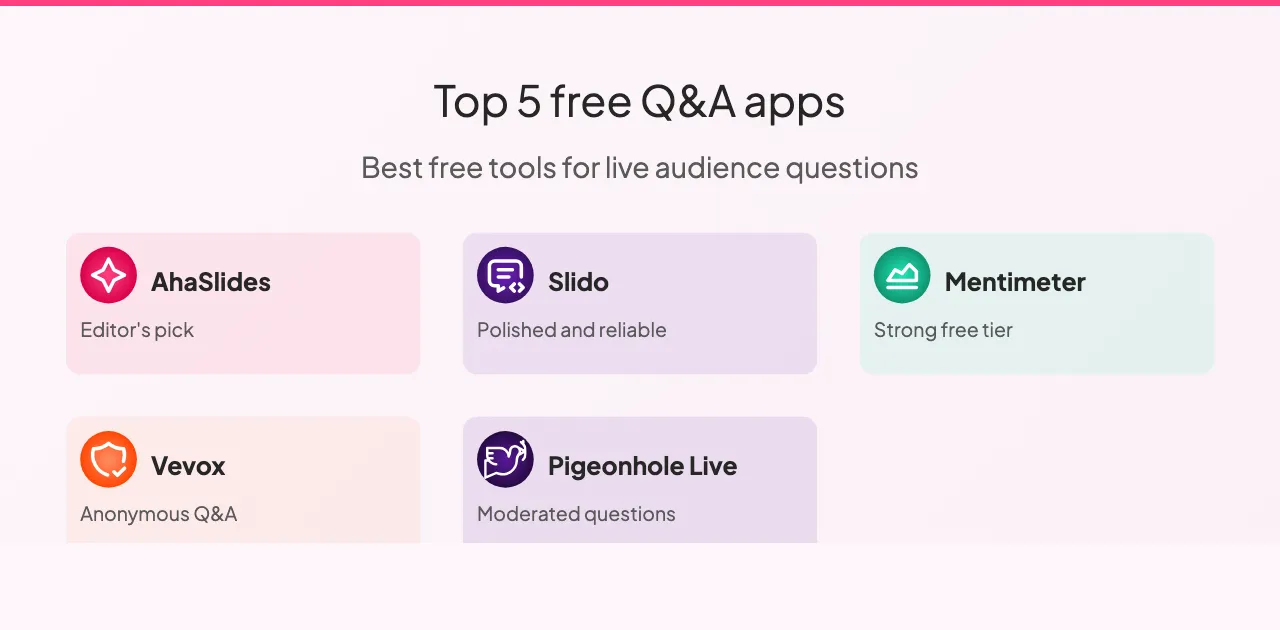
Päť nástrojov na otázky a odpovede, ktoré stojí za to poznať
Tu je návod, ako sa porovnávajú.
1. AhaSlides: najlepší pre integrované prezentácie
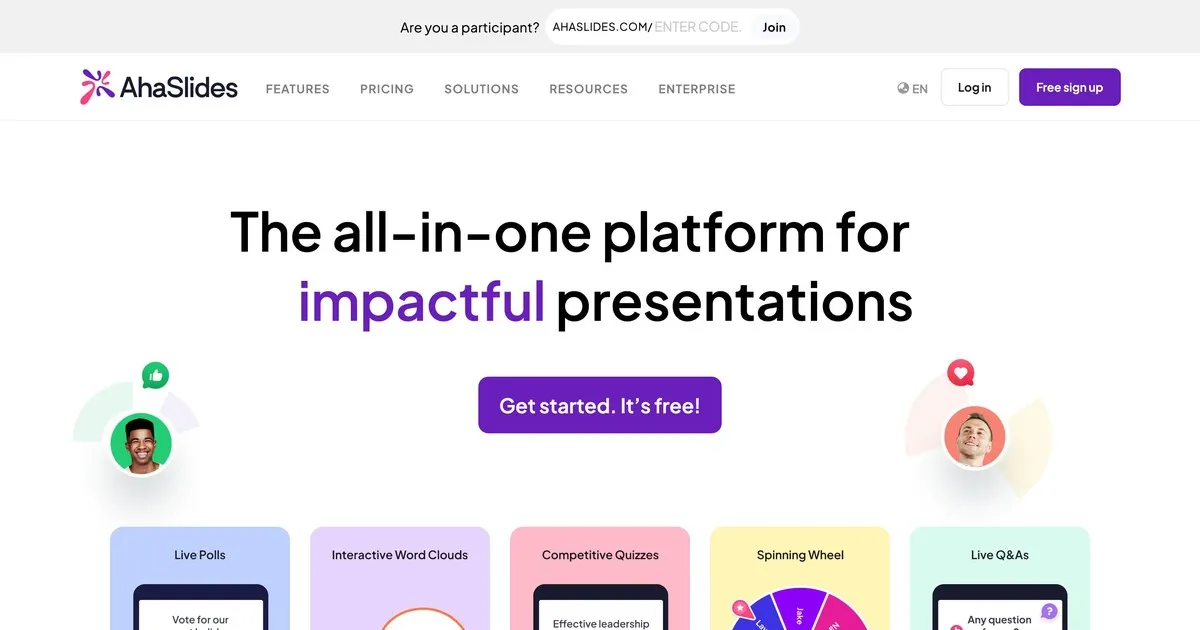
Toto je náš nástroj, takže berte tento záznam s rovnakým skepticizmom, aký by ste uplatnili pri akomkoľvek sebahodnotení. Čo by sme úprimne povedali: AhaSlides je postavený na myšlienke, že otázky a odpovede fungujú lepšie, keď sú súčasťou širšej interaktívnej relácie, a nie ako prídavná časť na konci.
Funkcia otázok a odpovedí je solídna. Je vstavané anonymné odosielanie otázok. Otázky môžete moderovať skôr, ako sa zobrazia na obrazovke. Členovia publika môžu hlasovať za otázky, na ktoré chcú odpovedať. AhaSlides sa od ostatných nástrojov líši tým, že otázky a odpovede sa nachádzajú popri anketách, slovných oblakoch, kvízoch a živých prezentáciách na jednej platforme. Ak chcete spustiť interaktívnu reláciu a nielen zbierať otázky, táto integrácia je dôležitá.
Kde sme slabší: AhaSlides je primárne prezentačný nástroj, ktorý zahŕňa otázky a odpovede, nie špecializovaná platforma pre otázky a odpovede. Ak je vašou hlavnou potrebou správa otázok a prezentujete pred veľkým publikom, možnosti moderovania Slido sú pokročilejšie. Bezplatná úroveň podporuje až päťdesiat účastníkov, čo pokrýva väčšinu prostredí pre triedy a malé stretnutia, ale nie veľké podujatia.
Najlepšie pre: učiteľov, firemných školiteľov a kohokoľvek, kto vedie stretnutia, kde sú otázky a odpovede jedným z niekoľkých interaktívnych prvkov, a nie ich hlavným zameraním.
2. Slido: najlepšie pre veľké firemné akcie

Slido je najúčelnejší nástroj na otázky a odpovede v tomto zozname. Zatiaľ čo ostatné platformy ponúkajú otázky a odpovede popri iných funkciách, Slido rozvinul svoje možnosti správy otázok viac ako ktokoľvek iný. Pre veľké publikum, kde prichádzajú desiatky alebo stovky otázok súčasne, sú Slidove ovládacie prvky moderovania, detekcia duplikátov a zoskupovanie otázok skutočne užitočné.
Anonymné odosielanie je štandardom. Hlasovanie publika automaticky zobrazuje najobľúbenejšie otázky. Moderátori môžu otázky pred ich zverejnením skontrolovať, upraviť, zoskupiť a odstrániť. Analýzy po udalosti ukazujú, ktoré otázky vzbudili najväčší záujem a ktoré témy publikum najviac zaujímali.
Obmedzením je sústredenie. Slido zvláda správu otázok výnimočne dobre a zvyšok kompetentne. Ak chcete širšiu interaktivitu ankiet, slovných oblakov a gamifikovaného obsahu spolu s otázkami a odpoveďami, iné nástroje v tomto zozname ich integrujú prirodzenejšie. Bezplatná úroveň podporuje sto účastníkov. Platené plány začínajú na približne sedemnástich dolároch mesačne.
Najlepšie na: konferencie, stretnutia všetkých zúčastnených strán, hovory o hospodárskych výsledkoch a akékoľvek veľké firemné prezentácie, kde je hlavnou výzvou zvládnutie veľkého množstva otázok.
3. Mentimeter: najlepší na zapojenie do vyučovania
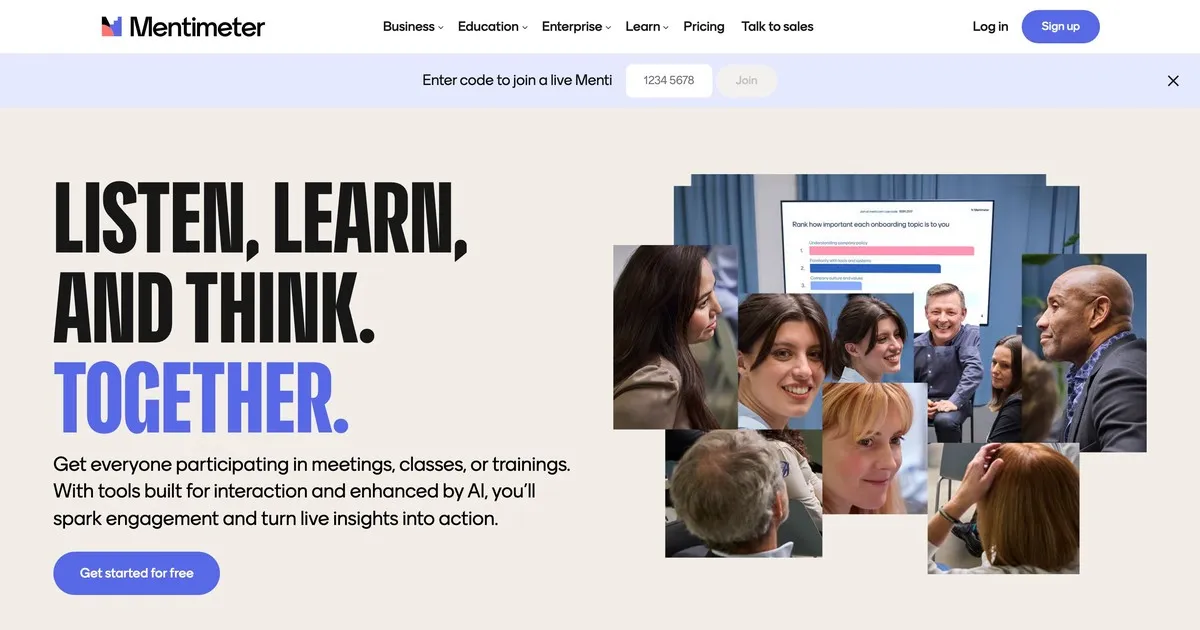
Mentimeter si vybudoval reputáciu v oblasti vzdelávania a stále tam vyniká. Rozhranie je rýchle, nastavenie je minimalistické a vizuálny dizajn je dostatočne príťažlivý, aby pôsobil moderne bez toho, aby rušil. Učitelia, ktorí nie sú zvlášť technicky zdatní, ho považujú za prístupný spôsobom, akým niektoré iné nástroje nie sú.
Funkcia otázok a odpovedí je priamočiara: anonymné odosielanie, možnosti moderovania a zobrazenie v reálnom čase. Mentimeter vyniká svojimi širšími možnosťami prieskumov a vizualizácie, ktoré sa lepšie hodia k rytmu triednej hodiny ako špecializovaná platforma otázok a odpovedí. Rýchle kontroly porozumenia, živé prieskumy verejnej mienky a otvorené otázky sú prirodzene súčasťou jednej relácie Mentimetra.
Bezplatná úroveň je obmedzenejšia ako niektoré alternatívy: päťdesiat účastníkov mesačne s maximálne piatimi prezentáciami. Pre pravidelné používanie v triede je pravdepodobne potrebný platený program. Platené programy začínajú na približne dvanástich dolároch mesačne.
Najlepšie pre: učiteľov, školiteľov a pedagógov na akejkoľvek úrovni, ktorí chcú mať otázky a odpovede ako súčasť širšieho interaktívneho zážitku v triede.
4. Vevox: najlepší pre vyššie vzdelávanie
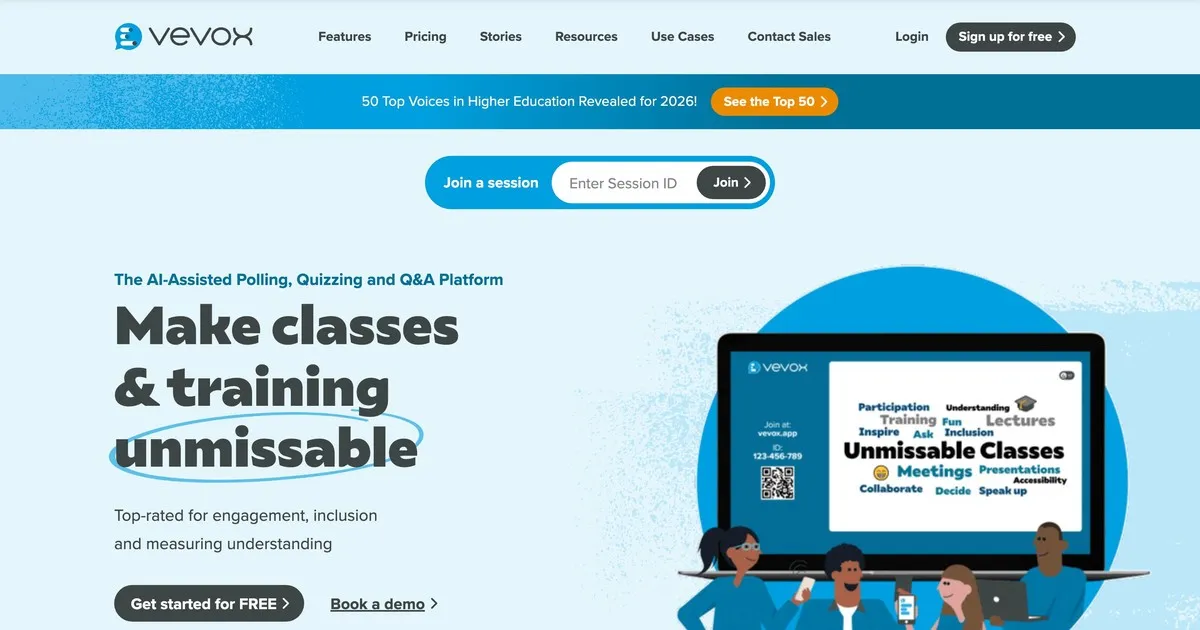
Vevox uprednostňuje spoľahlivosť a kontrolu moderovania pred vizuálnou prepracovanosťou. Je vytvorený špeciálne pre vzdelávacie prostredia, kde je schopnosť skontrolovať a filtrovať otázky skôr, ako ich študenti uvidia, dôležitejšia ako vzhľad rozhrania. Najlepšie výsledky dosahuje na univerzitách a vo veľkých prednáškových miestnostiach.
Anonymné odosielanie je skôr predvolené ako možnosť, čo je dôležité v prostrediach, kde je nepravdepodobné, že by študenti kládli otázky, ak je pripojené ich meno. Ovládacie prvky moderovania sú prísne: inštruktori môžu otázky kontrolovať, upravovať, zoskupovať a mazať skôr, ako sa zobrazia. Asistenti učiteľa môžu spravovať front, kým inštruktor prezentuje.
Rozhranie vyžaduje o niečo viac navigácie ako Mentimeter alebo AhaSlides, čo je dobré vedieť, ak je prioritou jednoduchosť nastavenia. Ceny špecifické pre vzdelávacie inštitúcie ho robia dostupným pre inštitúcie. Bezplatná úroveň je obmedzená a vhodná predovšetkým pre malé skupiny.
Najlepšie pre: univerzitných lektorov, profesorov a pedagógov v prostredí vyššieho vzdelávania, kde sú anonymné zasielanie príspevkov a prísna moderácia primárnymi požiadavkami.
5. Pigeonhole Live: najlepšie pre viacero podujatí
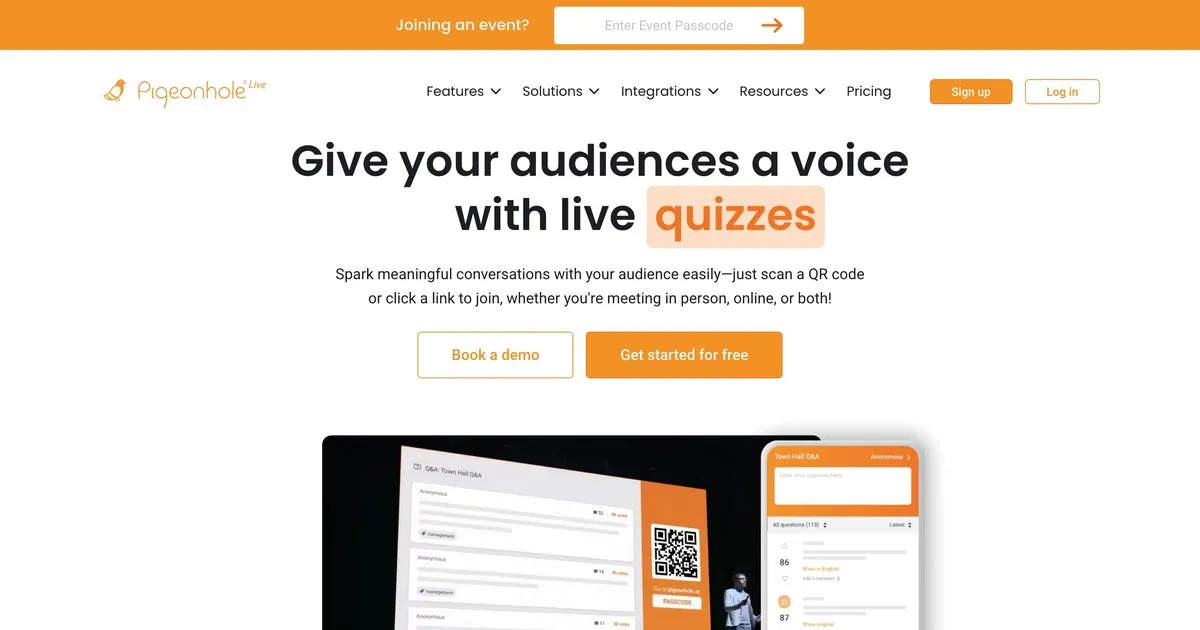
Pigeonhole zvláda zložitosť, pre ktorú ostatné nástroje v tomto zozname neboli navrhnuté. Ak organizujete konferenciu s desiatkami relácií prebiehajúcich súčasne, pričom každá má iného rečníka, miestnosti a načasovanie, Pigeonhole riadi túto logistickú štruktúru spôsobom, akým to jednoduchšie nástroje nedokážu.
Otázky a odpovede špecifické pre danú reláciu znamenajú, že otázky smerujú k správnemu rečníkovi, a nie sú súčasťou jedného zdieľaného zoznamu. Organizátori môžu spravovať otázky vo všetkých reláciách súčasne. Účastníci sa môžu zapojiť do viacerých relácií. Analýzy po podujatí ukazujú, ktoré relácie vygenerovali najväčšiu angažovanosť a ktoré témy vyvolali najviac otázok počas celej udalosti.
Nevýhodou je zložitosť nastavenia a cena. Pigeonhole vyžaduje viac konfigurácie ako ostatné nástroje tu a neponúka zmysluplnú bezplatnú úroveň. Pre jednu prezentáciu alebo malú udalosť je to viac, než potrebujete. Pre viacdňovú konferenciu s viacerými simultánnymi kanálmi je to pravdepodobne správna voľba.
Najlepšie pre: organizátorov konferencií, ktorí riadia viacero podujatí, kde je smerovanie otázok konkrétnym rečníkom a sledovanie zapojenia v rámci jednotlivých sekcií skutočnou prevádzkovou požiadavkou.
Porovnanie nástrojov
Všetkých päť nástrojov podporuje anonymné otázky a hlasovanie publika, s výnimkou Vevoxu, kde je hlasovanie obmedzené. Možnosti moderovania sa líšia výraznejšie: Slido a Pigeonhole ponúkajú najpokročilejšie ovládacie prvky moderovania, Vevox je silný a AhaSlides a Mentimeter dostatočne dobre pokrývajú základy pre väčšinu nastavení.
Integrácia slajdov je oblasť, v ktorej sa nástroje najviac líšia. AhaSlides sa natívne integruje s vašimi slajdmi, Slido ponúka integráciu s hlavnými prezentačnými platformami, Mentimeter má obmedzenú integráciu a Vevox a Pigeonhole sa so slajdmi vôbec neintegrujú.
Na bezplatných úrovniach: Slido je najštedrejší so sto účastníkmi, AhaSlides a Mentimeter podporujú päťdesiat, bezplatná úroveň Vevoxu je obmedzená na malé skupiny a Pigeonhole neponúka žiadnu zmysluplnú bezplatnú úroveň. Pre väčšinu tried a malých stretnutí pokrývajú prvé tri úrovne typickú veľkosť publika bez plateného plánu.
Ceny vo všetkých piatich programoch sa pohybujú podobne: mesačné programy sa pohybujú od približne osem do osemnásť dolárov za rozšírené limity účastníkov a pokročilé funkcie. Slido a Pigeonhole ponúkajú podnikové ceny pre organizácie, ktoré často organizujú veľké podujatia. AhaSlides, Mentimeter a Vevox ponúkajú najdostupnejšie vstupné body pre jednotlivcov a malé tímy.
Ako čo najlepšie využiť nástroje Otázky a odpovede
Niekoľko postupov má konzistentný vplyv bez ohľadu na to, ktorú platformu si vyberiete.
Pred prezentáciou si to otestujte. Urobte krátku konzultáciu s kolegom, aby ste overili, či nastavenie funguje, skontrolovali vaše internetové pripojenie a zvykli si na rozhranie. Technické prekvapenia počas prezentácie sú rušivé spôsobom, ktorému sa dvojminútová predbežná kontrola úplne vyhne.
Povedzte publiku, ako to funguje, ešte predtým, ako to bude potrebovať použiť. Vysvetlite, kam patria otázky, ako ich odoslať a či sú otázky anonymné. Tridsať sekúnd vysvetľovania na začiatku zabezpečí oveľa väčšiu účasť, ako keby ste nechali ľudí, aby si to uvedomili uprostred diskusie.
Zobrazujte otázky na obrazovke. Viditeľnosť udržiava vysokú mieru zapojenia. Ľudia vidia, čo sa pýtajú ostatní, čo často vyvoláva otázky, na ktoré by ich samostatne nenapadlo položiť.
Čítajte otázky nahlas, aj keď sú viditeľné na obrazovke. Udržiava to plynulosť konverzácie a zabezpečuje, že otázku počuli všetci v miestnosti vrátane ľudí, ktorí obrazovku nemusia jasne vidieť.
Diskutujte o tom, čo vidíte, namiesto toho, aby ste len pokračovali ďalej. Uznanie otázky, aj keď len stručne, signalizuje, že na jej vstupe záležalo. Ľudia, ktorí sa cítia vypočutí, sa viac zapájajú. Ľudia, ktorí sa cítia ignorovaní, sa už nepýtajú.
Následne si skontrolujte analytiku. Väčšina platforiem poskytuje správy po stretnutí. Otázky, ktoré vaše publikum položilo, a tie, ktoré najviac hlasovali, vám hovoria, na čom im skutočne záležalo. To je spoľahlivejšia spätná väzba ako dojmy z pamäte.
Existuje aj niekoľko vzorcov, ktorým sa oplatí vyhnúť. Spustenie bez vysvetlenia nástroja znamená, že väčšina vášho publika ho nebude používať. Zozbierať otázky a potom sa na ne nereagovať je horšie ako ich nezozbierať vôbec: signalizuje to, že účasť bola performatívna. Neustále prekročenie vyhradeného času signalizuje neúctu k harmonogramu vášho publika a v takom prípade sa zvyčajne vynechá sekcia otázok a odpovedí.
Baliť
Najlepší nástroj na otázky a odpovede je ten, ktorý zodpovedá rozsahu a komplexnosti toho, čo skutočne robíte. Pre väčšinu tried a malých stretnutí vám AhaSlides alebo Mentimeter pomôžu s riešením za menej ako päť minút. Pre veľké firemné akcie, kde je hlavnou výzvou zvládnutie veľkého množstva otázok, sa Slidoove moderačné schopnosti oplatia za vyššiu cenu. Pre viacdňové konferencie s viacerými simultánnymi reláciami sa Pigeonhole vysporiada so zložitosťou, ktorú tu nič iné nezvládne.
Začnite s bezplatnou verziou nástroja, ktorý vám vyhovuje. Predtým, ako sa rozhodnete, si ho vyskúšajte v jednej skutočnej relácii. Rozdiel medzi prezentáciou, kde sa otázky nekladú, a prezentáciou, kde sa vaše publikum cíti skutočne vypočuté, je menší, ako sa zdá. Ide skôr o vytvorenie podmienok pre účasť, než o nádej, že sa to stane samo od seba.