



Ask ChatGPT to generate an interactive presentation, quiz, or poll on any topic. AhaSlides builds the slides and hands you a shareable link. Review, tweak, and launch straight from your AhaSlides account.
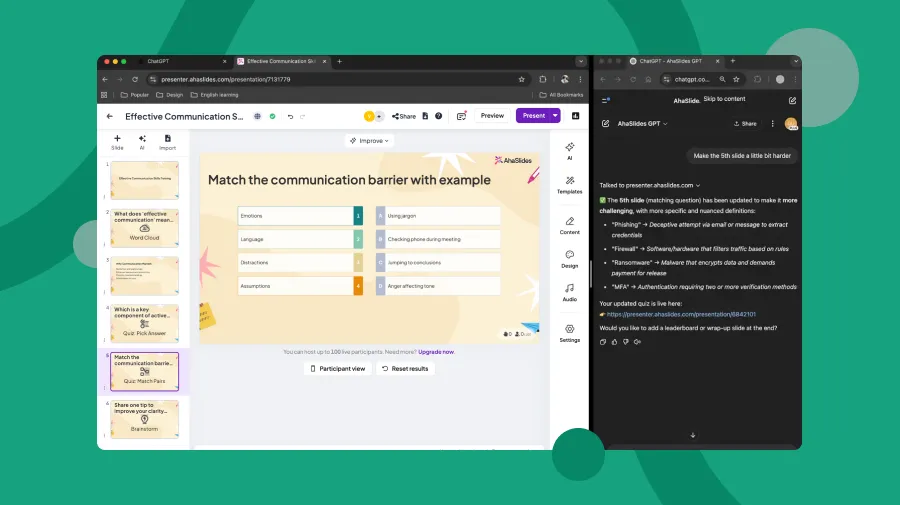
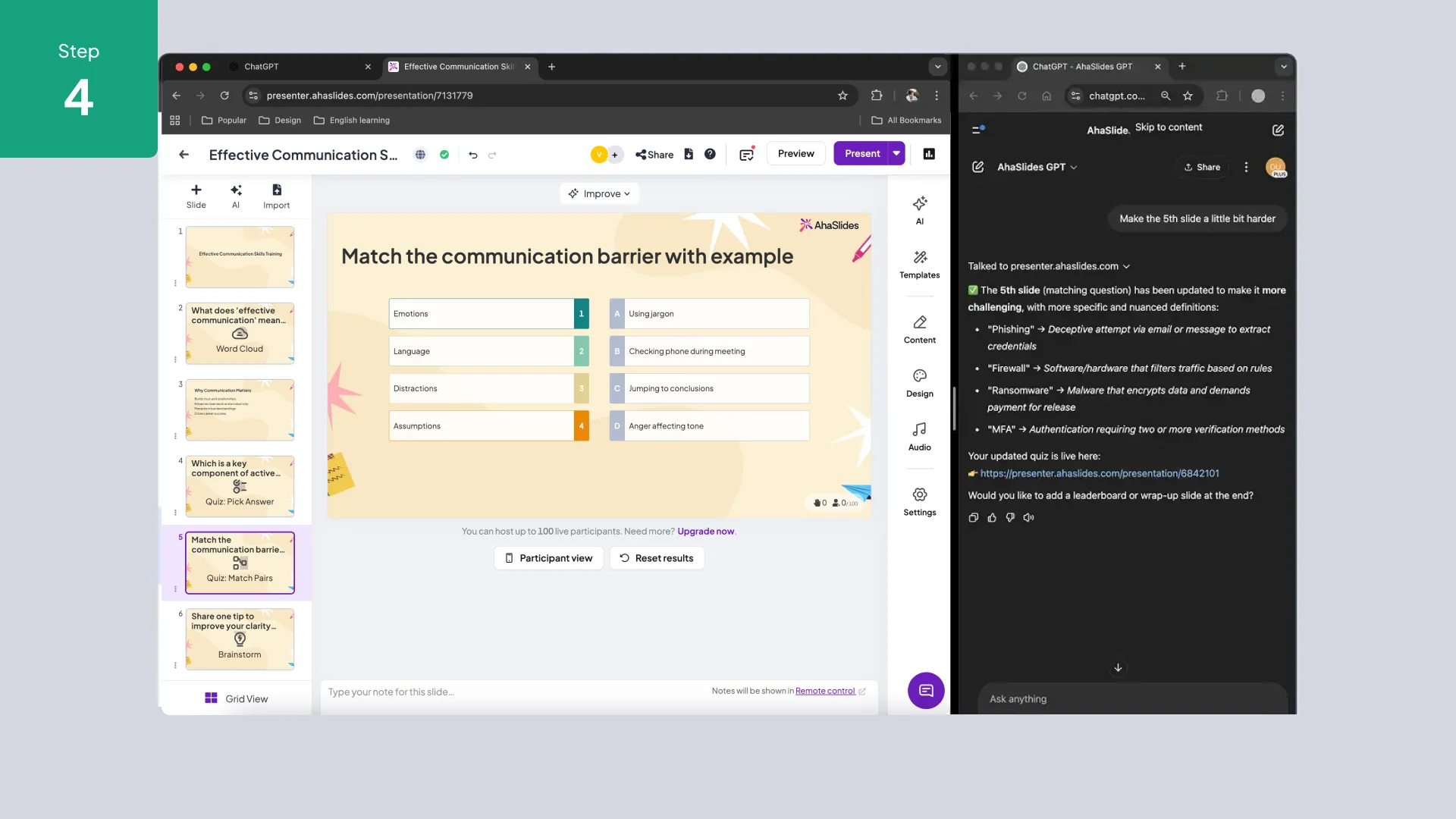
The AhaSlides ChatGPT plugin lets you use natural language to create interactive presentations, generate quiz questions, and summarize session results—all from within ChatGPT.
1. Enable the AhaSlides plugin in ChatGPT (Plus or above required).
2. Ask ChatGPT to create a presentation, quiz, or poll on any topic.
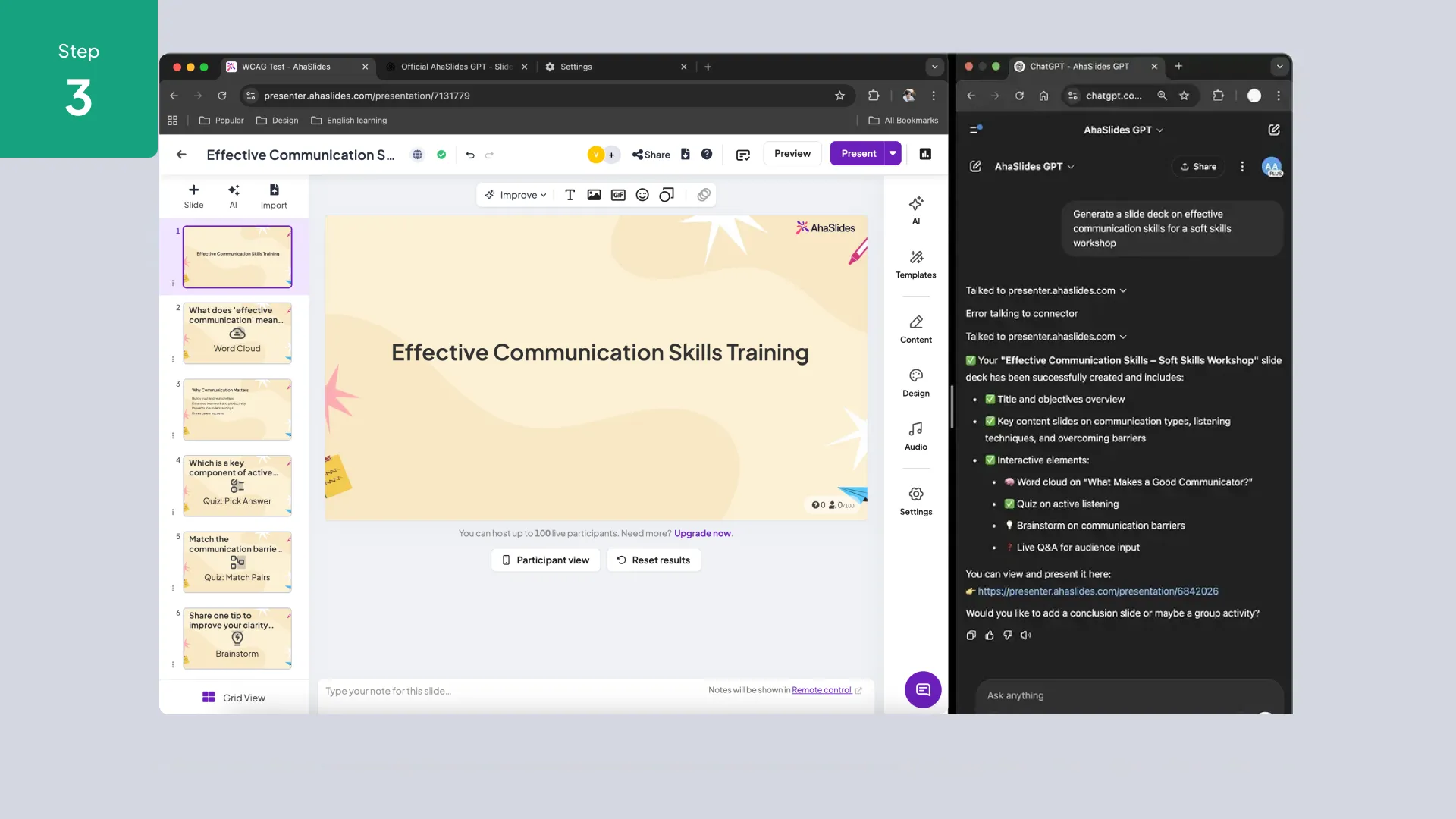
3. AhaSlides generates the slides and activities and returns a shareable link.
4. Open the link in AhaSlides, review the content, and launch your session.
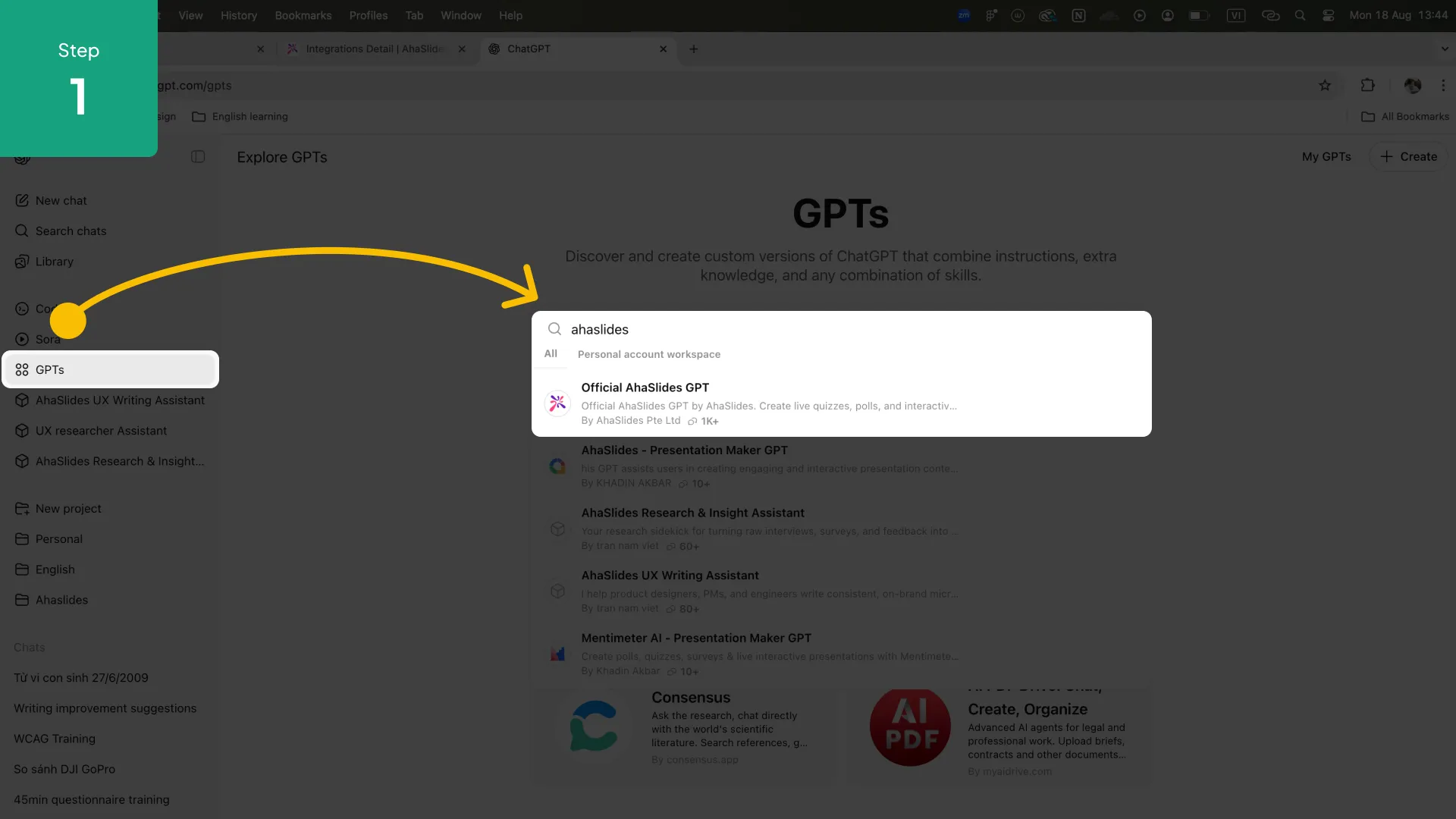
1. In ChatGPT, open the Plugin Store and search for AhaSlides.
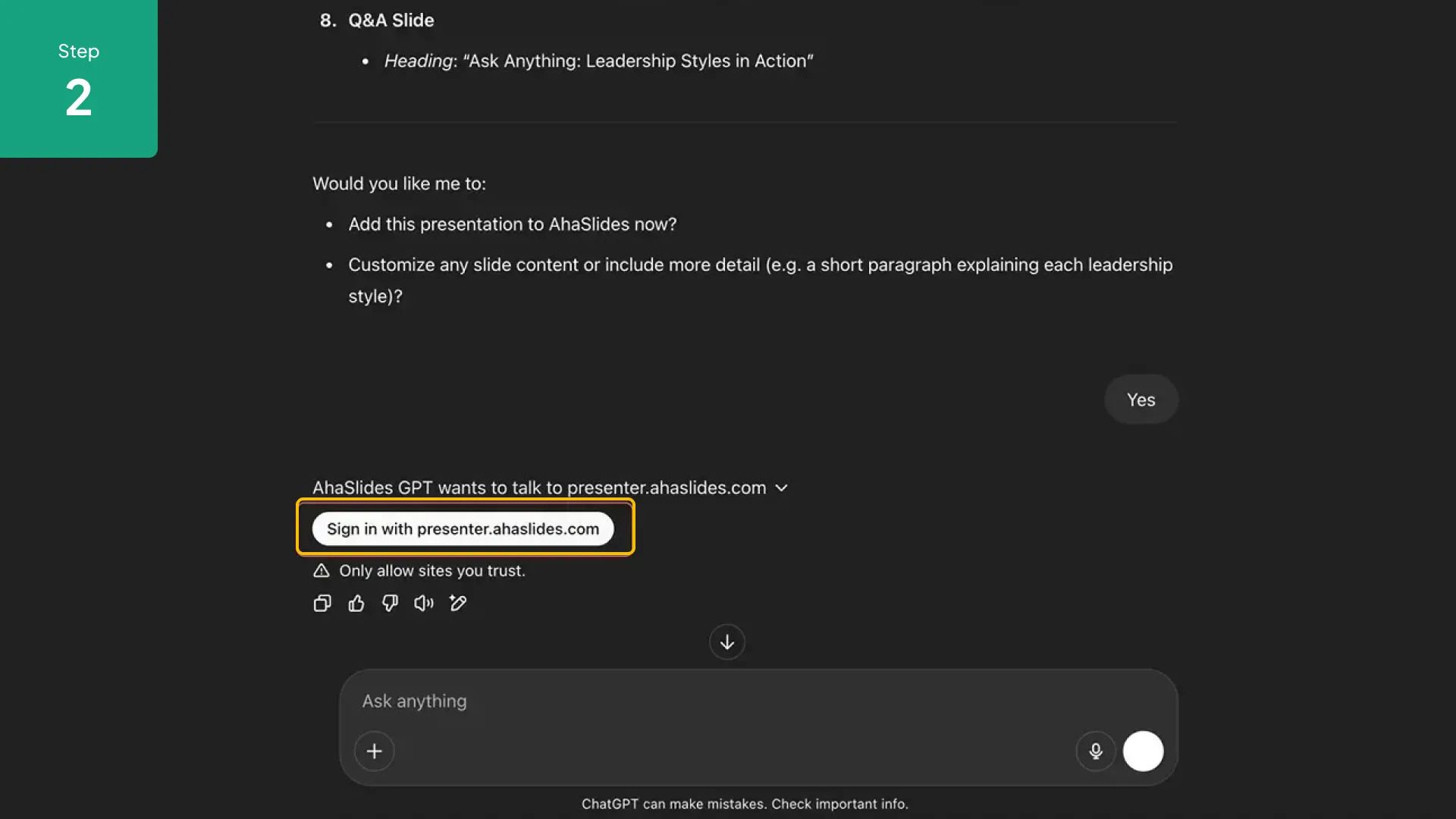
2. Click Install. You may be prompted to log in to or create an AhaSlides account.
3. Start a new ChatGPT conversation and enable the AhaSlides plugin from the plugin selector.
4. Type a request such as "Create a 5-question quiz about climate change" and the plugin handles the rest.
Instant Presentation Generation
Describe a topic and ChatGPT drafts a full slide deck with interactive elements—ready to present in minutes, not hours.
AI Quiz Builder
Generate multiple-choice, true/false, open-ended, or match-pairs questions automatically. Edit in AhaSlides before going live.
Session Summaries
After a session, ask ChatGPT to summarize participant responses, highlight trends, or draft a follow-up report.
Multilingual Support
Create presentations in any language ChatGPT supports—great for global teams and multilingual classrooms.