

Poll maker
Free Live Word Cloud Generator
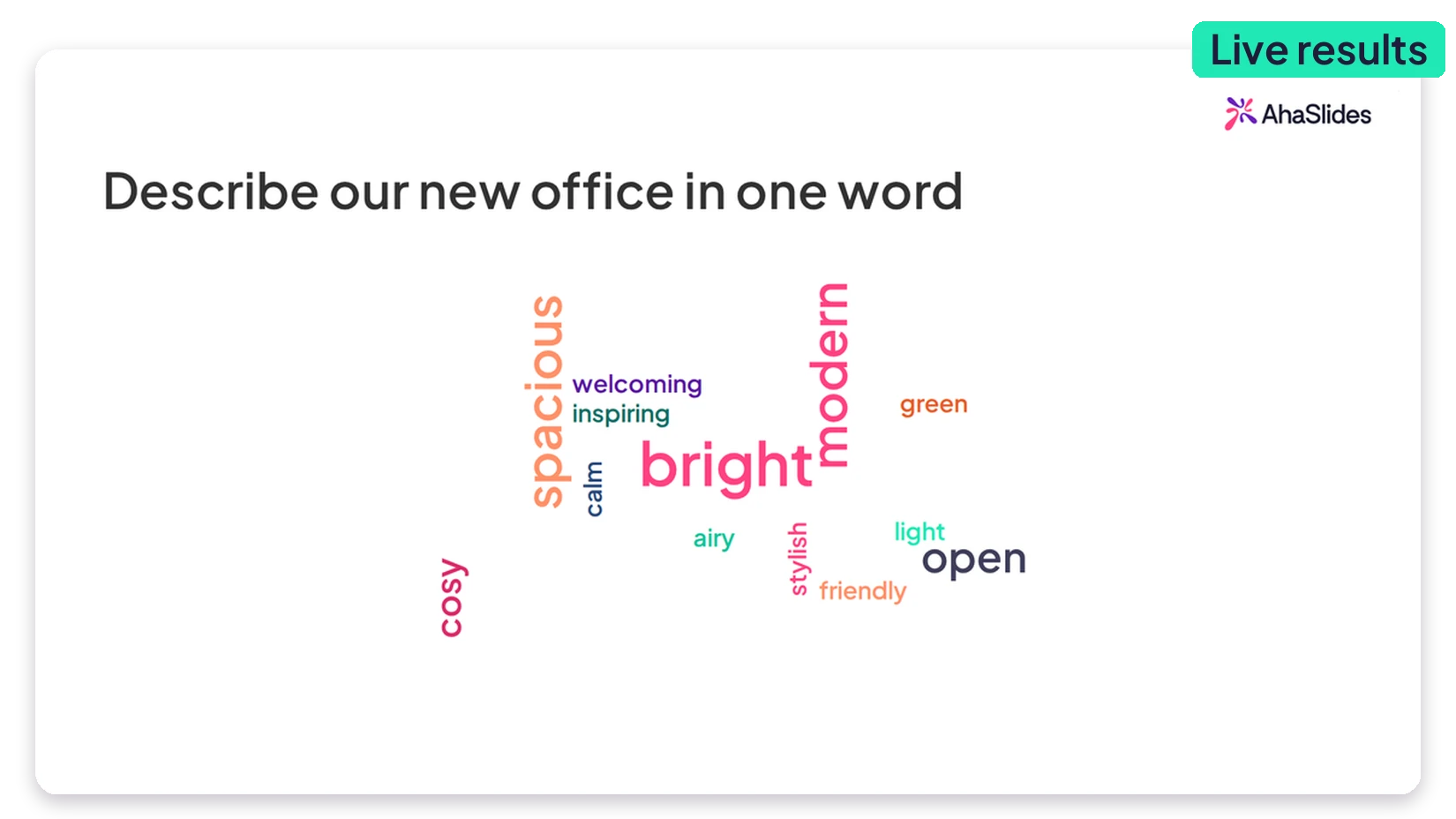
Turn a room full of thoughts into one picture. Your audience types a word on their phone, and the ideas they share most swell to the center of the screen
.webp)
.png)
.webp)
.png)

.webp)
.png)
.png)
.webp)
.png)
Hold attention and generate a buzz
Watch learning moments unfold as popular thoughts emerge in real time, revealing what the group really thinks and believes
Honest answers, no names attached
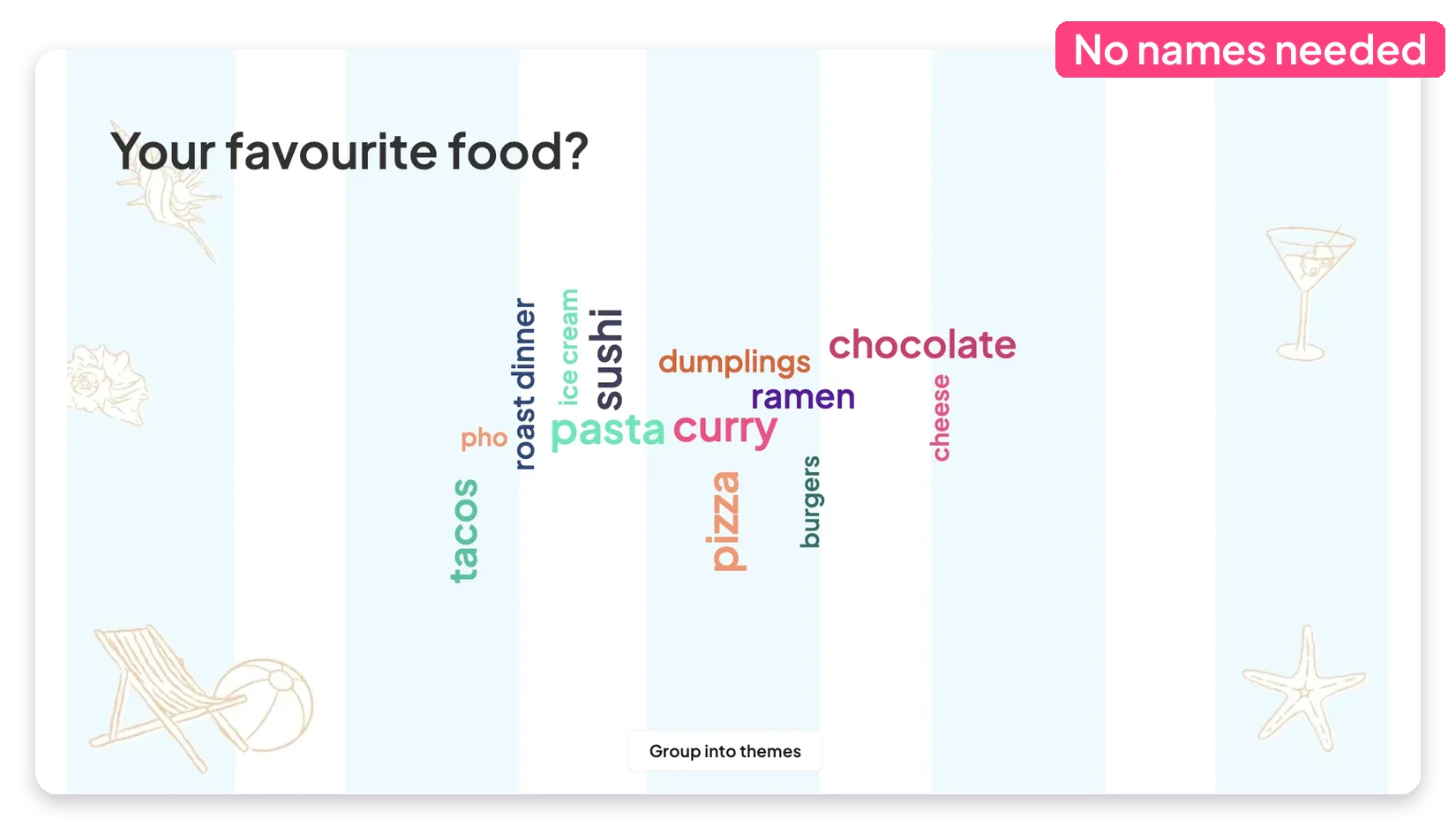
Responses are anonymous, so people type what they really think instead of the safe answer, giving you a truer read on the room, even on sensitive questions.
Keep the cloud clean and on topic
Switch on the profanity filter, hide off-topic words and let people submit more than one answer, so the cloud stays useful and safe to show on the big screen.

.svg)
.svg)
.svg)


%2520(1).svg)


Run word clouds in the tools you already use
Get it nowStart from a ready-made template





What our users say
Hear from the teachers, trainers and teams who use it every day.



FAQ
How does a word cloud work?
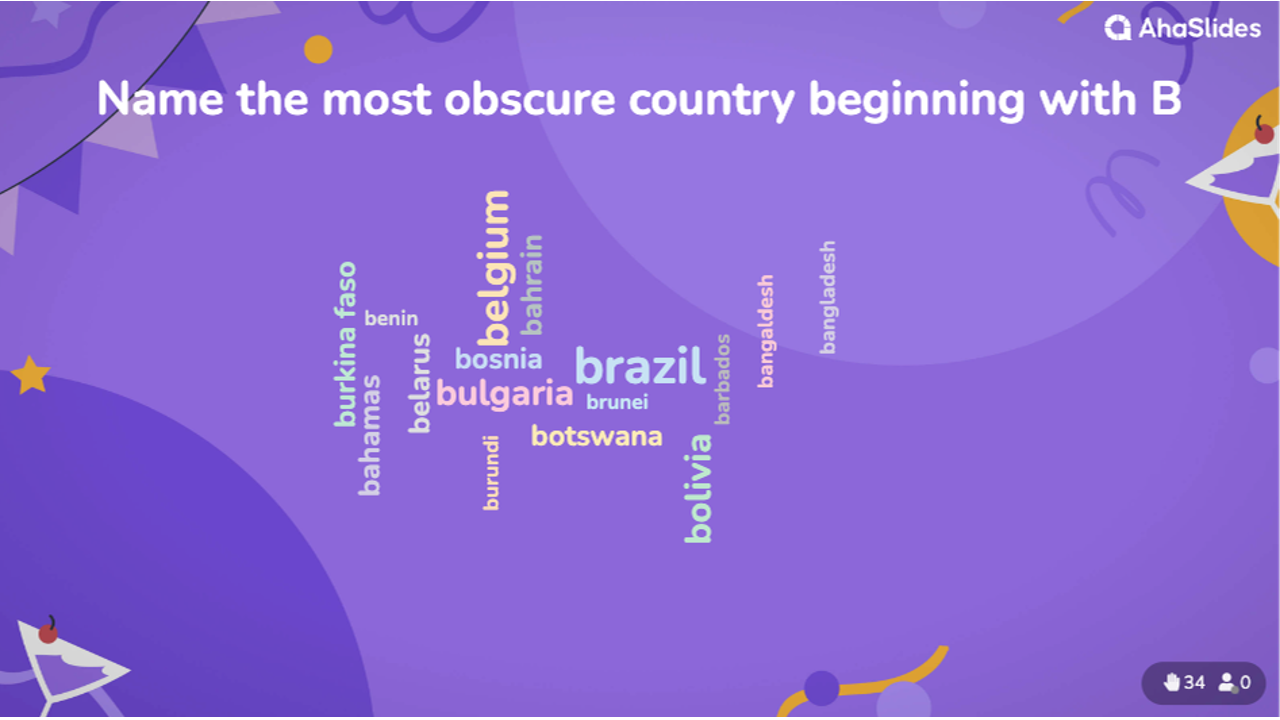
Ask an open question and your audience types short answers on their phones. The most popular answers appear biggest, and the cloud updates live as responses come in.
Can people submit more than one answer?
Yes. You can let each participant send several entries, which works well for brainstorms and quick check-ins.
Are word cloud responses anonymous?
Yes. Answers appear without names, so people share what they really think.
Can I filter out inappropriate words?
Yes. Turn on the profanity filter, and hide any entry you don't want on screen.
Do participants need an app or account?
No. They join with a QR code or link and respond from any phone or laptop browser.