

Poll maker
Live Q&A Tool for Meetings and Classes
Live Q&As give your audience a voice and you the feedback that matters in live, remote, or hybrid sessions.
.webp)
.png)
.webp)
.png)

.webp)
.png)
.png)
.webp)
.png)
Turn sleepy slides into conversations that count
Open the floor mid-presentation and let the audience ask and react from their phones, turning a one-way slide into a genuine two-way conversation.
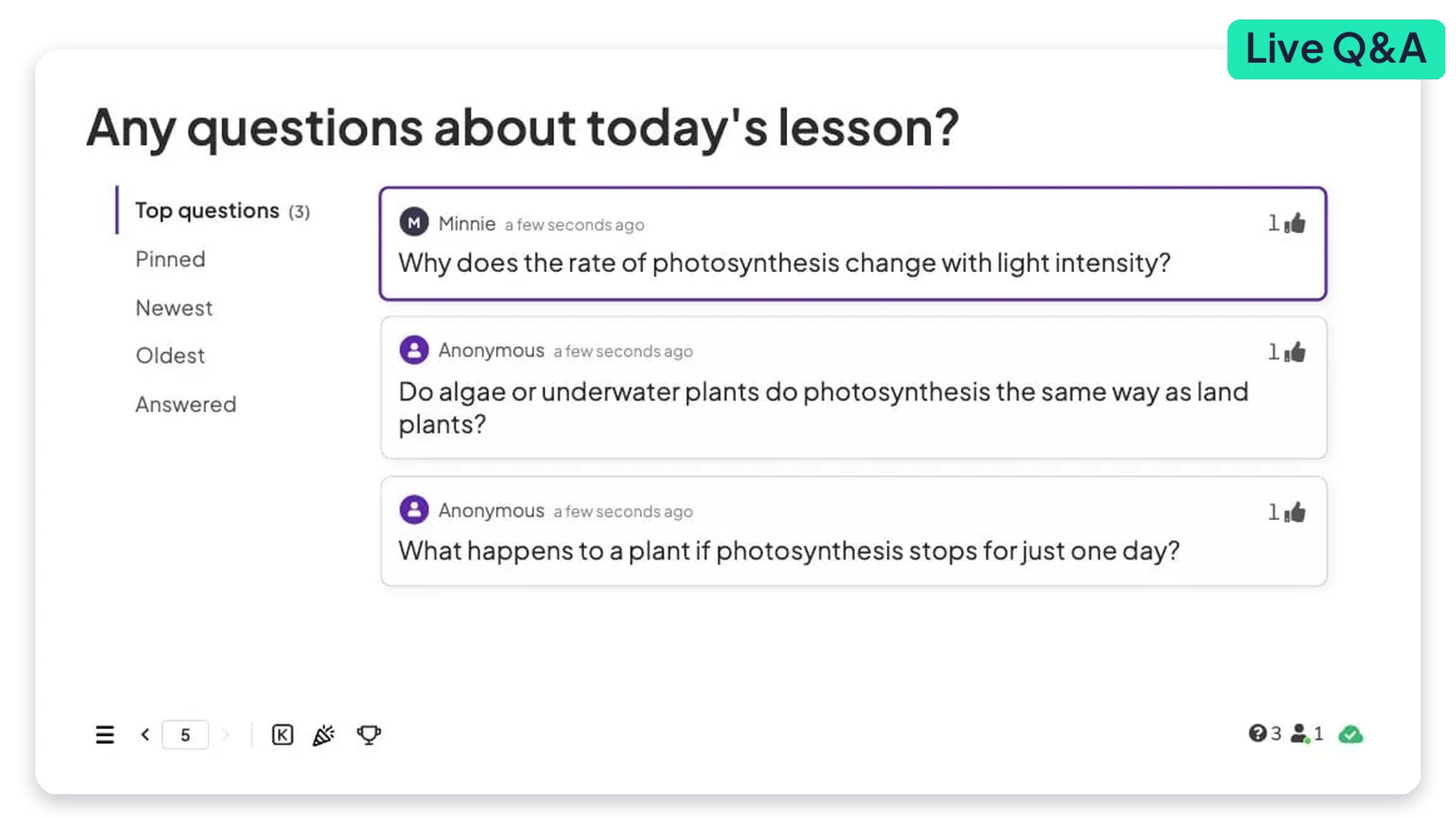
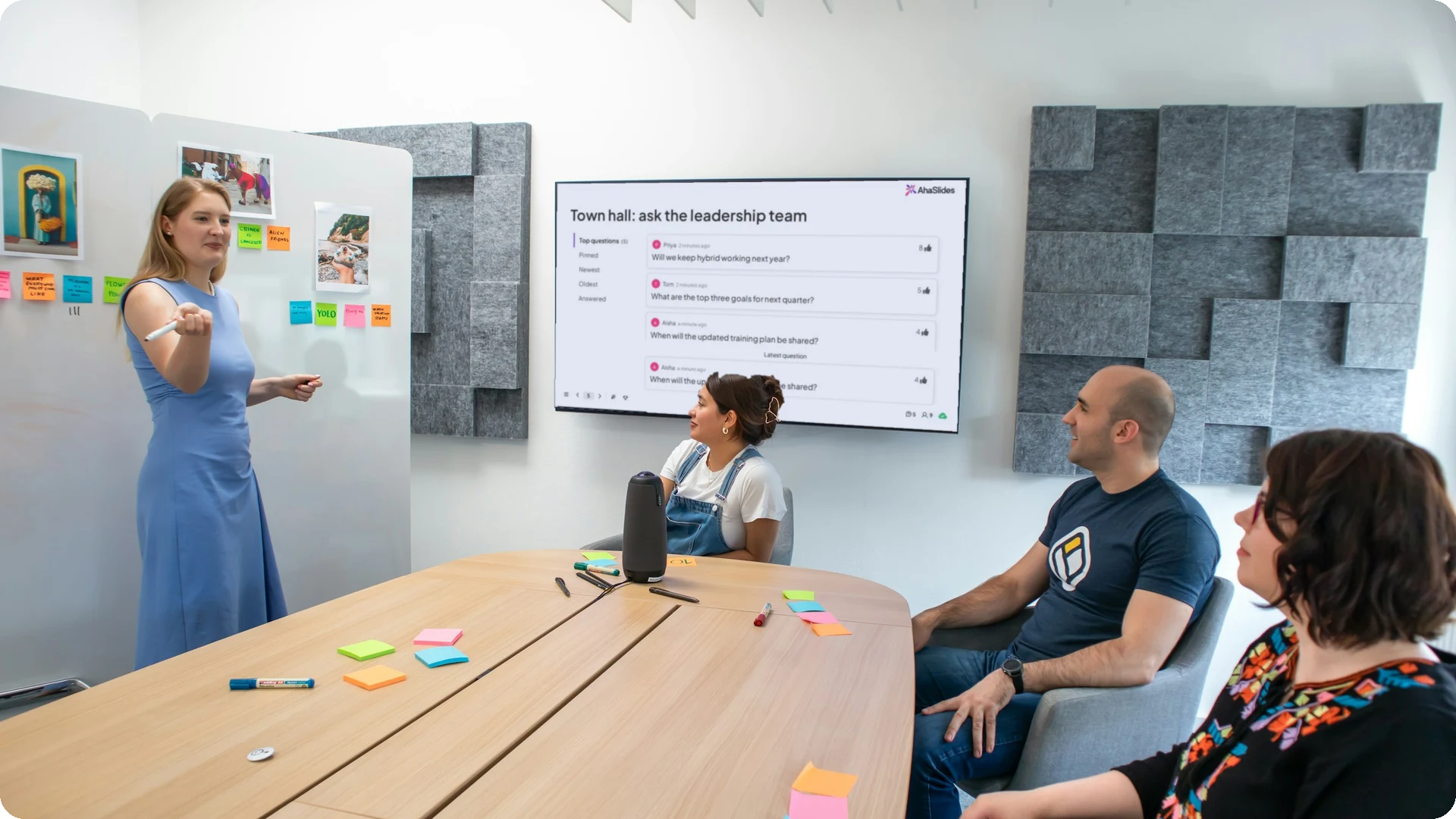
Live question collection
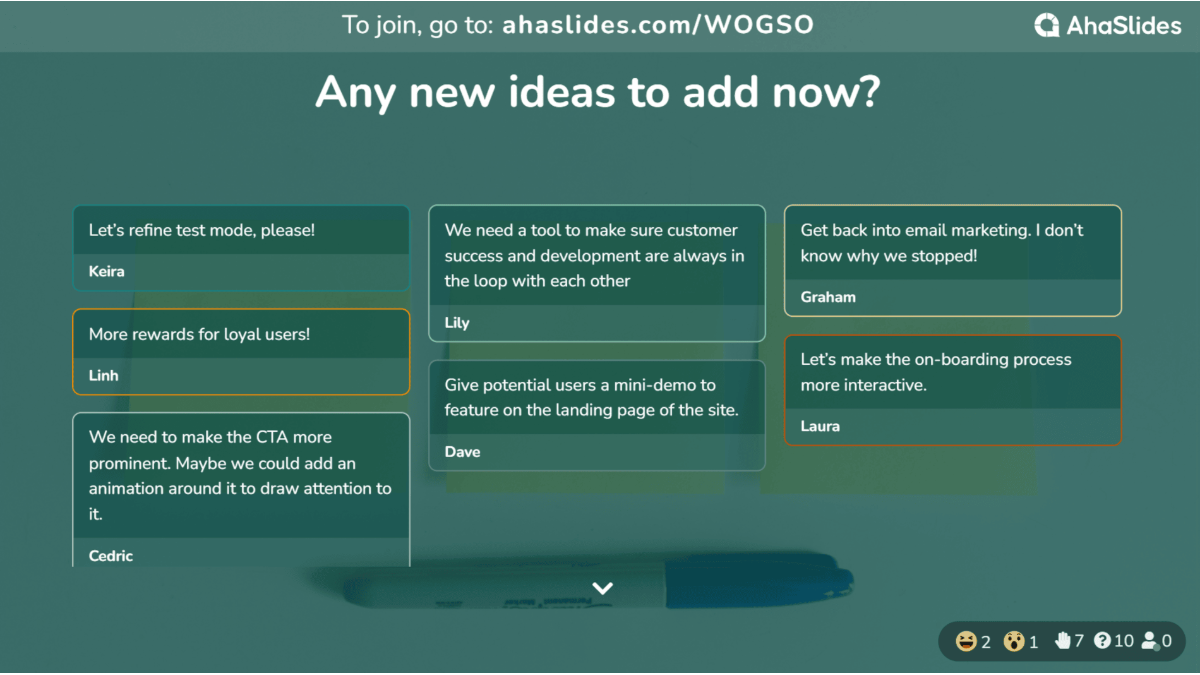
Attendees post questions from their phones at any time, no interruptions and upvote the ones they want answered, so the most-wanted questions rise to the top.
Stay in control with moderation
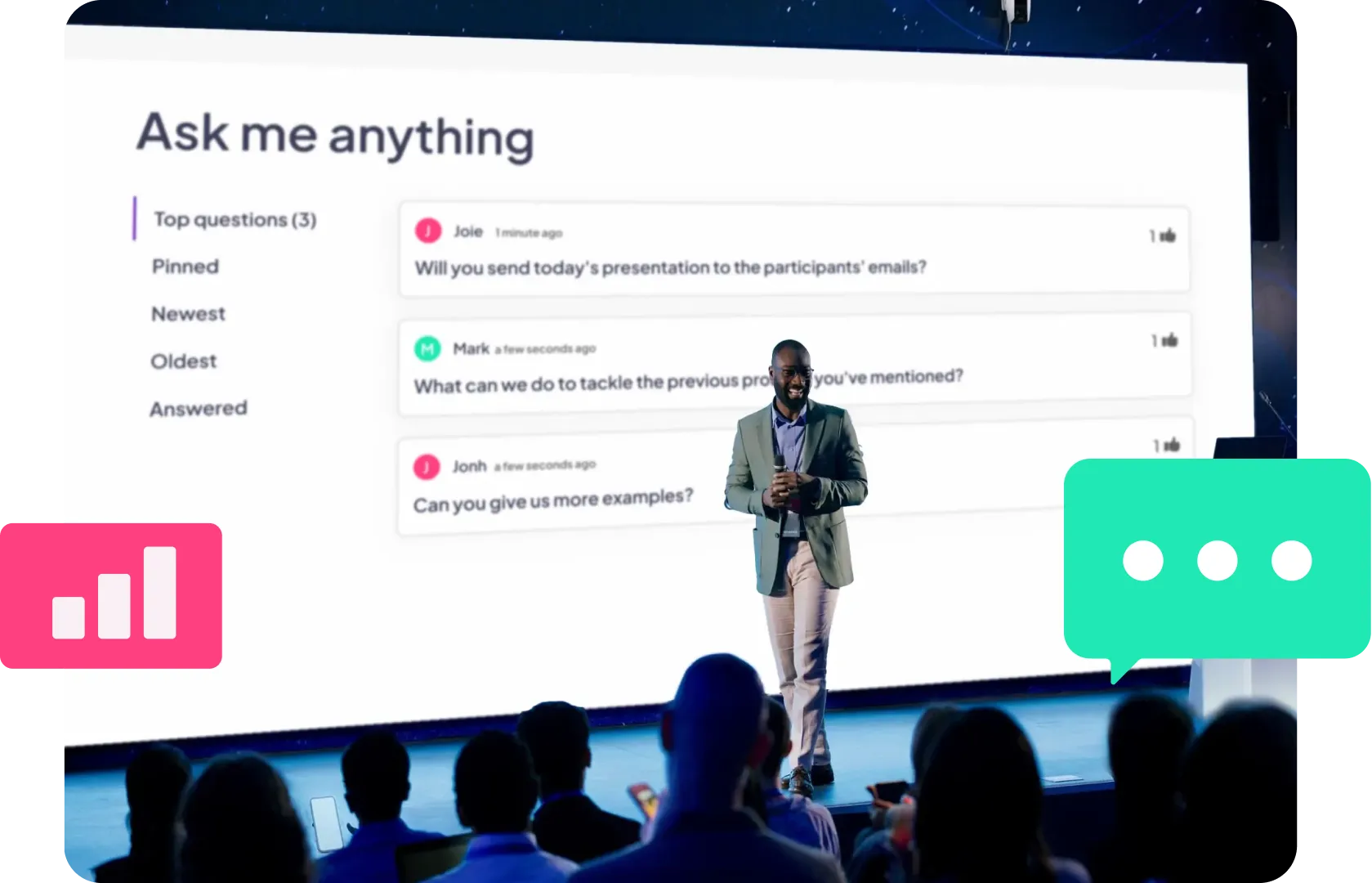
Review questions before they reach the screen, let people ask anonymously and mark questions as answered, so every session stays on track and nothing gets missed.
.svg)
.svg)
.svg)


%2520(1).svg)


Run live Q&A in the tools you already use
Get it nowStart from a ready-made template



What our users say
Hear from the teachers, trainers and teams who use it every day.



FAQ
How do participants ask questions?
They join with a QR code or link and type their question on their phone or laptop during your session.
Can people ask anonymously?
Yes. Participants can post without their name, so quieter voices feel comfortable speaking up.
Can I review questions before they appear?
Yes. Turn on moderation to approve each question before it shows on screen.
Can the audience upvote questions?
Yes. Upvotes push the most wanted questions to the top, so you answer what matters most first.
Do participants need an app or account?
No. They join with a QR code or link and respond from any phone or laptop browser.